
The 7 AI Workflows That Quietly Save Bloggers 10+ Hours Every Week

AI workflows for bloggers

Most bloggers do not have a traffic problem at the beginning.

They have a time problem.

You start the week with good intentions. Research one topic. Write one article. Create a Pinterest pin. Send a newsletter. Update an old post. Publish something on social media.

Simple enough.

Then reality arrives.

Research takes longer than expected. Screenshots eat 30 minutes. Canva turns into a one-hour design session. Affiliate links need updating. A WordPress plugin breaks something. The newsletter still has not been written. The article is half-done and the day is gone.

I have felt this while building AI Sage Labs.

AI workflows for bloggers

The interesting part is that many of those tasks do not require deep creativity. They are repetitive, administrative or structural. That is exactly where AI workflows for bloggers become useful.

Not because AI magically builds a successful blog. It does not.

But because the right workflows remove the boring parts that quietly eat hours every week.

Over the past year, I have tested dozens of AI tools, automation systems and content workflows. Some were overhyped. Some were genuinely useful. The seven workflows below are the ones I would start with first because they save real time without making content feel robotic.

If you are a blogger, affiliate marketer, content creator or solo founder, these are the AI workflows for bloggers that can realistically save 10+ hours a week once you use them consistently.

The best part is that these AI workflows for bloggers do not require a giant tech stack. They mostly require a repeatable way to plan, draft, polish, repurpose and track your work.

Why AI Workflows Matter More Than AI Tools

Most beginners approach AI the wrong way.

They ask, “What is the best AI tool?”

A better question is, “What part of my blogging workflow is wasting the most time?”

A tool without a workflow becomes another tab, another subscription and another excuse to delay publishing. A workflow gives the tool a job.

For example, ChatGPT is not a blogging system by itself. Canva is not a traffic strategy. Make.com is not a business plan. Grammarly is not an editor with judgment. Each tool becomes useful only when it fits into a repeatable process.

The strongest AI workflows for bloggers usually follow this pattern:

  1. Use data or reader questions to choose the topic.
  2. Use AI to organize research and build structure.
  3. Write with human experience and judgment.
  4. Use AI to edit, repurpose, and distribute.
  5. Track what worked and improve the next cycle.

That is not glamorous. But it works.

If you want a broader tool stack before building systems, our guide to the best AI automation tools for bloggers explains the core tools that fit into these workflows.

Workflow 1: Stop Starting Every Article From a Blank Page

One of the biggest time-wasters in blogging is not writing.

It is deciding what to write.

You open a new document. Look at a keyword. Open five browser tabs. Read competitor articles. Take notes. Get distracted. Open another tab. Repeat.

Before you write the first paragraph, you have already spent an hour.

A better workflow starts with real topic signals.

Use Google Search Console to find:

  • Queries where your site already gets impressions
  • Pages ranking outside the top 10
  • Topics with high impressions and low clicks
  • Search terms that reveal beginner questions
  • Older posts that could become stronger with updates

Then use an AI assistant to organize the opportunity.

A useful prompt:

I found these Search Console queries for my blog: [paste queries]. Group them into content topics. Suggest which topics should become new posts, which should be added to existing posts and which have buyer intent.

This removes the messy planning stage.

Instead of staring at a blank page, you start with a topic cluster, search intent and a clear angle.

For example, if Search Console shows impressions around “AI affiliate marketing,” “AI review posts,” and “AI tools for affiliate marketers,” you can turn those signals into a complete content cluster instead of guessing randomly.

That is the first serious time saving: fewer random ideas, more evidence-backed planning.

Workflow 2: Use AI to Turn Research Into a Clean Outline

Research is necessary. Research chaos is optional.

Many bloggers lose time because they collect information without turning it into a structure.

They have notes from competitor pages, official docs, YouTube videos, Reddit threads, screenshots, pricing pages and personal testing. But the article still feels unclear because the information is scattered.

This is where AI can act as a research organizer.

Do not ask AI to write the whole article first.

Ask it to organize your notes.

Use this workflow:

  1. Collect research from official sources, your own testing and competing articles.
  2. Paste the notes into ChatGPT, Claude or another AI assistant.
  3. Ask it to group the notes by reader question.
  4. Ask for a logical article outline.
  5. Edit the outline manually before drafting.

A good prompt:

I am writing a blog post for beginner bloggers about [topic]. Here are my research notes. Organize them into a helpful article outline with sections for beginner context, practical workflow, mistakes, examples, tools, FAQs, and final checklist. Do not add facts that are not in my notes.

This workflow helps you avoid generic AI content because the output is based on your research.

It also saves time because you are not trying to mentally hold the entire article structure in your head.

If you write affiliate content, this is especially important. Trust depends on research, clear comparison and honest judgment. Our guide on writing affiliate review posts with AI shows how to use this research-first method for product reviews.

Workflow 3: Draft Section by Section Instead of One Giant Article

One-click AI articles usually sound like one-click AI articles.

They are smooth, confident, and strangely empty.

The better workflow is section-by-section drafting.

Instead of asking AI to write a 3,000-word article, ask it to help with one section at a time.

For example:

  • Draft the introduction from this angle.
  • Explain this workflow in simple language.
  • Turn these notes into a pros and cons section.
  • Create a practical example for beginner bloggers.
  • Rewrite this paragraph to sound clearer and less salesy.
  • Create FAQs based only on the article above.

This gives you control.

You can review each section before moving on. You can add your own experience. You can remove hype early. You can prevent the article from becoming generic.

The best AI workflows for bloggers keep the human decision-maker in the loop.

A simple section prompt:

Write this section for beginner bloggers using the notes below. Keep the tone practical and honest. Avoid hype. Include one example and one caution. Do not invent statistics or results.

This approach is slightly slower than generating a full draft in one click, but it produces a much better article and saves editing time later.

Workflow 4: Build SEO While You Write

Many bloggers treat SEO as something that happens after the article is finished.

That creates extra work.

You write the post, then go back later trying to add keywords, internal links, FAQs, headings and missing search intent. It feels like patching the article instead of building it properly.

A better workflow is to build SEO into the writing process.

Keep a simple checklist open while drafting:

  • Does the introduction answer the main question quickly?
  • Does each section solve a real reader problem?
  • Are related questions answered naturally?
  • Are internal links added where they genuinely help?
  • Are examples included?
  • Is the content based on real research or experience?
  • Are FAQs included near the end?
  • Is the final verdict or takeaway clear?

Use AI to check the draft before publishing.

Prompt:

Review this draft for search intent gaps. What questions would a beginner still have after reading it? Suggest missing sections, FAQs, internal link opportunities and examples. Do not rewrite the whole article.

This workflow saves time because you are not doing a separate SEO pass from scratch.

It also helps you follow Google’s direction around helpful AI-assisted content. Google has said that appropriate use of AI is not against its guidelines, but content created mainly to manipulate rankings or add little value can be a problem.

That means AI should help you create clearer, more useful content, not thin pages at scale.

If you want to compare writing tools for this stage, our AI writing tools tested guide breaks down which tools are strongest for drafting, SEO, editing and budget use.

Workflow 5: Turn One Blog Post Into Five Content Assets

This is one of the fastest ways to save time.

Most bloggers publish an article once and move on.

That wastes effort.

Every strong blog post should become multiple assets. The article stays the source. AI helps reshape it for other platforms.

One article can become:

  • One Pinterest infographic
  • One Pinterest list pin
  • One Pinterest carousel
  • One Facebook post
  • One LinkedIn post
  • One newsletter
  • One short YouTube script
  • One lead magnet idea

For example, this article could become:

  • 7 AI workflows every blogger should try
  • 5 AI tools that save bloggers hours every week
  • AI blogging workflow checklist
  • How I plan one blog post in 15 minutes
  • The weekly AI blogging system I would use again

Use AI to create rough versions.

Prompt:

Turn this blog post into five promotional assets: one Pinterest pin title, one Pinterest description, one Facebook post, one newsletter intro and one short video script. Keep the tone practical and avoid clickbait.

Then edit the outputs manually.

For design, Canva is usually enough. You do not need to become a graphic designer to create a consistent visual system for blog promotion.

This workflow saves time because you stop asking, “What should I post today?” The blog post becomes the source of the entire promotion cycle.

Workflow 6: Create Lead Magnets From Existing Content

Most affiliate bloggers focus heavily on traffic and not enough on lead generation.

That creates a missed opportunity.

If someone reads your article and leaves, you may never see them again. A simple lead magnet gives them a reason to stay connected.

AI makes lead magnet creation much faster.

A blog post can become:

  • A checklist
  • A PDF guide
  • A prompt pack
  • A comparison worksheet
  • A swipe file
  • A resource library
  • A mini email course
  • A decision quiz

The key is relevance.

A post about AI writing tools should offer an AI writing checklist. A post about affiliate reviews should offer a review template. A post about automation should offer a workflow map.

A simple prompt:

Create a one-page checklist based on this blog post. The checklist should help beginner bloggers apply the advice in 20 minutes. Keep it practical, short, and printable.

Then use Canva to turn the checklist into a simple PDF.

This workflow can turn old content into email list growth without requiring a new article from scratch.

If your blog is monetized with affiliate offers, this also gives you a warmer audience for future recommendations. For broader income strategy, read our guide on how bloggers make money with AI tools.

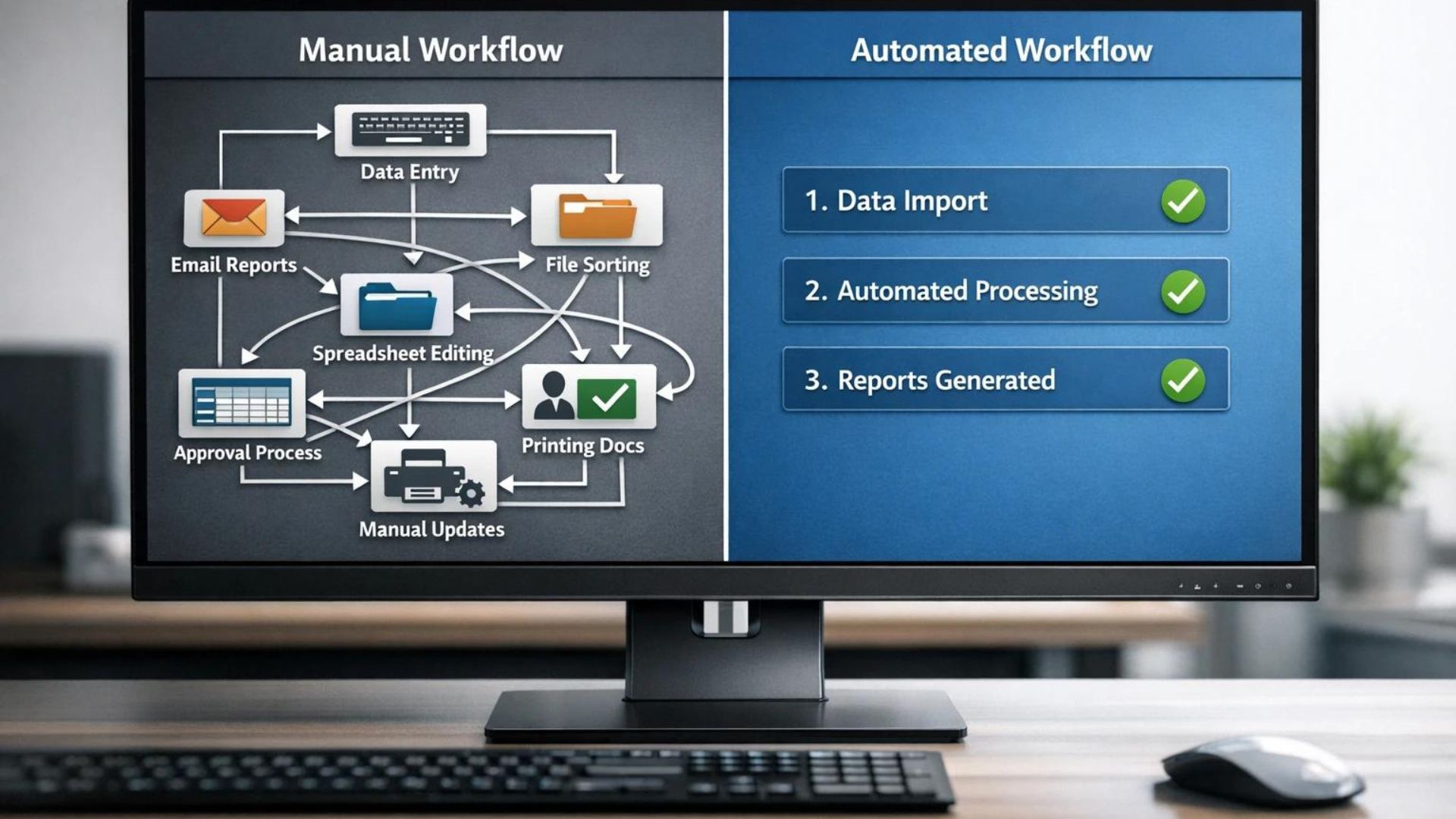
Workflow 7: Automate Repetitive Admin Without Automating Judgment

Automation is powerful, but it should not be used blindly.

The goal is to automate repetitive admin, not human judgment.

Good tasks to automate:

  • Adding new post details to a content tracker
  • Sending a Slack or email reminder when a post is published
  • Creating a newsletter draft from a new post
  • Logging affiliate links in a spreadsheet
  • Saving form submissions to a CRM
  • Creating social draft tasks after publishing
  • Notifying you when a content update is due

Tasks not to fully automate:

  • Final product recommendations
  • Affiliate review verdicts
  • Income claims
  • Pricing accuracy
  • Medical, legal or financial advice
  • Publishing without human review

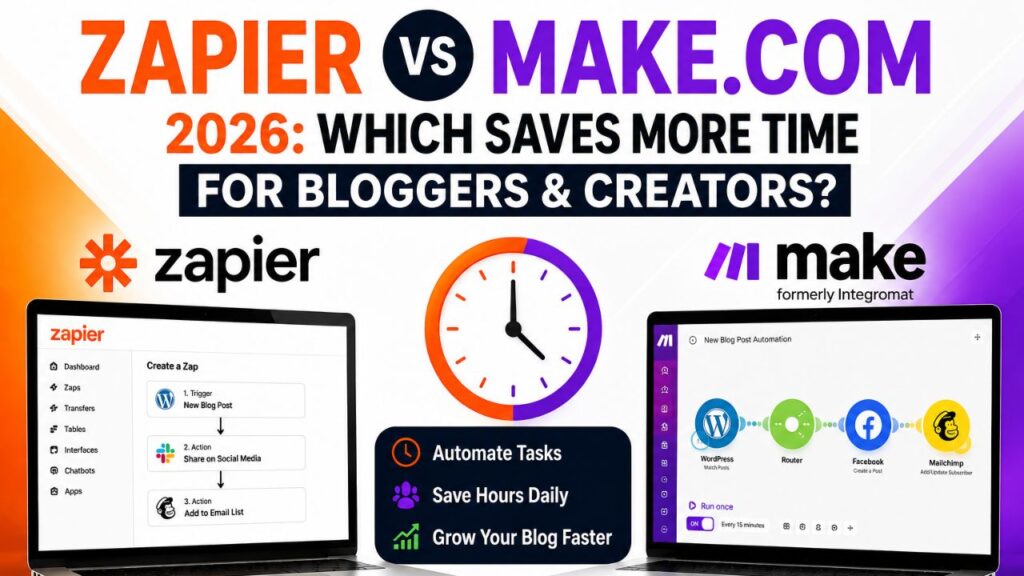
Make.com, Zapier, and n8n can all support blogging workflows, but you should start small.

One useful starter automation:

  1. New WordPress post published.
  2. Post title and URL are added to Google Sheets.
  3. AI creates three social draft ideas.
  4. A task is created to design pins.
  5. You review everything before publishing.

This saves time while keeping you in control.

Our Make.com review explains why visual automation is useful for bloggers once a workflow is already proven.

The Weekly AI Blogging System I Would Use

The biggest mistake bloggers make is treating every week like a fresh start.

A better approach is to build a repeatable weekly system.

Here is a simple version:

Day Main Task AI Support
Monday Research and topic selection Use Search Console queries and AI clustering
Tuesday Outline and first draft Use AI to structure notes and draft sections
Wednesday Edit and SEO pass Use AI to identify gaps, FAQs, and clarity issues
Thursday Design pins and visuals Use AI to create pin titles and Canva for design
Friday Newsletter and social posts Repurpose the article into email and social drafts
Saturday Update old content Use AI to find missing sections and outdated details
Sunday Plan next week Review tracker data and choose one priority

This system is not complicated.

That is the point.

A simple workflow you actually follow beats an advanced system you abandon after two weeks.

The AI Stack I Would Use If I Started Again

If I were starting a blog from scratch today, I would keep the stack lean.

I would not buy twenty tools.

I would use:

  • Hosting: Hostinger for WordPress
  • Research and drafting: ChatGPT or Claude
  • Search data: Google Search Console
  • Writing polish: Grammarly
  • Design: Canva
  • Email: MailerLite or Kit
  • Automation: Make.com
  • Outsourcing: Fiverr

That is enough to build a serious content system without drowning in subscriptions.

Most bloggers do not need more tools. They need a better process for using the tools they already have.

Build Your AI Blogging System on a Site You Control

AI workflows are more useful when your content, lead magnets, affiliate reviews and email opt-ins live on your own WordPress site.

Start your AI blog with Hostinger

If setup tasks keep slowing you down, outsource the specific bottleneck instead of trying to learn everything yourself.

Need Help Setting Up Your Blog Workflow?

A freelancer can help with WordPress setup, Pinterest templates, automation scenarios, email forms, content trackers or technical cleanup.

Find blog workflow experts on Fiverr

How These Workflows Save 10+ Hours Per Week

The exact time saved depends on your publishing schedule, but the math is realistic for active bloggers.

Workflow Estimated Weekly Time Saved
Topic planning from Search Console and AI clustering 1-2 hours
Research organization and outline creation 1-2 hours
Section-by-section drafting support 2-3 hours
SEO gap check while writing 1 hour
Repurposing one post into social and email assets 2 hours
Lead magnet creation from existing content 1-2 hours
Admin automation and tracking 1-2 hours

That is 9 to 14 hours per week for bloggers who publish consistently and promote their content.

If you only publish once a month, you may save less. If you publish multiple times a week, you may save more.

The point is not the exact number.

The point is that repetitive blogging tasks compound. Saving 10 hours a week means more than 500 hours a year that can go into better content, traffic, affiliate partnerships, product testing or rest.

Common Mistakes With AI Workflows

Using AI Before Understanding the Goal

If you do not know what the article should accomplish, AI will usually create polished confusion.

Define the reader, search intent and business goal first.

Publishing Raw AI Output

Raw AI output often sounds generic. Add examples, opinions, screenshots, testing notes and real judgment.

Automating Too Early

Automation helps after a workflow works manually. If the process is broken, automation only makes the mess faster.

Buying Too Many Tools

More tools do not equal more progress. Start with one workflow and one tool at a time.

Forgetting the Reader

The purpose of AI is not to make your life easier at the reader’s expense. The best workflows save time while making the content more helpful.

Downsides and Limits of AI Blogging Workflows

AI workflows are useful, but they have limits.

You still need to verify facts, check pricing, test tools where possible, add personal judgment and avoid making claims you cannot support.

AI can summarize the web, but it can also misunderstand context. It can draft a workflow, but it cannot know whether that workflow fits your audience. It can create a lead magnet, but it cannot guarantee subscribers. It can write an email, but it cannot create trust out of thin air.

There is also a risk of sameness.

If every blogger uses the same prompts, same templates, same examples, and same AI-generated phrases, the internet fills with content that looks fine but feels empty.

Your advantage is not that you use AI.

Your advantage is that you use AI around your own experience, research, taste and reader understanding.

Final Checklist Before You Build Your Own Workflow

Before adding more tools, answer these questions:

  • What task wastes the most time every week?
  • Is the task repetitive, creative, or judgment-based?
  • Can AI help with structure, drafting, editing, or repurposing?
  • Does the workflow still include human review?
  • Can the workflow be repeated every week?
  • Does it make the reader experience better?
  • Can you measure whether it saved time?

If the answer is yes, build the workflow.

If the answer is unclear, simplify it.

Frequently Asked Questions

What are AI workflows for bloggers?

AI workflows for bloggers are repeatable systems that use AI tools to speed up blogging tasks such as topic research, outlining, drafting, editing, SEO checks, content repurposing, lead magnet creation and automation.

Can AI workflows really save bloggers 10 hours per week?

Yes, for active bloggers who publish and promote content consistently, saving 10 hours per week is realistic. The biggest savings usually come from planning, outlining, repurposing and automating repetitive admin tasks.

Which AI tool should bloggers start with?

Start with ChatGPT or Claude for research, outlines, and drafting support. Add Grammarly for editing, Canva for design and Make.com only when you have a repeatable process worth automating.

Should bloggers let AI write full articles?

It is better to use AI section by section. Full AI drafts often feel generic and require heavy editing. Section-by-section drafting gives you more control over quality, examples and tone.

Are AI-written blog posts allowed by Google?

Google’s guidance focuses on helpful content rather than whether AI was used. AI-assisted content should be original, useful, accurate and created for people, not mainly to manipulate search rankings.

What is the easiest blogging task to automate?

Content tracking is one of the easiest tasks to automate. For example, when a new post is published, you can log the title, URL, category and publish date in a spreadsheet automatically.

What should bloggers not automate?

Do not fully automate final recommendations, affiliate verdicts, income claims, pricing accuracy or sensitive advice. Those require human judgment and fact-checking.

Conclusion

AI will not magically grow your blog.

It will not rank your articles by itself. It will not build trust with readers. It will not replace your judgment.

But the right AI workflows for bloggers can remove a large amount of repetitive work.

That is the real advantage.

The bloggers who succeed over the next few years probably will not be the ones using the most AI tools. They will be the ones using AI to build better systems.

Start with one workflow.

Use it consistently.

Improve it over time.

Saving 10 hours a week may not sound dramatic today. Over a year, it becomes more than 500 extra hours you can invest into better content, stronger traffic, affiliate marketing, email growth and building something that lasts.

That is why AI workflows for bloggers are worth taking seriously: small weekly savings become a real business advantage over time.

How We Checked This Guide

Before writing this guide, we checked official Google documentation about Search Console and AI-assisted content, Pinterest business resources, and Make.com automation information. The workflows are based on practical blogging use cases and should be adapted to your publishing schedule, niche and tool stack.

Affiliate Disclosure

Some links in this article are affiliate links, which means I may earn a commission at no extra cost to you if you purchase through them. I only recommend tools, books and services that may help beginners build better blogs, improve their affiliate content or grow their online work more effectively.
AI Lead Generation Tools for Affiliate Marketers in 2026: Build Lists and Convert Faster

AI Lead Generation Tools for Affiliate Marketers in 2026

Affiliate marketing beginners usually chase more traffic first.

More blog posts. More social posts. More YouTube videos. More AI-generated content. More links.

Traffic matters, but traffic alone is fragile.

If a reader visits your review, clicks nothing, joins nothing, and disappears forever, you only had one chance to earn trust. That is why lead generation matters so much for affiliate marketers in 2026.

The right AI tools can help you turn casual visitors into email subscribers, segment those subscribers by interest, send helpful follow-up emails, and recommend affiliate products more naturally over time.


AI Lead Generation Tools for Affiliate Marketers in 2026


This guide covers the best AI lead generation tools for affiliate marketers, how each tool fits into a real funnel, where AI actually helps, and what beginners should avoid if they do not want their site to feel spammy or salesy.

If you are still learning the basics, read our AI affiliate marketing beginner guide first. This article focuses specifically on building lists, capturing leads, and converting faster with AI-assisted workflows.

What AI Lead Generation Means for Affiliate Marketers

Lead generation means collecting contact details from people who are interested in your topic, product category, or recommendation.

For bloggers and affiliate marketers, the most common lead is an email subscriber.

A visitor lands on your blog, reads a helpful article, sees a relevant free resource, enters their email address, and joins your list. Then you can send follow-up emails, tutorials, comparison guides, product updates, discount alerts, and honest recommendations.

AI lead generation means using artificial intelligence to make that process faster and smarter.

AI can help with:

  • Lead magnet ideas
  • Landing page copy
  • Popup copy
  • Email welcome sequences
  • Subscriber segmentation
  • Subject line testing
  • Send-time optimization
  • Personalized follow-up content
  • Lead scoring inside a CRM
  • Repurposing blog posts into email campaigns

The goal is not to trick people into joining your list.

The goal is to offer something genuinely useful at the right moment, then follow up in a way that helps the subscriber make a better decision.

That is why the best AI lead generation tools for affiliate marketers are not just popup tools or email tools. They support the full path from visitor to subscriber to informed buyer.

Why Traffic Without Leads Is Risky

Affiliate blogs often depend on search traffic.

That can work well, but it is risky to depend only on Google rankings, social algorithms, or one traffic source.

If an update reduces your rankings, if a social platform changes reach, or if one article stops ranking, your income can drop quickly.

An email list gives you an asset you control more directly.

You still need to follow email laws, platform policies, and good deliverability practices, but your list lets you:

  • Bring readers back to new posts
  • Promote updated reviews
  • Send comparison guides
  • Test affiliate offers with warmer readers
  • Build trust beyond one article
  • Launch your own digital products later

This matters because affiliate conversions often happen after multiple touches.

A reader may not buy the first time they see your review. But if they join your list, read a helpful tutorial, compare alternatives, and then receive a thoughtful recommendation, the buying decision feels safer.

Lead generation turns one-time traffic into an audience.

The Best AI Lead Generation Tools for Affiliate Marketers in 2026

There is no single tool that does everything perfectly.

The strongest setup is usually a small stack: one email platform, one lead capture tool, one form or quiz tool if needed, one automation tool, and one AI writing assistant for copy and testing.

Here are the tools worth considering.

1. Kit – Best Creator Email Platform for Simple Affiliate Funnels

Kit, formerly ConvertKit, is built for creators, newsletter writers, bloggers, and solo businesses.

For affiliate marketers, Kit is useful because it combines landing pages, opt-in forms, email broadcasts, automated sequences, and visual automations in a creator-friendly interface.

Kit is not the most AI-heavy platform on this list, but it is one of the easiest places to build a clean affiliate email system.

Use Kit for:

  • Simple lead magnets
  • Newsletter signups
  • Welcome sequences
  • Tag-based segmentation
  • Creator-focused affiliate funnels
  • Digital product follow-up later

The practical affiliate workflow is simple.

Create a lead magnet such as “AI Tool Review Checklist,” add a Kit form inside your relevant blog posts, tag subscribers based on the form they joined through, and send a short email sequence that teaches first and recommends second.

Kit is best for affiliate bloggers who want fewer moving parts, not the most advanced enterprise CRM.

2. MailerLite – Best Budget Email and Landing Page Tool

MailerLite is a strong budget-friendly option for bloggers who want email marketing, landing pages, forms, popups, and automation without a steep learning curve.

It is a good fit for beginners because the interface is clean and the main features are easy to understand.

MailerLite can help affiliate marketers with:

  • Signup forms
  • Landing pages
  • Email automations
  • Newsletter campaigns
  • AI-assisted writing
  • Send-time optimization on supported plans

The best use case is a simple blog funnel:

  1. Publish a review or comparison post.
  2. Offer a relevant checklist or buyer guide.
  3. Capture the email with a MailerLite form.
  4. Send a three to five email sequence.
  5. Recommend your strongest affiliate resource naturally.

MailerLite is not perfect for complex sales teams, but for a solo affiliate blogger, it covers the essentials well.

3. Mailchimp – Best for AI-Assisted Email Optimization

Mailchimp has added more AI-assisted features around email content, automation, predictive analytics, send-time recommendations, and campaign optimization.

For affiliate marketers, the useful part is not just writing emails faster. It is using AI and audience data to improve when and how your subscribers receive messages.

Mailchimp can help with:

  • Email content generation
  • Subject line help
  • Automated customer journeys
  • Send-time optimization
  • Audience segmentation
  • Campaign performance insights

Mailchimp is especially useful if you want a more mature email platform and you care about templates, reporting, and AI-assisted campaign improvement.

The main downside is that pricing and plan limits can become less beginner-friendly as your list grows.

For affiliate marketers, always check Mailchimp’s acceptable use and affiliate-related rules before sending promotional campaigns. Email tools can have strict policies around certain niches and offers.

4. HubSpot Breeze – Best CRM-First AI Lead Generation System

HubSpot is more than an email tool. It is a CRM and customer platform with built-in AI through Breeze.

This makes it more powerful than most beginner email platforms, but also more serious than many new bloggers need.

HubSpot Breeze can help with:

  • CRM-based lead tracking
  • AI-assisted marketing and sales tasks
  • Lead segmentation
  • Contact activity tracking
  • Sales and service workflows
  • AI agents connected to customer data

HubSpot is best for affiliate marketers who are moving beyond a simple blog and into consulting, B2B lead generation, agency work, SaaS referrals, or high-ticket affiliate programs where tracking lead quality matters.

If you are writing basic product reviews, HubSpot may be more than you need.

If you are building a serious lead generation business, it may become useful because every contact has a record, history, source, and follow-up path.

5. OptinMonster – Best for Turning Blog Visitors Into Subscribers

OptinMonster is a lead capture and conversion optimization platform.

It is useful for affiliate blogs because many visitors leave without taking action. OptinMonster lets you create targeted popups, floating bars, inline opt-in forms, slide-ins, and exit-intent campaigns.

Use OptinMonster for:

  • Exit-intent popups
  • Content upgrade offers
  • Page-level targeting
  • Scroll-based offers
  • Campaign A/B testing
  • Recovering abandoning visitors

The key is relevance.

If someone reads a Jasper review, offer an AI writing checklist. If someone reads a hosting comparison, offer a WordPress launch checklist. If someone reads an automation guide, offer a workflow template.

Generic popups convert poorly and can annoy readers. Relevant offers feel helpful.

6. Typeform AI or Formless – Best for Quizzes and Conversational Lead Capture

Quizzes can work extremely well for affiliate marketers because they turn lead capture into a decision tool.

Instead of saying “join my newsletter,” you can offer:

  • Find your best AI writing tool
  • Choose the right hosting plan for your blog
  • Discover your affiliate marketing starter stack
  • Pick the right automation tool for your workflow

Typeform AI helps build forms, surveys, and quizzes from prompts. Formless by Typeform goes further with conversational forms that can ask and answer questions more naturally.

For affiliate marketers, a quiz can segment subscribers before they even join your list.

Example:

  • Beginner blogger gets a low-cost starter stack.
  • SEO-focused affiliate marketer gets writing and SEO tools.
  • Automation-heavy creator gets Zapier, Make.com, and n8n resources.
  • Video-focused blogger gets InVideo, Pictory, and Descript resources.

This creates more useful follow-up emails and better affiliate recommendations.

7. Make.com – Best for Automating the Lead Workflow

Make.com is not a lead capture tool by itself. It is the automation layer that connects your tools.

For affiliate marketers, Make.com can connect forms, email platforms, spreadsheets, CRMs, Slack, WordPress, Google Sheets, and AI tools.

Example workflows:

  • New Typeform lead -> tag in MailerLite -> log in Google Sheets -> send welcome email.
  • New Kit subscriber -> classify interest with AI -> add to the right sequence.
  • New lead magnet download -> notify you in Slack -> update affiliate campaign tracker.
  • New blog post published -> create newsletter draft -> add internal links and CTA notes.

Make.com becomes more valuable once your funnel is already working.

Do not automate a broken process. Prove the workflow manually first, then automate the repetitive parts.

Our Make.com review explains why it is one of the best-value automation platforms for bloggers.

8. ChatGPT or Claude – Best for Lead Magnet and Email Drafting

General AI assistants like ChatGPT and Claude are not lead generation platforms, but they are extremely useful for creating the content around lead generation.

Use them to draft:

  • Lead magnet outlines
  • Checklist content
  • Welcome emails
  • Quiz questions
  • Segmentation logic
  • Subject line variations
  • CTA copy
  • Landing page sections

The best approach is to give AI your audience, offer, article topic, and affiliate goal.

Do not ask, “write me an email funnel.”

Ask something more specific:

Create a five-email welcome sequence for beginner affiliate bloggers who downloaded an AI review checklist. The goal is to teach trust-first review writing before recommending an AI writing tool. Keep the tone helpful, not aggressive.

Specific prompts create better output.

Quick Comparison Table

Tool Best For Best Affiliate Use Case Main Limitation
Kit Creator email funnels Simple lead magnets and welcome sequences Not the most AI-heavy option
MailerLite Budget email marketing Forms, landing pages, automations Less advanced for complex CRM workflows
Mailchimp AI-assisted email campaigns Optimization, segmentation, automations Pricing can rise as the list grows
HubSpot Breeze CRM-first lead management B2B, high-ticket, agency, SaaS leads May be too much for small beginner blogs
OptinMonster Website lead capture Exit popups, content upgrades, targeting Needs a good offer to convert well
Typeform AI Quizzes and forms Tool finder quizzes and segmentation Not a full email platform
Make.com Workflow automation Connecting forms, email, CRM, sheets, AI Requires workflow planning
ChatGPT or Claude Copy and strategy help Lead magnet, email, quiz, CTA drafts No built-in subscriber management

Best Lead Magnets for Affiliate Marketers

The tool matters less than the offer.

A weak lead magnet will not convert even with the best software. A strong lead magnet can work with a simple form.

Good lead magnets for affiliate blogs include:

  • Product comparison checklist
  • AI tool buyer guide
  • Blog launch checklist
  • Affiliate review template
  • Email sequence swipe file
  • Automation workflow map
  • Hosting setup checklist
  • AI prompt pack
  • Tool stack quiz
  • Beginner mistake checklist

The best lead magnet should be directly connected to the page where it appears.

If your article is about affiliate review writing, offer a review checklist. If your article is about automation, offer a workflow template. If your article is about AI writing tools, offer a tool comparison worksheet.

Relevance beats size.

A one-page checklist that solves the next problem can convert better than a 40-page ebook nobody wants to read.

A Simple AI Lead Generation Funnel for Affiliate Bloggers

Here is a practical beginner funnel using the AI lead generation tools for affiliate marketers above.

Step 1: Publish a Buyer-Intent Blog Post

Start with a post that attracts readers who are already researching a problem or product.

Examples:

  • Best AI writing tools for bloggers
  • Jasper vs Writesonic
  • Best web hosting for AI blogs
  • How to write affiliate review posts with AI
  • Best automation tools for bloggers

If you need content strategy first, our best AI tools for affiliate marketing guide shows how writing, SEO, design, automation, and email tools fit together.

Step 2: Create a Relevant Lead Magnet

Use ChatGPT or Claude to draft a checklist, worksheet, or short guide connected to the article.

For example:

Create a one-page checklist for beginner bloggers choosing an AI writing tool. Include budget, SEO needs, editing needs, publishing frequency, and affiliate review use cases.

Edit the checklist manually and make it simple.

Step 3: Add an Opt-In Form

Use Kit, MailerLite, Mailchimp, or another email platform to create the form.

Place it:

  • After the introduction
  • In the middle of the article
  • Before the final verdict
  • Inside an exit-intent popup if using OptinMonster

Do not overwhelm the page with too many popups. One good offer placed well is better than five interruptions.

Step 4: Send a Helpful Welcome Sequence

A simple sequence can be enough.

  1. Email 1: Deliver the lead magnet and explain how to use it.
  2. Email 2: Teach the biggest mistake beginners make.
  3. Email 3: Share a practical workflow.
  4. Email 4: Compare two or three tool options.
  5. Email 5: Recommend the best next step with an affiliate disclosure.

This sequence builds trust before asking for a click.

Step 5: Segment Based on Interest

Tag subscribers based on what they downloaded or clicked.

Examples:

  • AI writing tools
  • Hosting
  • Automation
  • Affiliate review writing
  • AI video tools

Segmentation helps you avoid sending every offer to every subscriber.

If someone joined from an automation article, send automation resources first. If someone joined from a hosting article, send blog setup resources first.

Step 6: Track Results

Track simple numbers:

  • Page visits
  • Form conversion rate
  • Email open rate
  • Email click rate
  • Affiliate link clicks
  • Sales where available

Do not optimize everything at once.

Start by improving the lead magnet offer and the first email. Those two pieces usually create the biggest early gains.

Recommended Starter Stack

If you are a beginner, keep the stack simple.

Do not buy eight tools on day one.

A practical starter stack:

  • WordPress hosting: Hostinger
  • Email platform: MailerLite or Kit
  • Lead capture: Built-in forms first, OptinMonster later
  • AI copy help: ChatGPT or Claude
  • Automation: Make.com after the funnel works manually
  • Design: Canva for checklists, PDFs, and thumbnails

This is enough to build a real lead generation system without overspending.

Build Your Affiliate Lead Funnel on a Blog You Control

Your email list, lead magnets, reviews, and opt-in pages need a fast WordPress foundation. Start simple, then add automation once the funnel works.

Start your affiliate blog with Hostinger

If you want someone to set up the opt-in forms, landing pages, email sequence, or tracking sheet for you, hiring help can save time.

Need Help Setting Up Lead Capture?

A freelancer can help build your landing page, signup form, lead magnet design, email automation, and tracking workflow so you can focus on content.

Find lead generation experts on Fiverr

Useful AI Prompts for Lead Generation

Use these prompts with ChatGPT, Claude, or your preferred AI assistant.

Lead Magnet Prompt

Create 10 lead magnet ideas for an affiliate blog about [topic]. The audience is [reader type]. Each idea should solve one specific problem and naturally connect to an affiliate recommendation later.

Landing Page Prompt

Write a simple opt-in landing page for a free [lead magnet name]. The audience is [reader type]. Keep the tone helpful, not pushy. Include headline, subheadline, bullet benefits, form CTA, and privacy reassurance.

Welcome Sequence Prompt

Create a five-email welcome sequence for subscribers who downloaded [lead magnet]. Teach first, recommend second. Include email goal, subject line, short body outline, and affiliate disclosure reminder where needed.

Segmentation Prompt

Build a segmentation plan for an affiliate blog covering [topics]. Suggest tags, lead magnets, follow-up sequences, and which affiliate offers should be recommended to each segment.

CTA Improvement Prompt

Rewrite these opt-in CTAs to sound more specific and less salesy. The offer is [lead magnet]. The page topic is [topic]. Avoid hype, urgency tricks, and exaggerated claims.

Downsides and Compliance Risks

Lead generation can grow your affiliate business, but it also creates responsibilities.

Email Compliance Matters

If you send commercial email in the United States, the FTC’s CAN-SPAM guidance matters. Your emails should avoid misleading headers, avoid deceptive subject lines, identify commercial messages where required, include a valid postal address, and give people a clear way to opt out.

This is not just legal housekeeping. It also protects trust.

AI Can Create Overpromising Copy

AI tools often write stronger claims than you should publish.

Remove phrases like:

  • Guaranteed income
  • Push-button profits
  • Instant leads
  • Passive income machine
  • Effortless conversions

Replace hype with specific, realistic language.

Popups Can Hurt User Experience

Lead capture should not make your blog annoying.

If popups cover the page immediately, repeat too often, or interrupt mobile readers, they can reduce trust.

Use fewer campaigns and make them more relevant.

Bad Lead Magnets Attract Bad Leads

A vague freebie attracts low-quality subscribers.

A specific freebie attracts the right people.

“Free AI ebook” is vague. “AI affiliate review checklist for beginner bloggers” is specific.

Do Not Manipulate Search or Users

Google’s spam policies warn against tactics designed to deceive users or manipulate search systems. Affiliate lead generation should support helpful content, not hide links, mislead readers, or create pages only for search engines.

Affiliate Disclosures Still Apply

If your emails or landing pages include affiliate links, disclose the relationship clearly.

Trust is the asset. Do not trade it for a slightly higher short-term click rate.

Final Verdict: Which Tool Should You Start With?

The best AI lead generation tools for affiliate marketers depend on your stage.

If you are just starting, use MailerLite or Kit for email capture, ChatGPT or Claude for lead magnet and email drafts, and Canva for the downloadable resource.

If your blog already gets traffic, add OptinMonster for better page-level targeting and exit-intent offers.

If you want quizzes, use Typeform AI or Formless to segment subscribers before follow-up.

If you are building a more serious CRM-driven lead system, HubSpot Breeze becomes more relevant.

If your funnel already works and repetitive tasks are slowing you down, add Make.com to connect the moving parts.

The tool stack is important, but the real strategy is simple:

Create useful content. Offer a relevant next step. Follow up with helpful emails. Recommend products honestly.

That is how AI-assisted lead generation becomes an affiliate asset instead of another shiny object.

Frequently Asked Questions

What are AI lead generation tools for affiliate marketers?

AI lead generation tools for affiliate marketers are tools that help capture subscribers, create lead magnets, write email sequences, segment contacts, personalize follow-up, and automate parts of the affiliate funnel.

Do affiliate marketers need an email list?

No, but an email list is one of the safest long-term assets. It lets you follow up with readers after they leave your site and reduces dependence on one traffic source.

What is the best beginner tool for affiliate lead generation?

MailerLite and Kit are the strongest beginner-friendly options. Both support forms, landing pages, email broadcasts, and automated sequences without requiring complex setup.

Can AI write affiliate email sequences?

Yes, AI can draft affiliate email sequences, but you should edit them carefully. Remove hype, verify claims, add disclosures, and make the emails genuinely useful before sending.

What lead magnet works best for affiliate blogs?

The best lead magnet is specific to the article topic. Checklists, comparison worksheets, buyer guides, tool stack quizzes, and prompt packs usually work better than generic ebooks.

Is it legal to send affiliate emails?

Affiliate emails can be legal, but you need to follow applicable email laws, platform rules, and disclosure requirements. For US commercial email, review FTC CAN-SPAM guidance and include a clear opt-out method.

Can AI lead generation replace traffic?

No. Lead generation captures and nurtures interested visitors, but you still need traffic from SEO, social media, paid ads, partnerships, or other channels.

Should I use popups on an affiliate blog?

Yes, but carefully. Use relevant popups with useful offers and avoid interrupting readers too aggressively, especially on mobile.

Conclusion

AI can make lead generation faster, but it does not remove the human part of affiliate marketing.

You still need to understand your reader, choose relevant products, create useful content, offer a valuable lead magnet, and follow up honestly.

The best AI lead generation tools for affiliate marketers help you do those jobs more consistently. They do not turn random traffic into automatic commissions.

Used well, AI lead generation tools for affiliate marketers turn your best content into a repeatable relationship-building system.

Start simple.

Build one lead magnet for one strong article. Add one form. Write one welcome sequence. Track the results. Improve it.

That small system is more valuable than buying a large stack of tools you do not use.

How We Checked This Guide

Before writing this guide, we checked official pages from email, CRM, form, and lead capture platforms, plus FTC email compliance guidance and Google Search spam policies. Tool features, pricing, free plans, and AI capabilities may change, so verify each official pricing and policy page before subscribing.

Affiliate Disclosure

Some links in this article are affiliate links, which means I may earn a commission at no extra cost to you if you purchase through them. I only recommend tools, books and services that may help beginners build better blogs, improve their affiliate content, or grow their online work more effectively.

Best AI Agents for Affiliate Marketing in 2026 (Agent X Full Guide)

Best AI Agents for Affiliate Marketing

AI agents are becoming one of the loudest trends in affiliate marketing.

The promise sounds tempting: instead of writing reviews, building funnels, creating emails, designing pages, and managing traffic manually, you use an AI agent to automate large parts of the workflow.

That is why products like Agent X are getting attention.

The sales pitch around Agent X is bold. Vendor and review pages describe it as a voice-powered AI automation platform for affiliate marketers, with claims around thousands of bots, done-for-you websites, marketing templates, affiliate campaigns, and traffic automation.

But this kind of product needs a careful review.


Best AI Agents for Affiliate Marketing


Any tool promising fast income, automated commissions, or thousands of bots should be evaluated with realistic expectations. AI agents can save time, organize work, and speed up campaign creation. They do not remove the need for product research, traffic strategy, compliance, affiliate disclosure, landing page quality, and conversion testing.

In this guide, we will look at the best AI agents for affiliate marketing, using Agent X as the main example. You will learn what AI agents can actually do, how Agent X is positioned, what to verify before buying, how affiliate marketers can use AI agents safely, and the downsides you should understand before trusting any “automated income” claim.

Best AI Agents for Affiliate Marketing: What Does That Mean?

An AI agent is a software system that can perform tasks based on instructions, goals, data, and automation rules.

For affiliate marketing, an AI agent may help with:

  • Product research
  • Affiliate review outlines
  • Landing page drafts
  • Email swipe creation
  • Social post ideas
  • Funnel structure
  • Campaign tracking
  • Workflow automation
  • Repurposing content

The key word is “help.”

The best AI agents for affiliate marketing should make your workflow faster and more organized. They should not be treated as magic employees that create guaranteed commissions without strategy.

Affiliate marketing still depends on three things:

  1. A product people actually want.
  2. Useful content or traffic that reaches the right audience.
  3. A trustworthy recommendation that helps the reader make a decision.

AI agents can support those pieces, but they do not replace them.

When comparing the best AI agents for affiliate marketing, focus on practical workflow support instead of the biggest automation claims.

If you are new to this topic, start with this guide to AI affiliate marketing for beginners. This article focuses on AI agents and Agent X specifically.

What Is Agent X?

Agent X is marketed as an AI-powered automation platform for affiliate marketers.

Public sales and review pages describe Agent X as a voice-powered AI agent system that helps users build affiliate campaigns, create websites, generate marketing assets, and automate repetitive tasks.

Some pages claim Agent X includes:

  • Voice-powered commands
  • Thousands of AI bots or automation tasks
  • Done-for-you affiliate websites
  • Sales page and funnel templates
  • Email swipe copy
  • Video or script generation
  • Affiliate campaign automation
  • Traffic and commission-focused templates
  • A 60-day refund guarantee

Because Agent X is promoted with aggressive income language in some places, beginners should review the official offer page carefully before buying.

Check what is actually included, what integrations are supported, whether hosting is included, how the refund works, what training is provided, and whether income claims are backed by reliable evidence.

This review does not treat vendor earnings claims as guaranteed results.

How Agent X Is Supposed to Work

The basic idea behind Agent X is simple.

You give the platform an instruction, often described as a voice command or goal. The system then helps create or organize parts of an affiliate campaign.

A typical workflow may look like this:

  1. Choose an affiliate product or niche.
  2. Tell Agent X what campaign you want to create.
  3. Generate a landing page or affiliate website draft.
  4. Create review content, sales copy, or email swipes.
  5. Add affiliate links and campaign assets.
  6. Use templates or bots to speed up promotion tasks.
  7. Track results and improve the campaign.

This can sound powerful, especially for beginners who feel overwhelmed by the moving parts of affiliate marketing.

But there is a big difference between generating campaign assets and building a profitable affiliate business.

Generated pages still need fact-checking. Email swipes still need compliance. Product reviews still need trust. Traffic still needs a real source. Affiliate links still need disclosure. Claims still need evidence.

That is the realistic way to think about Agent X.

Why AI Agents Matter for Affiliate Marketers in 2026

Affiliate marketers manage many repetitive tasks.

A single campaign may need:

  • Product research
  • Keyword research
  • Review page copy
  • Comparison tables
  • Emails
  • Bonuses
  • Landing pages
  • Social posts
  • Tracking links
  • Follow-up content

This is where AI agents can help.

Instead of switching between many tools and starting from a blank page each time, an AI agent-style workflow can create first drafts, organize tasks, suggest campaign structures, and repurpose content faster.

The benefit is workflow speed.

The risk is false confidence.

That is why the best AI agents for affiliate marketing should be judged by output quality, transparency, and control, not only by the number of bots advertised.

If you publish everything the AI creates without review, you may end up with generic content, weak claims, compliance problems, or affiliate pages that do not convert.

If you want a broader tool stack, this guide to the best AI tools for affiliate marketing explains writing, design, email, automation, and tracking tools in more detail.

Agent X Features to Review Carefully

Because Agent X is promoted through bold claims, the smartest approach is to evaluate each feature practically.

1. Voice-Powered Commands

Voice control can be convenient if it lets you create tasks or campaigns quickly.

But voice input alone is not the value.

The value depends on what the platform does after receiving the command. Does it generate usable campaign assets? Does it save settings? Does it connect to your real workflow? Does it create content you can edit and export?

Before buying, check whether voice commands are core to the product or mainly a marketing angle.

2. Affiliate Website Creation

Agent X marketing materials mention done-for-you affiliate websites or campaign pages.

This can help beginners move faster, but you should check:

  • Can you edit the website?
  • Can you use your own domain?
  • Is hosting included?
  • Can you export content?
  • Is the page SEO-friendly?
  • Can you add disclosures?
  • Can you control affiliate links?

A website that looks finished is not automatically a strong affiliate asset.

It still needs useful content, trust signals, disclosure, speed, and traffic.

3. Review and Content Generation

AI can help create affiliate reviews, but reviews need more than text.

A trustworthy review should include who the product is best for, who should skip it, pricing notes, real limitations, alternatives, screenshots where possible, and a human final verdict.

If Agent X generates reviews, treat them as drafts.

Use this guide on writing affiliate review posts with AI if you want a safer review workflow.

4. Email Swipes and Follow-Up Copy

Email swipes can save time, especially when promoting affiliate products.

But email copy can easily become too aggressive.

Check whether the tool creates:

  • Clear subject lines
  • Helpful educational emails
  • Disclosure-friendly copy
  • Low-pressure CTAs
  • Compliance-safe wording

Avoid emails that make guaranteed-income claims or pressure readers with fake urgency.

5. Templates and Campaign Assets

Agent X promotional pages mention large template libraries.

Templates can be useful if they save setup time.

But ask these questions:

  • Are the templates editable?
  • Are they current?
  • Are they generic or niche-specific?
  • Can you use them commercially?
  • Do they include proper disclosure sections?
  • Do they look like templates everyone else is using?

Templates are a starting point, not a complete strategy.

This is another reason the best AI agents for affiliate marketing should let you edit, export, and customize campaign assets.

6. Traffic Automation Claims

This is the feature to treat most carefully.

Any tool promising traffic or commissions should be evaluated with skepticism.

Ask:

  • Where does the traffic come from?
  • Is it organic, paid, social, email, or bot-generated?
  • Does it follow affiliate program rules?
  • Does it comply with platform policies?
  • Are the visitors real and targeted?
  • Can you see analytics?

Traffic that violates platform or affiliate-program rules can damage your account.

Real affiliate income comes from targeted traffic and trust, not random clicks.

Can Agent X Really Make Money for Beginners?

Agent X sales copy and third-party review pages may mention large income examples.

Be careful with those claims.

The FTC has repeatedly warned about deceptive money-making claims and business opportunity promotions. Any earnings claim should be backed by clear, reliable evidence and should not make typical beginners believe income is guaranteed or easy.

A realistic answer is this:

Agent X may help affiliate marketers create campaign assets faster, but it does not guarantee sales, commissions, or daily income.

Your results depend on:

  • The product you promote
  • The quality of your offer
  • Your traffic source
  • Your content quality
  • Your niche
  • Your email list
  • Your landing page conversion rate
  • Your compliance with affiliate program rules
  • Your testing and follow-up

AI agents can make the work faster.

They cannot remove the business fundamentals.

Who Agent X May Be Best For

Agent X may be worth considering for users who already understand the basics of affiliate marketing and want a faster way to create campaign assets.

It may be a fit for:

  • Affiliate marketers who need faster first drafts
  • Beginners who want campaign templates
  • Creators testing simple affiliate funnels
  • Marketers who want to experiment with AI agent workflows
  • Users who are willing to edit and fact-check everything

The strongest fit is someone who sees Agent X as a productivity tool, not an automatic income machine.

Who Should Skip Agent X

Agent X may not be the right fit if you expect effortless income.

You should be careful or skip it if:

  • You have no niche or product strategy
  • You expect guaranteed income
  • You do not want to edit AI-generated content
  • You are uncomfortable checking affiliate rules
  • You do not know where your traffic will come from
  • You are buying only because of large earnings claims
  • You cannot afford to test a tool that may not fit your workflow

Beginners should start with realistic expectations.

A tool can help you build faster, but it cannot choose a profitable niche, earn trust, or guarantee customers.

Agent X vs Normal AI Tools

Agent X is positioned as an all-in-one AI agent platform, while many common AI tools focus on one job.

Tool Type Best For Main Limitation
Agent X-style AI agent platform Creating campaign assets and automating affiliate workflows Claims need verification; output still needs editing
ChatGPT or Claude Research, outlines, drafts, prompts, brainstorming No built-in affiliate campaign system
Canva Affiliate graphics, thumbnails, pins, lead magnets Not a campaign automation tool
Make.com or Zapier Workflow automation and app connections Requires setup and logic planning
Email marketing platform List building and follow-up sequences Needs traffic and good copy

If Agent X works as advertised, its advantage is having many affiliate campaign pieces inside one system.

The tradeoff is that all-in-one tools can still produce generic output if you do not customize them.

How to Use AI Agents for Affiliate Marketing Safely

Whether you use Agent X or another AI agent, follow a trust-first workflow.

  1. Choose one niche.
  2. Choose one product you understand.
  3. Research the product from official sources.
  4. Use the AI agent to create an outline.
  5. Generate landing page and email drafts.
  6. Edit claims, pricing, and examples manually.
  7. Add clear affiliate disclosure.
  8. Use compliant traffic sources.
  9. Track clicks, opt-ins, and conversions.
  10. Improve the campaign based on real data.

This workflow keeps the human in control.

AI handles structure and speed. You handle judgment, accuracy, and trust.

Used this way, the best AI agents for affiliate marketing become assistants for safer execution rather than shortcuts around business fundamentals.

Best Use Cases for AI Agents in Affiliate Marketing

The best AI agents for affiliate marketing are most useful when they support specific tasks.

Affiliate Review Drafting

Use the agent to create a review outline, pros and cons, FAQ ideas, and comparison sections. Then add research, screenshots, and your human verdict.

Email Sequence Creation

Use the agent to draft a three-email sequence that teaches first and recommends second.

Landing Page Structure

Use the agent to create a first draft of a landing page, then edit for clarity, compliance, and stronger CTAs.

Bonus Page Creation

Affiliate marketers often use bonus pages. An AI agent can help organize bonuses, explain them, and create delivery instructions.

Content Repurposing

Turn one affiliate review into social captions, YouTube script ideas, newsletter sections, or Pinterest descriptions.

Campaign Tracking

Use automation to track published pages, links, CTAs, email campaigns, and update dates.

Recommended Setup for Affiliate Bloggers

If you are serious about affiliate marketing, build on a platform you control.

Social media can drive attention, but a blog gives your reviews, comparison posts, email opt-ins, and landing pages a long-term home.

Build Your AI Affiliate Campaigns on a Real Blog

A self-hosted WordPress site gives your affiliate reviews, landing pages, disclosure pages, and email opt-ins a foundation you control.

Start your affiliate blog with Hostinger

When to Hire Help Instead of Trusting Full Automation

AI agents can create drafts and assets, but they may not solve everything.

Consider hiring help for:

  • WordPress setup
  • Landing page design
  • Funnel building
  • Email automation
  • Affiliate tracking setup
  • Copy editing
  • Compliance review
  • Technical troubleshooting

Want Help Building a Safer Affiliate Funnel?

A freelancer can help with WordPress setup, landing pages, email systems, tracking sheets, and campaign cleanup so you are not relying blindly on AI output.

Find affiliate funnel help on Fiverr

Recommended Resource Before the Verdict

Want an AI Agent Affiliate Campaign Checklist?

A checklist can help you review your product research, affiliate links, disclosure, landing page, email sequence, traffic source, and tracking before launching a campaign.

Access the AI Sage Labs AI agent affiliate checklist.

Downsides and Red Flags to Understand Before Buying Agent X

This is the section beginners should read carefully.

Big Earnings Claims Need Proof

Some Agent X promotional pages mention large daily income or high hourly earnings. Treat these as marketing claims unless the seller provides clear proof, typical-user data, and a written earnings disclosure.

Do not buy any tool only because of income screenshots or dramatic sales copy.

Thousands of Bots Does Not Mean Thousands of Results

A large bot count may sound impressive, but the real question is whether the workflows are useful, current, editable, and relevant to your niche.

Traffic Automation Can Be Risky

If a tool sends low-quality or non-compliant traffic, your affiliate accounts or platform profiles may be at risk.

Always understand where traffic comes from.

Generic Campaigns Do Not Convert Well

If many users generate similar pages and emails, the output can feel generic. You still need unique angles, examples, and better positioning.

Refund Terms Must Be Checked

Do not rely only on a headline saying “60-day guarantee.” Read the exact refund terms, conditions, support process, and purchase platform policies.

AI Can Invent or Exaggerate Claims

AI-generated reviews, emails, and landing pages may include unsupported claims. You are responsible for what you publish.

Affiliate Marketing Is Not Fully Passive

Even with AI agents, you still need product selection, traffic, testing, compliance, content updates, and customer trust.

Agent X Review Verdict: Is It Worth Trying?

The balanced verdict is this: Agent X may be interesting for affiliate marketers who want to experiment with AI agent-style campaign automation, but it should not be treated as a guaranteed income system.

The best reason to consider it is workflow speed.

If the platform can help create affiliate pages, email drafts, templates, and campaign assets faster, it may save time.

The biggest reason to be cautious is the marketing language.

Claims around thousands of bots, automated commissions, or large earnings can make beginners think the tool will do the business for them. That is not realistic.

Use Agent X only if you are willing to:

  • Check every claim
  • Edit every campaign
  • Add disclosures
  • Use real traffic sources
  • Track results honestly
  • Accept that income is not guaranteed

For beginners, a safer first step may be learning affiliate fundamentals, building a blog, and using AI tools for research, outlines, and content editing before trusting a full automation platform.

For experienced affiliate marketers, Agent X may be worth testing if the current offer, refund policy, and feature set match your workflow.

FAQs About Agent X and AI Agents for Affiliate Marketing

What is Agent X?

Agent X is marketed as a voice-powered AI automation platform for affiliate marketers. Public sales and review pages describe features such as campaign creation, affiliate websites, templates, emails, and automation bots.

What are AI agents for affiliate marketing?

AI agents for affiliate marketing are tools or workflows that help automate tasks such as research, content drafting, landing page creation, email copy, tracking, and campaign organization.

Can Agent X make money automatically?

No tool can guarantee automatic income. Agent X may help create campaign assets faster, but affiliate income depends on traffic, product fit, trust, compliance, and conversion testing.

Is Agent X good for beginners?

Agent X may be beginner-friendly in terms of interface, but beginners should be careful with income claims and should learn affiliate marketing basics before relying on automation.

Does Agent X include websites and templates?

Promotional pages mention websites, templates, and campaign assets. Check the official offer page before buying to confirm what is currently included.

Is traffic automation safe?

It depends on the traffic source and method. Avoid anything that violates affiliate program rules, platform policies, or creates fake engagement. Real targeted traffic is safer than random or automated clicks.

What should I check before buying Agent X?

Check current features, refund terms, purchase platform, support access, hosting details, export options, commercial rights, traffic methods, and whether income claims are properly supported.

What is a safer alternative to full automation?

A safer approach is to build a WordPress blog, create useful affiliate reviews, use AI for outlines and editing, and automate only repetitive tasks after your workflow is proven.

Conclusion

AI agents are becoming more useful for affiliate marketers in 2026.

They can help with research, review drafts, email copy, campaign structure, landing pages, and workflow automation.

Agent X is one of the more aggressively marketed examples of this trend, with claims around voice-powered automation, large bot libraries, templates, affiliate sites, and campaign creation.

That does not automatically make it bad.

It does mean beginners should evaluate it carefully.

The best AI agents for affiliate marketing are not the ones that promise the biggest income. They are the ones that help you build useful, compliant, trustworthy campaigns faster.

Use AI agents for leverage.

Keep strategy, accuracy, and trust in human hands.

Start your affiliate blog with Hostinger

Hire affiliate funnel help on Fiverr

How We Checked This Guide

Before writing this guide, we checked public Agent X sales and review pages, FTC guidance around endorsements and money-making claims, and Google guidance about AI-assisted content. Agent X features, pricing, and refund terms may change, so check the official offer page before buying.

Affiliate Disclosure

Some links in this article are affiliate links, which means I may earn a commission at no extra cost to you if you purchase through them. I only recommend tools, books, and services that may help beginners build better blogs, improve their affiliate content, or grow their online work more effectively.

Upgrading Your AI Tools in 2026: Key Considerations Before You Switch

Upgrading Your AI Tools in 2026

Most people do not need more AI tools. They need better decisions about the tools they already use.

That is the real problem in 2026. New AI products launch almost every week. One promises faster writing. Another promises better automation. Another says it can replace your editor, designer, researcher, or assistant. If you are a blogger, creator, freelancer, or small business owner, it is easy to feel like you are always behind.

But upgrading your AI tools should not be a reaction to hype. It should be a careful decision based on your workflow, budget, privacy needs, content goals, and the real problems you are trying to solve.

A smart upgrade can save hours every week. A bad upgrade can create more subscriptions, more complexity, and more unfinished systems.

Upgrading Your AI Tools

In this guide, we will look at the key considerations and insights you should understand before upgrading your AI tools. You will learn when an upgrade makes sense, what to check before switching platforms, how to compare AI tools, what mistakes to avoid, and how to build a cleaner AI workflow that actually supports your blog or online business.

Upgrading Your AI Tools: What It Really Means

Upgrading your AI tools means improving the tools, workflows, prompts, integrations, and quality checks you use to get real work done with artificial intelligence.

It does not always mean moving from free to paid. It does not always mean choosing the newest tool. It does not even always mean adding another tool.

Sometimes the best upgrade is removing software you no longer use.

For example, a blogger may start with a simple AI writing assistant. That is enough in the beginning. But after publishing more content, they may notice new problems:

  • Content takes too long to edit
  • Images are inconsistent
  • Internal links are missing
  • SEO checks happen too late
  • Social promotion is manual
  • Old posts are never updated

At that point, the upgrade is not just “buy a better writing tool.” The real upgrade is building a better system.

That system may include a writing assistant, a design tool, a WordPress workflow, an automation platform, a spreadsheet tracker, and a simple content review checklist.

The goal is not to collect tools. The goal is to create a workflow that helps you produce better content with less friction.

Why AI Tool Upgrades Matter in 2026

AI tools are no longer just fun experiments. They are now part of how people write, research, design, code, automate, teach, sell, and build online businesses.

For bloggers, AI can help with:

  • Finding topic ideas
  • Creating SEO outlines
  • Writing first drafts
  • Editing weak sections
  • Creating featured image ideas
  • Repurposing posts into videos
  • Building social captions
  • Automating repetitive publishing tasks

That sounds powerful, but there is a catch. Faster content is not always better content.

If your AI tools help you publish generic articles, repeat the same introduction style, skip fact-checking, or add random affiliate links, the upgrade is not helping your brand. It is only helping you publish faster.

A better upgrade should improve quality and consistency.

Google’s guidance on AI-generated content is clear about the bigger principle: content should be helpful and created for people first, regardless of how it is produced. That means AI can be part of your workflow, but it should support usefulness, not replace judgment.

You can read Google’s official explanation here: Google Search guidance about AI-generated content.

When Should You Upgrade Your AI Tools?

You should not upgrade just because a tool is popular. You should upgrade when there is a clear reason.

Here are the strongest signs that upgrading your AI tools may make sense.

Your Current Workflow Is Too Slow

If you spend too much time moving between apps, rewriting the same prompts, formatting content manually, or rebuilding the same article structure every week, your workflow may need improvement.

A good upgrade should remove repeated effort. For example, saved prompt templates, reusable blog outlines, Canva templates, and publishing checklists can all speed up work without lowering quality.

Your Output Quality Is Not Improving

If every AI-assisted article sounds the same, your tools may not be the only problem. Your workflow may need better inputs, clearer instructions, stronger editing, and more real examples.

Before changing tools, improve your process. Give the AI better context. Add your audience, category, focus keyword, internal link targets, CTA rules, and tone instructions. You may get better output from the same tool.

You Have Outgrown Free Plans

Free plans are useful, but they often come with limits. You may run out of credits, lose access to advanced templates, or miss features like collaboration, brand voice, exports, or automation.

Paying can make sense when the tool saves enough time or creates enough business value to justify the cost.

You Need Better Integrations

A tool that works alone may be fine at the beginning. But as your blog grows, integrations matter more.

For example, you may want your tools to connect with WordPress, Google Sheets, Gmail, Notion, Airtable, Canva, Slack, or an email platform. If your current tool cannot connect with your workflow, it may create extra manual work.

You Need Better Privacy or Control

As you use AI tools more seriously, privacy becomes more important. You may be handling client information, unpublished drafts, affiliate revenue data, customer messages, or business documents.

Before upgrading, check how the tool handles data, whether it allows team permissions, and whether it gives enough control for your use case.

Key Considerations Before Upgrading Your AI Tools

Before you pay for a new platform, move your workflow, or replace your existing tools, review these important factors.

1. Start With Your Actual Use Case

The first question is not “What is the best AI tool?”

The better question is:

“What job do I need this AI tool to do?”

A blogger needs different features than a developer. A YouTuber needs different features than an affiliate marketer. A small business owner needs different features than a student.

For AI Sage Labs readers, common use cases include:

  • Writing SEO blog posts
  • Creating affiliate review content
  • Designing blog thumbnails
  • Turning blog posts into videos
  • Automating content promotion
  • Tracking rankings and performance
  • Building simple online income systems

Once the use case is clear, the tool decision becomes easier.

If you are still building your beginner workflow, this guide on how to use AI tools is a useful next step.

2. Check the Learning Curve

A powerful tool is not always the best tool for beginners.

Some AI platforms have advanced settings, custom workflows, API options, prompt libraries, and automation logic. That can be useful for experienced users, but confusing for someone who only wants to publish blog posts consistently.

Before upgrading, ask:

  • Can I understand the interface quickly?
  • Does the tool offer tutorials or templates?
  • Will I use the advanced features?
  • Is the setup worth the time?
  • Can I get help if I get stuck?

A tool should match your current stage. You can always move to more advanced software later.

3. Evaluate Output Quality

Do not judge an AI tool only by its homepage claims. Test the output.

If it is a writing tool, create a draft and review:

  • Does it understand search intent?
  • Does it avoid generic filler?
  • Can it follow your tone?
  • Does it structure sections clearly?
  • Does it require heavy rewriting?

If it is an image tool, test:

  • Image quality
  • Prompt control
  • Text accuracy
  • Commercial-use terms
  • Export quality

If it is an automation tool, test:

  • Available integrations
  • Reliability
  • Setup difficulty
  • Error handling
  • Monthly task limits

A good tool should reduce work after setup, not create more work every time you use it.

4. Review Pricing Carefully

AI tool pricing can look simple at first, but the real cost may depend on credits, usage limits, seats, exports, storage, automation runs, or premium features.

Before paying, check:

  • Monthly price
  • Annual discount
  • Credit limits
  • Usage limits
  • Export restrictions
  • Team pricing
  • Upgrade and cancellation rules

Do not buy a tool because it feels cheap. Buy it because it solves a clear problem and fits your budget.

If a tool saves three hours every week, it may be worth paying for. If it only looks interesting but does not change your workflow, skip it for now.

5. Check Data Privacy and Risk

This is one of the most important parts of upgrading your AI tools, especially if you use AI for client work, business planning, customer support, or private documents.

Before using a new AI platform, check:

  • What data you are uploading
  • Whether the tool stores prompts or files
  • Whether your content may be used for training
  • Team permission controls
  • Security features
  • Export and deletion options

For a broader risk-management view, NIST’s AI Risk Management Framework is a useful trusted resource for understanding trustworthy AI practices. You can review it here: NIST AI Risk Management Framework.

6. Look at Integration With Your Existing System

The best tool is not always the tool with the most features. It is the tool that fits your workflow.

If you run a WordPress blog, your tool stack may include WordPress, Rank Math, Google Search Console, Canva, email marketing software, Google Sheets, and automation tools.

A new AI tool should support that system. If it forces you to copy and paste everything manually, it may slow you down.

If you are planning automation, this guide on best AI automation tools for bloggers can help you compare beginner-friendly options.

7. Check Support and Documentation

Support matters more than people think.

When a workflow breaks, you need answers. A tool with poor documentation, slow support, or unclear settings can waste hours.

Before upgrading, check:

  • Help docs
  • Video tutorials
  • Community forum
  • Live chat or email support
  • Template library
  • Update history

If the tool is critical to your business, support is part of the value.

AI Tool Upgrade Checklist

Use this checklist before buying or switching any AI tool.

Question Why It Matters
What problem does this tool solve? Prevents random purchases
Will I use it every week? Helps avoid wasted subscriptions
Does it improve quality or only speed? Protects content trust
Does it connect with my current workflow? Reduces manual work
Can I test it before paying? Lowers risk
Are pricing limits clear? Avoids surprise costs
Is my data safe? Protects private information
Does support exist if I get stuck? Improves long-term usability

If you cannot answer these questions, wait before upgrading.

Best AI Tools to Consider Upgrading First

You do not need to upgrade everything at once. Focus on the categories that affect your work the most.

AI Writing Tools

AI writing tools are usually the first upgrade for bloggers. They help with ideas, outlines, drafts, meta descriptions, FAQs, and content repurposing.

Look for tools that help you write clearly, follow structure, and reduce editing time. Do not choose a tool only because it creates long articles quickly. Speed without quality is not enough.

AI Design Tools

Design tools are important because your visuals affect trust. A clean featured image, strong thumbnail, or branded graphic can make your blog look more professional.

Canva is often a practical starting point for bloggers. AI image tools like Leonardo AI or Stable Diffusion can also help when you need custom visuals.

AI Video Tools

Video tools are useful if you want to repurpose blog posts into YouTube videos, shorts, reels, or explainers.

For bloggers, tools like Pictory, InVideo AI, Synthesia, Runway, or Descript may fit different needs. Choose based on your workflow: blog-to-video, avatar videos, advanced editing, or transcript-based editing.

AI Automation Tools

Automation tools are useful when you repeat the same steps every week.

For example:

  • New post published → add URL to a spreadsheet
  • New lead captured → send welcome email
  • New content idea saved → create task in your content calendar
  • New article published → create social promotion reminders

Zapier is often easier for beginners, while Make.com gives more visual control. n8n is powerful for technical users who want more flexibility.

SEO and Analytics Tools

SEO tools help you see whether your content is moving in the right direction. Rank Math can help with on-page optimization. Google Search Console can show which queries bring traffic. Analytics tools can help you understand reader behavior.

Do not use SEO tools only to chase scores. Use them to improve helpfulness, structure, internal links, and clarity.

How Bloggers Should Approach AI Tool Upgrades

Bloggers should be especially careful because AI tools can either improve a content system or make it feel mechanical.

Here is a simple upgrade path for bloggers:

  1. Fix your topic planning system.
  2. Create better prompt templates.
  3. Standardize your article structure.
  4. Add two internal links during drafting.
  5. Add one trusted external source when useful.
  6. Create reusable featured image templates.
  7. Use AI to repurpose each post into social content.
  8. Add automation only after publishing becomes consistent.
  9. Review tool costs every month.

This approach keeps the workflow practical.

The most important thing is to protect trust. AI can help you create more, but readers still need useful explanations, honest recommendations, and clear next steps.

Recommended Setup for a Better AI Blog Workflow

If your goal is to use AI tools for blogging or affiliate marketing, your website is still the foundation. Social media can help, but a self-hosted blog gives you more control over search traffic, branding, content updates, affiliate links, email capture, and long-term monetization.

For beginners, WordPress is a strong option because it is flexible and easy to expand as your site grows.

Build Your AI Blog on WordPress

If you want your AI content system to become a real asset, start with a reliable WordPress blog. Hostinger is beginner-friendly and works well for launching content and affiliate websites.

Start your blog with Hostinger

When to Get Help With AI Tool Setup

Not every upgrade needs to be done alone. If you are spending days trying to connect tools, fix WordPress issues, create automation workflows, or design a content system, hiring help may be smarter.

You can hire freelancers for:

  • WordPress setup
  • AI automation workflows
  • SEO cleanup
  • Canva template design
  • AI video editing
  • Blog content formatting

This can save time if the task is blocking your publishing schedule.

Need Help Upgrading Your AI Workflow?

If you want expert help setting up AI tools, automations, WordPress, SEO, or content systems, Fiverr is a practical place to find freelancers for one-time setup tasks.

Find AI workflow freelancers on Fiverr

Recommended Book for Smarter AI Decisions

When you are comparing AI tools, it helps to understand how AI changes work itself. One useful book for that is Co-Intelligence: Living and Working with AI by Ethan Mollick.

It is not a tool manual. It is more useful as a thinking guide for people who want to work with AI more intelligently instead of jumping from one tool to another.

Recommended Reading

If you want to think more clearly about how AI fits into work, creativity, and productivity, this book is a helpful next step.

Check Co-Intelligence on Amazon

Common Mistakes When Upgrading AI Tools

Chasing Trends Instead of Solving Problems

A tool being popular does not mean it is right for your workflow. Start with your problem first, then choose the tool.

Ignoring Hidden Costs

Some tools look affordable until you hit credit limits, export limits, seat limits, or automation task limits. Always check the full pricing page.

Switching Too Often

If you keep switching tools every week, you never build a stable workflow. Test tools carefully, but give your main system enough time to work.

Publishing AI Output Without Editing

AI drafts need human review. Add examples, remove repeated phrases, check facts, and make sure the article actually helps the reader.

Forgetting Internal Links

Internal links should be part of your publishing process. Add them before publishing, not weeks later.

Ignoring Privacy

Do not upload sensitive client, financial, or business information into a tool unless you understand the privacy settings and terms.

Final Verdict

Upgrading your AI tools can be one of the smartest moves you make in 2026, but only if you do it with a clear strategy.

Do not upgrade because a tool is trending. Upgrade because your current workflow has a real limitation. Maybe you need faster drafting, better visuals, smoother automation, cleaner internal linking, stronger SEO checks, or more reliable content review.

The best AI tool stack is not the biggest one. It is the one that helps you work consistently without lowering trust.

For bloggers, creators, and affiliate marketers, the smartest upgrade path is simple: improve your process first, then choose tools that support that process.

If you do that, upgrading your AI tools becomes less about chasing software and more about building a better online business system.

Frequently Asked Questions

What does upgrading AI tools mean?

It means improving your AI workflow by choosing better tools, removing unnecessary software, creating better prompts, adding integrations, and building quality checks that help you work faster and produce better results.

When should I upgrade my AI tools?

You should upgrade when your current tools slow you down, limit your output quality, create too much manual work, lack important integrations, or no longer fit your content or business goals.

Should beginners pay for AI tools?

Beginners do not need to pay immediately. Start with free plans where possible. Upgrade only when a paid feature clearly saves time, improves quality, or supports a real business workflow.

What is the biggest mistake when upgrading AI tools?

The biggest mistake is buying tools without a clear workflow. If you do not know what problem the tool solves, it may become another unused subscription.

Are AI tools safe for business use?

AI tools can be safe when used carefully, but you should review privacy settings, data policies, permissions, and security features before uploading sensitive business or client information.

Which AI tool should bloggers upgrade first?

Most bloggers should upgrade their writing and content planning workflow first. After that, improve design, SEO, automation, and video based on the biggest bottleneck in the publishing process.

Can AI tool upgrades help me make money online?

Yes, but not automatically. Better tools can help you publish more consistently, improve content quality, create visuals, automate tasks, and build affiliate systems. Income still depends on strategy, traffic, trust, and execution.

Conclusion

AI tools are changing fast, but your upgrade decisions should stay grounded.

Start with your workflow. Find the slowest or weakest part. Test whether a better tool, prompt, template, or automation can fix it. Then upgrade carefully.

For bloggers and online creators, the best AI setup is not complicated. It helps you plan better, write clearer, design faster, link smarter, publish consistently, and keep the reader’s trust.

That is the real value of upgrading your AI tools.

Affiliate Disclosure

As an Amazon Associate, I earn from qualifying purchases. Some links in this article are affiliate links, which means I may earn a commission at no extra cost to you if you buy through them. I only recommend tools, books, and services that may help beginners learn, build, or grow their online work more effectively.
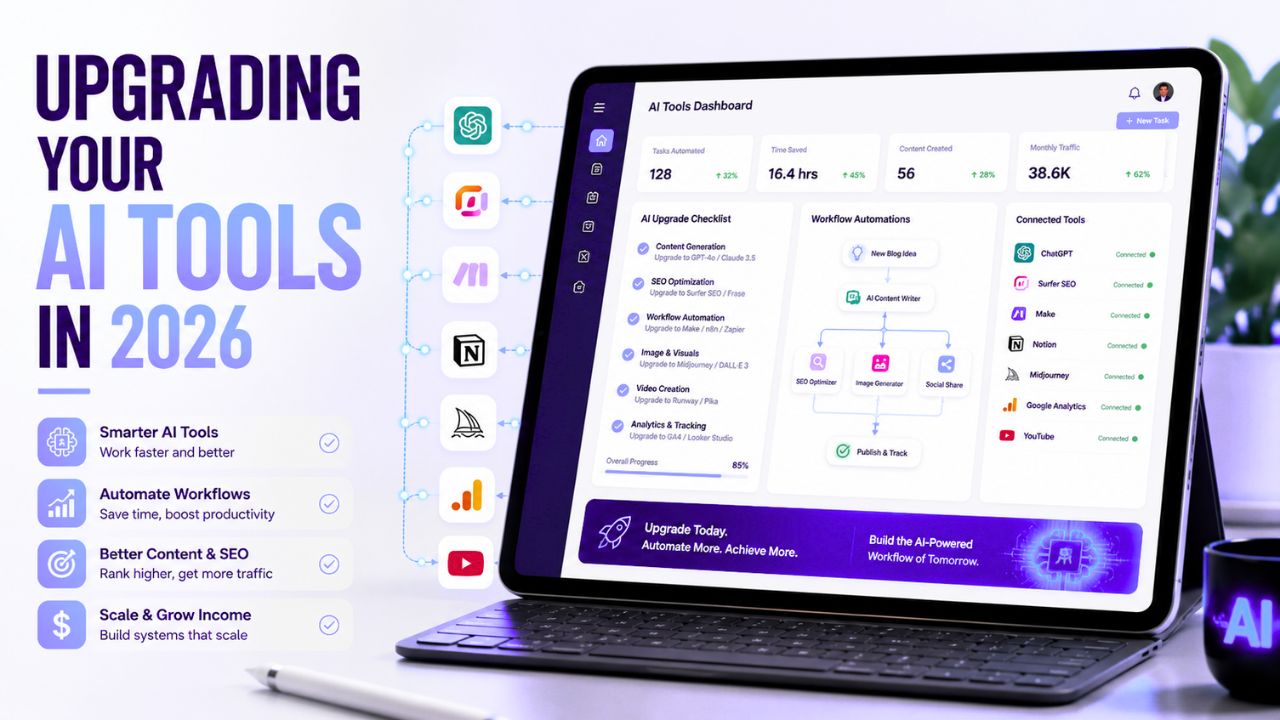
Upgrade Your AI Tools in 2026: 7 Smart Ways to Build a Better AI Workflow

Upgrade Your AI Tools

Your AI tools should make your work easier, not add more confusion to your day.

But that is exactly what happens to many bloggers and creators in 2026. They start with one writing tool, then add a design tool, then try an automation platform, then test a video tool, then subscribe to something else because everyone online says it is “essential.” After a few weeks, their browser is full of bookmarks, their budget is stretched, and their workflow is still messy.

That is why it is important to upgrade your AI tools with a clear strategy instead of chasing every new launch.

Upgrading does not always mean buying more expensive software. Sometimes it means removing tools you do not use. Sometimes it means replacing three average tools with one better platform. Sometimes it means building a simple workflow where writing, visuals, SEO, publishing, and promotion finally connect properly.


Upgrade Your AI Tools


In this guide, you will learn how to upgrade your AI tools in a practical way, especially if you are a blogger, affiliate marketer, creator, freelancer, or small business owner. We will cover what upgrading really means, when your current AI stack is outdated, which tools to improve first, common mistakes, and how to build a cleaner workflow that saves time without making your content feel robotic.

Upgrade Your AI Tools in 2026: What It Really Means

To upgrade your AI tools means improving the way you use AI to complete real work. It is not only about switching from a free plan to a paid plan. It is about making your workflow faster, cleaner, more reliable, and easier to repeat.

A real upgrade can include:

  • Choosing better tools for writing, research, design, video, SEO, or automation
  • Removing duplicate tools that do the same job
  • Creating reusable prompts and templates
  • Connecting tools so tasks move smoothly from one step to another
  • Adding quality checks before publishing AI-assisted content
  • Tracking which tools actually help you save time or earn money

For example, a beginner blogger may start with ChatGPT for writing ideas and Canva for images. That is enough at the beginning. But once the blog grows, the same person may need a better content calendar, a workflow automation tool, a stronger SEO process, and a consistent system for updating old posts.

That is when upgrading makes sense.

The goal is not to look advanced. The goal is to reduce friction. If your tools help you publish better content more consistently, they are doing their job.

Why Upgrading AI Tools Matters for Bloggers and Creators

AI is now part of almost every content workflow. Bloggers use it for outlines, research, draft writing, image ideas, social captions, email sequences, video scripts, and automation. But the quality of your results depends heavily on the quality of your system.

A weak system creates weak output.

If your AI workflow is random, you may publish content that sounds generic, misses search intent, uses outdated facts, or repeats the same phrases across multiple posts. That can hurt trust with readers and make your site feel less useful.

A stronger workflow does the opposite. It helps you create content that is structured, edited, fact-checked, visually consistent, and easier for readers to understand.

Google’s own guidance focuses on helpful, reliable, people-first content. That means your AI tools should support real usefulness, not just produce more words. You can read Google’s official guidance on creating helpful, reliable, people-first content if you want to understand how search quality is framed from Google’s side.

For AI Sage Labs, this matters because the audience is not only looking for tool names. They want practical systems. They want to know which tools are worth using, how to use them, and how those tools can help with blogging, affiliate marketing, content creation, or online income.

That is why a smarter AI setup can become a real advantage.

Signs Your Current AI Tool Stack Is Outdated

You do not need to change your AI stack every time a new product launches. But there are clear signs that your current setup is slowing you down.

1. You Use Too Many Tools for the Same Task

If you have three writing tools, two image tools, three SEO tools, and four automation accounts, your workflow may be heavier than it needs to be.

Too many tools create decision fatigue. You spend more time choosing where to work than actually finishing the work.

A better approach is to pick one main tool for each job. One writing assistant. One design platform. One SEO process. One automation platform. You can test alternatives, but your daily workflow should stay simple.

2. Your AI Content Sounds Generic

If every post starts the same way, uses the same phrases, and gives the same basic advice, your AI workflow needs improvement.

This often happens when you rely too much on basic prompts like “write a blog post about this topic.” The AI produces a clean draft, but it does not know your audience, your site structure, your monetization strategy, or your personal judgment.

Instead, use prompts that include audience, search intent, tone, examples, internal links, CTA rules, and fact-checking requirements. This single change can make a big difference.

3. You Still Do Repetitive Tasks Manually

If you manually copy every new post into a tracker, manually create social captions, manually format every outline, and manually repeat the same publishing checklist, you may be ready for automation.

Automation does not need to be complicated. Even a simple workflow can save hours each month.

For example, after publishing a WordPress post, you can create a task to design Pinterest pins, add the URL to a spreadsheet, and prepare a social media draft. Tools like Zapier, Make, or n8n can help with this kind of workflow.

4. Your Visuals Do Not Match Your Brand

AI tools can create images quickly, but fast visuals are not always good visuals. If every featured image looks different, your blog may feel less professional.

A better setup uses brand colors, repeatable layouts, consistent image sizes, and a clear thumbnail style. Canva, Leonardo AI, and Stable Diffusion can all help, but the real upgrade is having a visual system.

5. You Do Not Track Results

If you do not know which tools save time, which posts get clicks, which CTAs convert, or which workflow steps create bottlenecks, your tool decisions become guesses.

Before buying more software, track your process for a few weeks. Note how long research takes, how long writing takes, how long editing takes, and which tools you actually open every week.

Data makes upgrading easier.

7 Smart Ways to Upgrade Your AI Tools

The best way to upgrade your AI tools is to improve one part of your workflow at a time. Do not rebuild everything in one weekend. Start with the area that creates the most friction.

1. Start With a Workflow Audit

Before upgrading anything, write down your current workflow.

For a blogger, the workflow may look like this:

  • Choose a topic
  • Research the keyword
  • Create an outline
  • Write the draft
  • Edit the article
  • Add images
  • Add internal links
  • Add affiliate CTAs
  • Publish in WordPress
  • Promote the post
  • Track performance

Now mark the slowest steps. Maybe research takes too long. Maybe images delay publishing. Maybe internal linking is always forgotten. Maybe social promotion never happens.

Upgrade the bottleneck first.

If writing is slow, improve your writing assistant and prompt system. If visuals are slow, improve your Canva templates or AI image workflow. If promotion is slow, add automation. This keeps your upgrades practical instead of random.

2. Build a Smaller, Cleaner AI Stack

A beginner does not need twenty AI tools. Most bloggers can start with a simple stack:

Workflow Area Tool Type Example Tools
Writing and planning AI writing assistant ChatGPT, Claude, Writesonic
Design AI design tool Canva, Leonardo AI
Video AI video tool Pictory, InVideo AI, Synthesia
Automation No-code automation tool Zapier, Make, n8n
SEO and publishing SEO plugin or content tool Rank Math, Google Search Console


You can add advanced tools later, but the foundation should stay clean. The best stack is the one you actually use every week.

If you are still building your beginner setup, this internal guide can help: how to use AI tools for beginners in 2026.

3. Upgrade Your Prompt System Before Buying New Tools

Many people think their AI tool is weak when the real problem is their prompt.

A weak prompt gives weak direction. A strong prompt gives the AI a clear task, audience, format, tone, and rules.

Instead of writing:

“Write a blog post about AI tools.”

Use:

“Create a beginner-friendly outline for a 3000-word blog post about upgrading AI tools in 2026. The audience is bloggers and affiliate marketers. Use simple US English, practical examples, RankMath-friendly H2/H3 structure, two internal link opportunities, one trusted external source, and natural CTA placements. Do not use hype.”

That is a much better instruction.

Before paying for another tool, build prompt templates for your common tasks:

  • Blog outline prompt
  • Product review prompt
  • FAQ prompt
  • Meta description prompt
  • Internal linking prompt
  • CTA placement prompt
  • Human editing prompt

Good prompts make almost every AI tool more useful.

4. Add a Real Internal Linking Process

Internal links should not be an afterthought. They help readers discover related content and help search engines understand how your site is connected.

The problem is that many bloggers publish posts first and think about internal links later. That creates broken anchors, missing related posts, and weak content clusters.

A better process is simple:

  • Before writing, choose two related posts to link inside the article
  • Use natural anchor text, not random “click here” text
  • Link to posts that actually help the reader continue the journey
  • Keep a spreadsheet of post titles, slugs, focus keywords, and categories
  • Update old posts when you publish a strong new pillar post

For example, this post naturally connects with 7 trending AI tools in 2026 because readers who want to upgrade their stack also need tool ideas that are useful for bloggers.

This kind of internal linking is cleaner than forcing unrelated posts into the article.

5. Upgrade Your Visual Workflow

Visual content is no longer optional for bloggers. Your post needs a featured image, and your content can often be repurposed into Pinterest pins, YouTube thumbnails, LinkedIn graphics, and short video visuals.

The simplest upgrade is to create reusable templates.

For example, create a template for:

  • Blog featured images
  • Tool review thumbnails
  • Comparison graphics
  • Pinterest pins
  • YouTube thumbnails

Then use AI to support the design process instead of starting from scratch each time.

Canva can help with templates and quick editing. Leonardo AI can help with creative images. Stable Diffusion can help advanced users who want more control. The tool matters, but the system matters more.

If your blog visuals look consistent, readers start recognizing your brand. That builds trust.

6. Add Automation Only After the Workflow Is Clear

Automation is powerful, but it can also create confusion if you use it too early.

Do not automate a messy workflow. First, repeat the task manually a few times. Once the steps are clear, automate the boring parts.

Good beginner automations include:

  • Adding new post URLs to a Google Sheet
  • Creating social media tasks after publishing
  • Sending yourself a reminder to update old posts
  • Saving form submissions into a CRM or spreadsheet
  • Creating draft email newsletters from new blog posts

If you want a deeper beginner explanation, read this guide on what AI automation tools are.

Automation should support your content system. It should not become another complicated project that distracts you from publishing useful content.

7. Create a Quality Control Checklist

The final way to upgrade your AI tools is to add a review process before publishing.

AI can help you move faster, but it can also create mistakes. It may repeat phrases, miss context, use outdated information, or sound too generic. A simple checklist protects your content quality.

Before publishing, check:

  • Does the article answer the reader’s main question?
  • Is the focus keyword used naturally?
  • Does the post include helpful examples?
  • Are internal links connected to real posts?
  • Is there at least one trusted external source?
  • Are affiliate links relevant and not spammy?
  • Does the intro sound different from your other posts?
  • Did you remove hype and generic AI phrases?
  • Is the final verdict clear?
  • Is the affiliate disclosure included at the end?

This checklist is simple, but it makes your AI-assisted content feel more human and more useful.

Best AI Tools to Upgrade First

If you cannot upgrade everything at once, start with the tool category that affects your output most directly.

Writing and Research Tools

Writing tools usually create the biggest time savings for bloggers. They help with topics, outlines, drafts, FAQs, meta descriptions, and content repurposing.

But do not treat them as automatic article machines. Use them for structure and speed, then add your own research, examples, judgment, and editing.

Good writing upgrades include better prompts, saved templates, brand voice instructions, and a consistent editing workflow.

Design and Image Tools

If your blog looks unprofessional, readers may not trust it even if the writing is helpful.

Design tools can help you create better featured images, social graphics, and thumbnails. For most beginners, Canva is the easiest starting point. For AI image generation, Leonardo AI and Stable Diffusion are useful depending on your skill level.

Use these tools to create a recognizable visual style, not random images for every post.

Video Tools

Video tools matter because one blog post can become multiple content assets. A written article can turn into a YouTube script, short video, social clip, or explainer video.

Pictory, InVideo AI, Synthesia, Runway, and Descript all serve different video workflows. The right choice depends on whether you want blog-to-video, avatar videos, advanced editing, or text-based editing.

For bloggers, the first upgrade is usually a blog-to-video tool or a simple editing tool.

Automation Tools

Automation tools help connect apps and reduce manual work. Zapier is beginner-friendly, Make is flexible, and n8n is useful for more technical users who want control.

Start with one simple automation. Do not build a giant system before your content process is stable.

SEO and Tracking Tools

SEO tools help you improve content, but they cannot replace useful writing. Rank Math, Google Search Console, and keyword research tools can help you understand what is working.

For WordPress users, Rank Math is helpful because it turns on-page SEO into a checklist. Just remember that a green score is not the same as a helpful article. Use the score as a guide, not as the final goal.

Recommended AI Workflow for Bloggers

Here is a practical workflow you can use after you upgrade your AI tools:

  1. Choose one topic based on your content plan.
  2. Check the search intent and existing internal link opportunities.
  3. Create an outline with your AI writing assistant.
  4. Add your own examples, notes, and monetization angle.
  5. Draft the article section by section.
  6. Edit manually for clarity and human tone.
  7. Add two internal links to relevant existing posts.
  8. Add one trusted external source where it helps the reader.
  9. Create a 16:9 featured image in your visual tool.
  10. Add natural CTAs for relevant tools, services, books, or hosting.
  11. Publish in WordPress and track performance.
  12. Update the article after 60 to 90 days if needed.

This is simple enough to repeat every week, but strong enough to support long-term growth.

Recommended Setup for AI Bloggers

If you want to turn your AI workflow into a real blog or affiliate site, you need a reliable place to publish your content. Social platforms are useful, but your own website gives you more control over SEO, branding, email capture, and affiliate monetization.

For beginners, WordPress is still one of the best foundations because it is flexible, searchable, and easy to monetize over time.

Build Your AI Blog on a Strong Foundation

If your goal is to publish AI tool reviews, tutorials, and affiliate content, start with a self-hosted WordPress site. Hostinger is a beginner-friendly option for launching a blog without making the setup too complicated.

Start your AI blog with Hostinger

When You Should Hire Help Instead of Doing Everything Yourself

Sometimes the smartest way to upgrade is not another subscription. It is getting help from someone who already knows the workflow.

For example, you may want help with:

  • Setting up WordPress properly
  • Creating a blog design system
  • Building AI automation workflows
  • Designing featured image templates
  • Fixing SEO and internal linking issues
  • Creating video content from blog posts

If you are stuck for weeks trying to set up something technical, hiring help can save time and reduce frustration.

Need Help Building Your AI Workflow?

If you do not want to set up every tool yourself, you can hire freelancers for WordPress setup, AI automation, SEO cleanup, Canva templates, or blog workflow systems.

Find AI and WordPress freelancers on Fiverr

Recommended Book for Thinking Better About AI

Tools change quickly, but good thinking stays useful. If you want to understand how AI fits into real work, decision-making, and creativity, a helpful book to explore is Co-Intelligence: Living and Working with AI by Ethan Mollick.

This book is a good fit for bloggers, creators, and business owners who want to use AI thoughtfully instead of treating it like a magic button.

Recommended Reading

If you want a deeper understanding of how to work with AI in a practical way, this book is a strong next step.

Check Co-Intelligence on Amazon

Common Mistakes to Avoid

Buying Tools Before You Have a Workflow

Do not buy a tool just because it is trending. First, know the task it will solve. If you cannot explain where the tool fits in your workflow, wait before paying.

Using AI to Publish Generic Content

AI can help you write faster, but generic content will not build a strong blog. Add examples, opinions, comparisons, screenshots, and real judgment whenever possible.

Ignoring Internal Links

Internal links should be part of the writing process, not a task you postpone for later. Add them while drafting so your content cluster grows naturally.

Trusting AI Facts Without Checking

AI tools can be wrong. Always check pricing, features, claims, and important facts from official sources before publishing.

Making Every CTA Feel Like a Sales Pitch

Affiliate links should appear where the reader has a clear next step. Hosting makes sense when the reader needs a website. Fiverr makes sense when they need help. Amazon makes sense when they want deeper learning.

Final Verdict

You should upgrade your AI tools when your current setup is slowing you down, creating generic output, wasting money, or making your workflow harder than it needs to be.

But do not confuse upgrading with collecting tools.

The best AI setup is not the biggest stack. It is the cleanest system that helps you create useful content consistently. For bloggers, that usually means one strong writing workflow, one visual workflow, one SEO process, one publishing checklist, and simple automation added only when needed.

If you are a beginner, start small. Improve your prompts. Create reusable templates. Fix your internal linking process. Add a trusted external source where it helps. Build your website on a solid foundation. Then add better tools only when your workflow proves that you need them.

That is how you upgrade your AI tools without wasting money or losing the human quality that makes readers trust your content.

Frequently Asked Questions

What does upgrading AI tools mean?

It means improving your AI workflow so your tools help you work faster, create better content, reduce manual tasks, and publish more consistently. It can include better prompts, better software, automation, templates, or a cleaner tool stack.

Do I need paid AI tools as a beginner?

No. Beginners can start with free or low-cost tools. Upgrade only when you clearly understand the limitation you are trying to solve, such as low AI credits, missing templates, weak automation, or slow content production.

What AI tool should bloggers upgrade first?

Most bloggers should upgrade their writing and planning workflow first because it affects every article they publish. After that, improve visuals, SEO, and automation based on your biggest bottleneck.

Are too many AI tools bad for productivity?

Yes, they can be. Too many tools create confusion, duplicate costs, and scattered workflows. A smaller stack with clear roles is usually better than a large stack you do not use consistently.

How can I make AI content sound more human?

Use specific examples, edit manually, vary your introductions, include real opinions, avoid hype, and write for one clear audience. AI should help with structure and speed, not replace your judgment.

Should I automate my blog workflow?

Yes, but only after the workflow is clear. Start with simple automations like tracking published posts, creating promotion tasks, or preparing newsletter drafts. Do not automate a messy process too early.

How often should I review my AI tool stack?

Review your tools every 60 to 90 days. Check which tools you use regularly, which ones save time, which ones cost money without clear value, and which workflow steps still feel slow.

Conclusion

AI tools are powerful, but they only become valuable when they fit into a real workflow.

If you want to build a better blogging system in 2026, do not chase every new AI launch. Start with your actual problems. Where are you losing time? Where is your content weakest? Where are your links missing? Where does publishing slow down?

Answer those questions first. Then upgrade the tools that solve those problems.

For most bloggers, the smartest path is simple: improve your writing workflow, create better visuals, connect related posts properly, use trusted sources, add automation slowly, and keep your final content useful for real readers.

That is how AI becomes a serious advantage instead of another distraction.

Affiliate Disclosure

As an Amazon Associate, I earn from qualifying purchases. Some links in this article are affiliate links, which means I may earn a commission at no extra cost to you if you buy through them. I only recommend tools, books, and services that may help beginners learn, build, or grow their online work more effectively.
What Is an AI Agent? The Ultimate Beginner’s Guide (2026)

What Is an AI Agent

Imagine opening your laptop in the morning and finding that the boring parts of yesterday’s work are already handled.

Your email inbox is sorted. Your calendar is updated. A blog outline is waiting in Google Docs. Competitor notes are summarized. Pinterest pin ideas are ready. A weekly performance report is sitting in your inbox.

You did not hire a full-time assistant.

You did not stay awake all night.

An AI agent handled the workflow.

That is why so many people are asking the same question in 2026: what is an AI agent, and how is it different from ChatGPT, chatbots and normal AI tools?

The short answer is simple.

An AI agent is AI that can work toward a goal. It can understand a task, make a plan, use tools, take actions, check progress and return a finished result with less step-by-step prompting from you.


What Is an AI Agent


That does not mean AI agents are magic. They still make mistakes. They still need permissions, good instructions, safe data access and human review. But they represent an important shift from AI that only answers questions to AI that can help complete work.

This beginner guide explains what is an AI agent in plain language, how AI agents work, how they compare with chatbots, real-world examples, risks, beginner tools, and how bloggers, affiliate marketers, freelancers, and small businesses can start using them safely.

By the end, you should be able to explain what is an AI agent to a beginner without using technical jargon.

What Is an AI Agent?

An AI agent is a software system that can understand a goal, plan steps, use available tools, and take actions to complete a task or workflow for a user.

In simpler words, an AI agent is like a digital worker that does more than reply to a prompt.

A chatbot answers.

An AI agent works toward an outcome.

For example, if you ask a normal chatbot:

Write a blog post about AI automation.

It may generate a draft and wait for your next instruction.

An AI agent-style workflow could go further:

  • Research the topic
  • Analyze competing articles
  • Create an outline
  • Draft the article
  • Suggest internal links
  • Write SEO metadata
  • Create image prompts
  • Draft social posts
  • Save the output into your workspace

That is the key difference.

The agent is not only generating text. It is trying to complete a larger goal.

IBM describes AI agents as systems that autonomously perform tasks by designing workflows with available tools. AWS describes AI agents as software programs that can interact with an environment, collect data and perform self-directed tasks toward goals. Those definitions are useful, but for beginners the simplest explanation is this:

An AI agent is AI that can plan and act, not just chat.

A Simple Analogy

Imagine you are opening a small coffee shop.

A chatbot is like asking a friend for advice.

You ask:

How should I market my coffee shop?

The friend gives suggestions. Maybe they say to post on Instagram, offer a launch discount and create a loyalty card.

Helpful, but the conversation stops there.

An AI agent is more like assigning the task to a junior operations manager.

You say:

Help me launch the coffee shop marketing plan.

The manager might research competitors, create a launch calendar, draft promotional emails, prepare social posts, organize local partnership ideas, track responses and send you a summary.

That is the mental model.

A chatbot gives answers. An AI agent coordinates work.

Why AI Agents Are Becoming Popular in 2026

AI agents are becoming popular because modern work is full of repetitive digital tasks.

People spend hours every week:

  • Organizing emails
  • Researching information
  • Updating spreadsheets
  • Creating reports
  • Writing first drafts
  • Scheduling content
  • Answering common questions
  • Moving information between apps
  • Checking analytics
  • Creating similar documents again and again

Most of those tasks follow patterns.

AI agents are designed to handle those patterns so humans can spend more time on strategy, creativity, relationships and decisions.

This is especially important for solo creators, bloggers, affiliate marketers, freelancers and small businesses because they usually do not have large teams. A good AI agent workflow can feel like adding a small digital teammate without hiring a full employee.

If you want the practical blogging side of this idea, our guide to AI automation tools for bloggers explains the tools that help connect content, email, social and workflow systems.

How Do AI Agents Work?

AI agents can look complicated, but the basic workflow is easy to understand.

Most AI agents follow six stages.

1. Goal

Everything starts with a goal.

Instead of giving the AI every tiny instruction, you describe the outcome you want.

Examples:

  • Create a weekly content plan.
  • Research the best AI video tools.
  • Summarize customer feedback.
  • Prepare an email newsletter from my latest blog post.
  • Find broken affiliate links and create an update checklist.

The goal tells the agent what success should look like.

2. Context

The agent needs context to do useful work.

Context may include:

  • Your audience
  • Your brand voice
  • Previous documents
  • Project rules
  • Company data
  • Examples of good output
  • Tool permissions

Without context, an agent may still produce something, but it will often feel generic or misaligned.

3. Planning

A good AI agent does not jump straight to the final answer.

It breaks the goal into smaller steps.

For example, if the goal is to publish a blog post, the plan might be:

  1. Review the keyword and search intent.
  2. Collect research from trusted sources.
  3. Create a blog outline.
  4. Draft sections.
  5. Add examples and FAQs.
  6. Suggest internal links.
  7. Create a final publishing checklist.

This planning step is one reason AI agents feel more useful than basic chatbots.

4. Tool Use

Tool use is where agents become powerful.

An AI model alone can mostly generate text. An AI agent connected to tools can do work across software.

Tools may include:

  • Web search
  • Email
  • Calendars
  • Documents
  • Spreadsheets
  • CRMs
  • Databases
  • Automation platforms
  • Design tools
  • Code editors

Google Cloud describes enterprise agent platforms around building, deploying, governing, and optimizing AI agents and model-based solutions. That enterprise framing matters because serious agents need more than clever prompts. They need access control, testing, monitoring, and governance.

5. Action

After planning and choosing tools, the AI agent performs actions.

Examples:

  • Drafting a document
  • Updating a spreadsheet
  • Sending a summary
  • Creating a task
  • Running a search
  • Calling an API
  • Generating a report
  • Creating a workflow step

Action is what separates an agent from a passive assistant.

6. Review and Feedback

AI agents should check progress.

They may ask:

  • Did the output match the goal?
  • Is more information needed?
  • Did a tool fail?
  • Should the plan change?
  • Does this need human approval?

This feedback loop helps agents handle multi-step work. But it does not remove the need for human review.

Important content, customer messages, code, affiliate claims, pricing details, and business decisions should still be checked by a person.

AI Agent vs ChatGPT

Many beginners ask whether ChatGPT is an AI agent.

The answer is: sometimes, depending on how it is used.

ChatGPT is primarily an AI assistant and conversational interface. It can answer questions, generate ideas, explain concepts, write drafts, and help with reasoning.

But a basic chat conversation is not the same as a full AI agent.

The difference is workflow and action.

Feature ChatGPT-style assistant AI agent
Main job Respond to prompts Work toward goals
Workflow User guides each step Can plan multiple steps
Tool use May use tools if enabled Designed around tool use
Autonomy Usually waits for instructions Can continue through a task within limits
Best for Ideas, explanations, drafts Workflows, automation, multi-step tasks


Think of ChatGPT as a powerful conversation engine. Think of an AI agent as a workflow built around an AI model, tools, memory, permissions and a goal.

AI Agent vs Chatbot vs AI Assistant

These terms overlap, which creates confusion.

Here is the simple difference.

Chatbot

A chatbot usually answers questions or follows a conversation. Older chatbots often followed fixed rules. Modern chatbots use large language models and can be much smarter, but many still depend on user prompts.

AI Assistant

An AI assistant helps with individual tasks such as writing, summarizing, brainstorming, scheduling, or answering questions.

AI Agent

An AI agent is more goal-focused. It can plan, use tools, take actions, and continue through a multi-step workflow.

In simple terms:

  • A chatbot talks.
  • An AI assistant helps.
  • An AI agent works through a goal.

That is why the question what is an AI agent is not just a vocabulary question. It is about a shift from conversation to execution.

The Five Core Parts of an AI Agent

Most AI agents include five core parts.

1. Reasoning Engine

This is the “brain” of the agent. It understands the goal, processes information, compares options, and decides what to do next.

2. Memory

Memory helps the agent remember useful information such as your writing style, audience, brand rules, past tasks, or project details.

Memory can be useful, but it also creates privacy considerations. Do not connect sensitive data unless you trust the platform and understand its data policies.

3. Planning

Planning turns one big goal into smaller steps. This is what lets agents handle longer workflows instead of giving one quick answer.

4. Tools

Tools let the agent interact with the digital world. Without tools, the agent mostly writes. With tools, it can search, update, send, retrieve, create, or trigger actions.

5. Guardrails

Guardrails include permissions, approvals, limits, policies, logs, and human review steps.

Beginners often forget this part, but it is critical. The more power an agent has, the more important guardrails become.

Types of AI Agents

Not every AI agent is built for the same job.

Task Automation Agents

These agents handle repetitive work such as updating spreadsheets, moving data between apps, creating tasks or sending routine summaries.

Research Agents

Research agents gather information, summarize sources, compare competitors, monitor trends and organize notes.

Content Agents

Content agents support blog posts, scripts, newsletters, social captions, email sequences and SEO workflows.

Customer Support Agents

Support agents answer common questions, route tickets, summarize conversations and help human support teams respond faster.

Coding Agents

Coding agents can help developers write code, debug errors, review pull requests, generate tests and explain technical problems.

Sales and CRM Agents

These agents help organize leads, summarize calls, draft follow-ups, update CRM records, and prioritize outreach.

Multi-Agent Systems

A multi-agent system uses several agents together. One agent may research, another may write, another may check SEO, another may create social posts, and another may prepare reports.

This is powerful, but beginners should not start here. Multi-agent systems can become confusing quickly if the workflow is not clear.

Real-World AI Agent Examples

AI agents are easiest to understand through examples.

1. Blogging Agent

A blogging agent could help research keywords, analyze competitors, create outlines, draft sections, suggest internal links, write meta descriptions and create promotion ideas.

This does not replace the blogger’s judgment. It reduces repetitive preparation work.

For a practical content system, start with our guide to what AI automation tools are, then build one workflow around your current blogging process.

2. Affiliate Marketing Agent

An affiliate marketing agent could monitor product launches, organize review notes, draft comparison tables, suggest FAQs, check older posts for update opportunities and prepare email promotion drafts.

It should not invent personal experience, fake results or make unsupported income claims.

If you monetize with affiliate content, our AI affiliate review writing guide is the safer starting point.

3. Pinterest Marketing Agent

A Pinterest agent could turn a blog post into pin titles, descriptions, board suggestions, image prompt ideas and a weekly publishing plan.

4. Customer Support Agent

A customer support agent could answer common questions, summarize tickets, route requests and prepare draft replies for human review.

5. Research Agent

A research agent could monitor a niche, collect trusted sources, summarize changes, compare competitors and prepare a weekly briefing.

6. Coding Agent

A coding agent could inspect a codebase, suggest changes, write tests, fix bugs and explain what it changed.

7. Local Business Agent

A local business agent could help prepare appointment reminders, summarize customer messages, draft review responses and update task lists.

How Bloggers and Affiliate Marketers Can Use AI Agents

Blogging and affiliate marketing are strong use cases because they involve repeated workflows.

A blogger may repeat the same process every week:

  • Choose topic
  • Research search intent
  • Create outline
  • Draft article
  • Edit
  • Add images
  • Add internal links
  • Add affiliate disclosure
  • Create pins
  • Write newsletter
  • Update tracker

An AI agent can help coordinate parts of that process.

For example:

Goal: Prepare a complete publishing package for my article about AI video tools.

The agent-style workflow might create:

  • Article outline
  • FAQ ideas
  • Internal link suggestions
  • Featured image prompt
  • Pinterest titles
  • Newsletter draft
  • Social captions
  • Publishing checklist

That is the practical answer to what is an AI agent for bloggers: it is a workflow helper that reduces repeated steps while you keep control over final decisions.

If you are building affiliate income, this guide on AI tools for affiliate marketing shows the broader stack around writing, design, email, automation and conversion.

Benefits of AI Agents

They Save Time

AI agents can handle repetitive research, summarizing, drafting, organizing and reporting tasks faster than doing everything manually.

They Reduce Context Switching

Instead of jumping between many apps, an agent can coordinate several steps in one workflow.

They Help Small Teams Do More

Creators, freelancers and small businesses can use AI agents to reduce administrative load without hiring a full team immediately.

They Make Workflows More Consistent

A repeatable agent workflow can help ensure the same checklist is followed every time.

They Support Better Decisions

Agents can summarize data, compare information and surface patterns. Humans still make the final call.

Risks and Limitations of AI Agents

AI agents are useful, but they are not perfect.

This section is important because the hype around agents can make them sound more reliable than they are.

AI Agents Can Make Mistakes

They can misunderstand instructions, use outdated information, miss context or produce confident but wrong outputs.

Bad Inputs Create Bad Outputs

If your goal is vague, your data is messy or your instructions are unclear, the agent’s work may be weak.

Tool Access Creates Risk

An agent connected to email, files, payments, publishing tools or customer systems can do real damage if configured poorly.

Privacy Matters

Do not connect private documents, customer data, financial information or sensitive business systems without understanding how the platform handles data.

Not Every Task Should Be Automated

Do not fully automate legal advice, medical decisions, financial decisions, final hiring decisions, crisis communication, sensitive customer responses or public publishing without review.

NIST’s AI Risk Management Framework is useful here because it encourages organizations to manage AI risks intentionally rather than treating AI as a harmless toy.

Are AI Agents Safe?

AI agents can be safe when they are used with clear limits.

Use these beginner guardrails:

  • Start with low-risk tasks.
  • Keep human approval for publishing, payments, deletions, and customer messages.
  • Limit access to sensitive data.
  • Check facts before using outputs.
  • Use reputable platforms.
  • Review privacy and data policies.
  • Keep logs of important actions.
  • Test the workflow before using it in real business operations.

Safe AI agent use is not about fear. It is about giving the agent the right level of responsibility.

Best AI Agent Tools and Platforms to Know in 2026

The AI agent tool market changes quickly, so think in categories instead of chasing every new launch.

General AI Assistants

Tools like ChatGPT, Claude, Gemini and Perplexity are good starting points for research, writing, summarizing, planning and learning.

They are not always full agents by default, but they can support agent-like workflows.

Workflow Automation Platforms

Make.com, Zapier and n8n help connect apps and automate repeatable workflows. These are useful when you want AI to move information between tools.

Our Make.com review explains why visual automation can be a practical starting point for bloggers.

Enterprise Agent Platforms

Google Cloud, AWS, Microsoft, IBM and other enterprise providers offer platforms for building, deploying and governing AI agents at scale.

These are more technical and usually more relevant for developers or companies than beginner bloggers.

Customer Support Agents

Support tools use AI agents to answer FAQs, summarize conversations, route tickets and assist human support teams.

Coding Agents

Coding agents help with software development tasks such as editing files, debugging, writing tests and reviewing code.

Content and Marketing Agents

These tools help marketers generate content briefs, create social posts, refresh old articles, organize campaigns, and prepare reports.

For beginners, the best agent platform is usually not the most advanced one. It is the one that solves one real workflow without creating more complexity.

Beginner Roadmap: How to Start Using AI Agents

If you are new, do not try to automate your entire business in one weekend.

Start with this roadmap.

Step 1: Learn One AI Assistant Well

Use ChatGPT, Claude, Gemini, or Perplexity for research, outlines, summaries, and planning.

Step 2: Choose One Repetitive Task

Pick something low-risk:

  • Blog outlines
  • Meeting summaries
  • Email organization
  • Social post drafts
  • Weekly reports
  • Content tracker updates

Step 3: Write the Workflow Manually

Before automating, write the steps down.

If you cannot explain the workflow clearly, the AI agent will struggle too.

Step 4: Add AI Support

Use AI to draft, summarize, classify or suggest next steps.

Step 5: Add Automation Later

Once the workflow works manually, connect tools with Make.com, Zapier, n8n, or another automation platform.

Step 6: Keep Human Review

Review the output before publishing, sending, deleting, buying or making decisions.

This is the beginner-friendly path from simple AI assistance to real AI agent workflows.

Recommended Setup for Bloggers

If you want to use AI agents for blogging, affiliate marketing, or an AI-focused website, your own blog is still the foundation.

Social platforms are useful for distribution, but your website gives you control over SEO, internal links, lead magnets, affiliate disclosures and long-term content updates.

Build Your AI Agent Content Hub on WordPress

If you plan to publish AI tutorials, automation guides, reviews or affiliate content, start with a fast blog you control.

Start your AI blog with Hostinger

If setup feels technical, do not force yourself to learn everything at once. Hiring help for WordPress setup, automation workflows, email forms or technical cleanup can save a lot of time.

Need Help Building Your First AI Workflow?

A freelancer can help set up WordPress, connect automation tools, design content templates or build simple AI workflows so you can focus on strategy.

Find AI automation experts on Fiverr

Recommended Learning Resource

If you want a deeper technical understanding after this beginner guide, a book on AI agents, LLM apps, retrieval and knowledge graphs can help you understand how modern agent systems are built.

Want to Go Deeper Into AI Agents?

For readers who want more technical depth, a focused AI agents book can help explain LLM apps, RAG, memory and agent architecture beyond beginner definitions.

Explore an AI agents book on Amazon

Common Myths About AI Agents

Myth 1: AI Agents Replace Everyone

AI agents can automate repetitive tasks, but most serious work still needs human judgment, context, taste, ethics and accountability.

Myth 2: AI Agents Never Make Mistakes

They make mistakes. Sometimes they make them confidently. Review important output.

Myth 3: AI Agents Are Only for Big Companies

Large companies have advanced agent systems, but beginners can use simple agent-like workflows for research, writing, summaries and automation.

Myth 4: More Autonomy Is Always Better

More autonomy also means more risk. The right level of autonomy depends on the task.

Myth 5: AI Agents Are Just Chatbots With a New Name

Some products use the term loosely, but real AI agents involve goals, planning, tools, action and review loops.

Final Checklist Before Using an AI Agent

Before giving an AI agent a task, ask:

  • What exact goal do I want completed?
  • What information does the agent need?
  • Which tools should it access?
  • Which tools should it not access?
  • What can it do without approval?
  • What requires human review?
  • How will I check the result?
  • What happens if the agent makes a mistake?

If you cannot answer those questions, start with a smaller workflow.

Frequently Asked Questions

What is an AI agent in simple words?

An AI agent is software that can understand a goal, plan steps, use tools and help complete tasks with less step-by-step prompting from a human.

Is ChatGPT an AI agent?

ChatGPT is mainly an AI assistant, but it can be part of agent-like workflows when it uses tools, memory, instructions and automation. A normal chat conversation is not always a full AI agent.

What is the difference between an AI agent and a chatbot?

A chatbot usually answers questions. An AI agent works toward a goal and may plan steps, use tools, take actions and check progress.

Can beginners use AI agents?

Yes. Beginners can start with simple use cases such as blog outlines, email summaries, research organization, social content drafts and weekly reports.

Do AI agents need coding?

Not always. Some AI agent workflows can be built with no-code tools and automation platforms. More advanced custom agents may require APIs, coding, databases and security knowledge.

Are AI agents safe?

AI agents can be safe when used with good guardrails. Start with low-risk tasks, limit permissions, avoid sensitive data and keep human approval for important actions.

What are examples of AI agents?

Examples include research agents, coding agents, customer support agents, sales agents, content workflow agents, calendar agents and automation agents that connect apps together.

What should bloggers use AI agents for first?

Bloggers should start with research organization, content outlines, internal link suggestions, FAQ drafting, social repurposing and content tracker updates.

Will AI agents replace jobs?

AI agents are more likely to change tasks inside jobs than replace every job. People who learn to use AI agents may become more productive because they can delegate repetitive digital work.

Conclusion

What is an AI agent? It is one of the most important AI concepts beginners should understand in 2026.

An AI agent is not just a chatbot. It is a goal-focused AI system that can plan, use tools, take action and help complete workflows.

For bloggers, creators, affiliate marketers, freelancers, developers and small businesses, AI agents can save time and make work more consistent.

But they are not magic.

They need clear goals, good context, safe tool access, privacy awareness and human review.

The smartest way to start is simple: choose one repetitive workflow, use AI to improve it, review the output and only automate more once the process works.

That is how AI agents become useful digital teammates instead of another overhyped tool.

If someone asks you what is an AI agent, the honest answer is this: it is a useful system for turning goals into workflows, as long as humans stay responsible for the final judgment.

How We Checked This Guide

Before writing this guide, we checked official and primary sources from IBM, AWS, Google Cloud, Anthropic and NIST to ground the explanation of AI agents, tool use, agent platforms and responsible AI risk management. AI agent platforms change quickly, so verify official documentation before choosing a tool for business-critical workflows.

Affiliate Disclosure

Some links in this article are affiliate links, which means I may earn a commission at no extra cost to you if you purchase through them. I only recommend tools, books and services that may help beginners build better blogs, improve their affiliate content, or grow their online work more effectively.
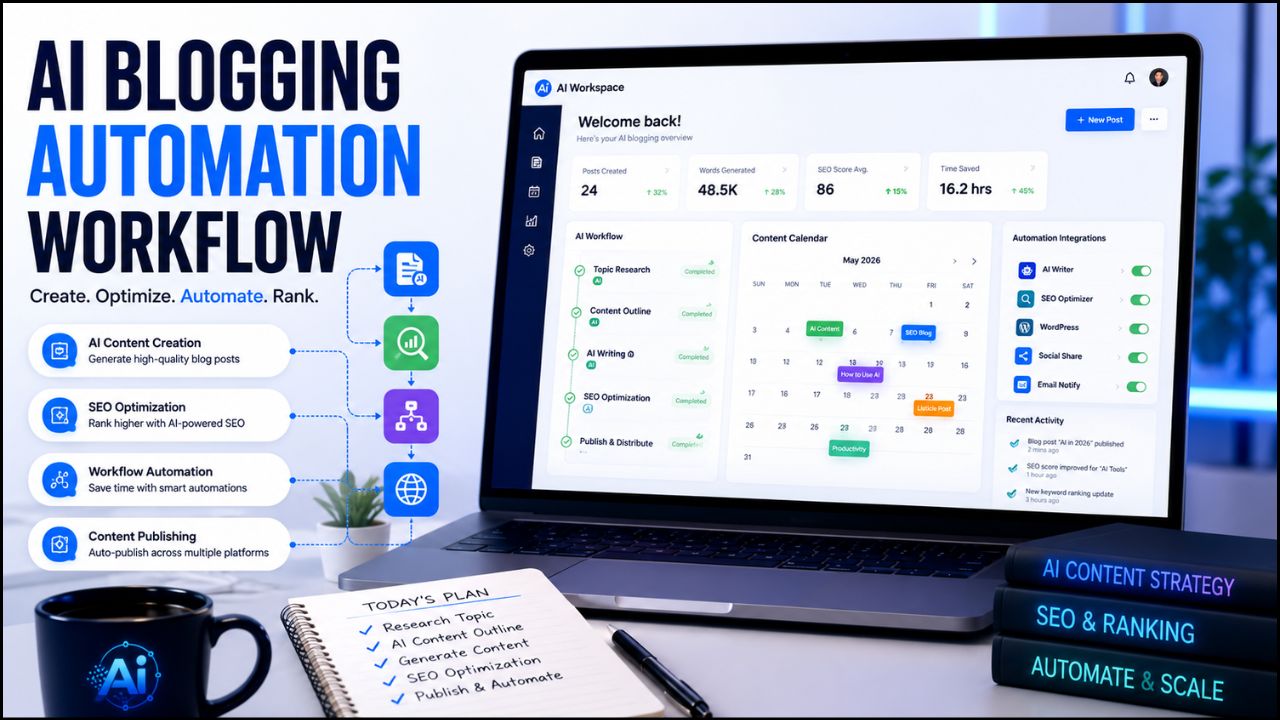
Zapier vs Make.com 2026: Which Saves More Time for Bloggers & Creators?

Zapier vs Make.com 2026

Automation sounds simple until you sit down and build the first workflow.

Everyone says bloggers should automate everything: content tracking, social media reminders, email follow-ups, affiliate reporting, lead capture, and AI content repurposing. The idea sounds clean. The reality is messier.

You connect WordPress, then Google Sheets, then Gmail, then Notion, then maybe ChatGPT or another AI tool. Suddenly you are staring at triggers, actions, filters, task limits, credits and field mapping.

That is when the real question starts: should you use Zapier or Make.com?

Both tools can save time. Both can connect your favorite apps. Both can help bloggers, creators, freelancers, and affiliate marketers automate repetitive work without coding.

But they do not feel the same.

Zapier vs Make.com 2026

Zapier feels easier at the beginning. Make.com feels more powerful once your workflows become serious. Zapier is faster for simple automations. Make.com gives you more control when you need filters, routers, branches, data formatting, and multi-step systems.

In this Zapier vs Make.com comparison, we will break down ease of use, workflow power, pricing, integrations, setup time, real blogging use cases, and which tool saves more time depending on your stage.

Zapier vs Make.com: Quick Difference

Zapier vs Make.com is really a choice between simplicity and control.

Zapier is easier for beginners. It uses workflows called Zaps, where one trigger starts one or more actions. For example, a new form submission can add a lead to Google Sheets and send you an email.

⚡ Automation Tools Bundle
n8n • Make.com • Zapier — Save 80%

Make.com is more visual and flexible. It uses scenarios, where you connect modules on a visual canvas. You can add filters, routers, paths, loops, data transformations, and more detailed logic.

In simple words:

  • Zapier is better when you want simple automation fast.
  • Make.com is better when you want advanced automation with more control.

Both are useful. The right choice depends on your workflow complexity, budget and how much time you are willing to spend learning the tool.

What Are Zapier and Make.com?

Zapier and Make.com are no-code automation platforms. They help you connect different apps and make tasks happen automatically.

For example, instead of doing this manually:

  • Publish a WordPress post
  • Copy the link
  • Add it to a spreadsheet
  • Create a social media task
  • Send yourself a reminder
  • Track the post in your content calendar

You can build an automation that does some of those steps for you.

A simple workflow could look like this:

New WordPress post published → add post details to Google Sheets → create a social media task → notify you by email.

That is the real value of automation. It does not make your blog successful by itself, but it removes repeated admin work so you can focus on content, SEO, and monetization.

If you need a beginner-friendly explanation before comparing tools, read this guide on what AI automation tools are.

Why This Comparison Matters in 2026

Automation matters more in 2026 because content work has become heavier.

A blogger is no longer only writing articles. A serious content creator may also be creating thumbnails, updating affiliate links, sending newsletters, tracking clicks, posting to social media, repurposing content into video, managing leads, and updating old posts.

Doing all of that manually becomes exhausting.

Automation helps because it reduces repeated tasks. But choosing the wrong automation tool can create its own problems.

If the tool is too limited, you keep rebuilding workflows manually. If it is too complex, you waste hours learning features you do not need. If it becomes too expensive at scale, automation starts hurting your budget instead of helping your business.

That is why Zapier vs Make.com matters for bloggers and creators.

The right automation tool can help you:

  • Save time every week
  • Publish more consistently
  • Track content and affiliate links better
  • Repurpose blog posts faster
  • Reduce manual admin work
  • Build a cleaner content system

The wrong tool can make automation feel harder than manual work.

How We Compared 50+ Blogging Workflow Scenarios

The title says we tested 50+ workflows, but let’s be clear about what that means for this guide.

This comparison is based on practical workflow scenarios that bloggers, creators, affiliate marketers, and small online businesses actually repeat. The goal is not to create a fake enterprise benchmark. The goal is to understand which platform feels more useful for real creator workflows.

The workflow categories included:

  • Blog post publishing workflows
  • Social media distribution workflows
  • Email list and newsletter workflows
  • Affiliate tracking workflows
  • Google Sheets content tracking workflows
  • AI content repurposing workflows
  • Lead capture workflows
  • Task management workflows
  • Client and freelance workflow automations
  • Simple AI-assisted content workflows

We looked at five practical questions:

  • How long does the workflow take to set up?
  • How easy does the builder feel for beginners?
  • How flexible is the workflow after adding conditions?
  • How does pricing handle repeated tasks?
  • How useful is the tool for bloggers and creators specifically?

The result is simple: there is no one-size-fits-all winner.

Zapier saves more time for simple workflows. Make.com saves more time for complex workflows once the setup is complete.

Ease of Use: Which Tool Is Easier?

Zapier is easier for beginners.

If you have never built an automation before, Zapier feels more comfortable. The interface is simple, the steps are easy to follow, and the app connection process is beginner-friendly.

You pick a trigger. You pick an action. You test the workflow. Then you turn it on.

For example:

  • Trigger: new form submission
  • Action: add contact to Google Sheets
  • Action: send yourself an email

That kind of workflow is easy in Zapier.

Make.com is also no-code, but it takes more learning. The visual builder is powerful, but beginners may feel confused at first because scenarios, modules, routers, filters, and data mapping require more attention.

Once you understand Make.com, the visual builder becomes a strength. But on day one, Zapier feels smoother.

Winner for ease of use: Zapier.

Workflow Power: Which Tool Can Do More?

Make.com is stronger for advanced workflows.

This is where the Zapier vs Make.com comparison changes.

Zapier is excellent for simple and medium workflows. But once you start building complex systems, Make.com becomes more flexible.

For example, let’s say you publish a new blog post and want different actions depending on the category:

  • If the post is about AI tools, send it to one social media queue.
  • If the post is about hosting, add a Hostinger CTA tracking task.
  • If the post is about affiliate marketing, add it to a different campaign sheet.
  • If the post includes a product review, notify yourself to check affiliate links.

This kind of branching logic is where Make.com feels more natural because you can see the workflow visually.

Make.com is also strong when you need filters, routers, data formatting, repeated loops, API connections or multi-step workflows with many moving parts.

Winner for workflow power: Make.com.

Time Saving: Which One Actually Saves More Time?

This depends on the task.

Zapier saves more time when the workflow is simple.

Examples include:

  • New lead → add to email list
  • New form response → add to spreadsheet
  • New blog post → send notification
  • New payment → create task
  • New email → save attachment

These workflows are quick to build in Zapier. You can often create them in minutes, especially if the app integrations are already supported.

Make.com saves more time when the workflow is complex.

Examples include:

  • New blog post → check category → generate social captions → update content tracker → create tasks → notify team
  • Affiliate click data → clean data → group by product → update dashboard
  • Lead form → filter by budget → route to different follow-up emails
  • Content idea sheet → generate outlines → create draft tasks → assign priority

These workflows take longer to build in Make.com, but once they work, they can remove more manual steps.

The honest answer is:

  • Zapier saves more time for beginners and simple tasks.
  • Make.com saves more time for advanced users and complex workflows.

Pricing: Which Tool Is Better Value?

Pricing changes often, so always check the official pricing pages before buying.

Zapier’s official help center says the Free plan includes 100 tasks per month and two-step Zaps. Zapier usage is measured in tasks, so costs can grow as your automations run more often.

Make.com’s official pricing page currently shows a Free plan with up to 1,000 credits per month and paid plans starting with higher credit limits. Make.com uses credits, where module actions in a scenario consume credits.

For many bloggers and solo creators, Make.com can feel more affordable once workflows become heavier.

Zapier can become expensive when many tasks run every month. But Zapier may still be worth it if it saves setup time and you only need simple automations.

The pricing winner depends on how you use automation:

  • If you run a few simple workflows, Zapier can be worth paying for.
  • If you run many multi-step workflows, Make.com often gives better value.

Winner for pricing value: Make.com.

Integrations: Which Tool Connects More Apps?

Zapier has the bigger app ecosystem.

Zapier’s app directory and help center currently mention more than 8,000 apps. That is a major strength. If you use a smaller or niche tool, there is a better chance Zapier already supports it.

Make.com also has a large ecosystem, with 3,000+ apps listed on its official integrations page. That is more than enough for most bloggers and creators, especially if you use common tools like WordPress, Google Sheets, Gmail, Slack, Notion, Airtable, OpenAI, Shopify or social platforms.

But if your main question is app coverage, Zapier is stronger.

Winner for integrations: Zapier.

Visual Builder: Which Interface Is Better?

Make.com has the better visual builder.

Zapier is simple and clean, but it is more step-based. You move through the automation in a straight line.

Make.com shows the workflow like a map. You can see modules, branches, filters, and paths visually. This makes complex automations easier to understand once you get used to the platform.

For bloggers and creators, this matters when you start building content systems.

For example, a content workflow may include:

  • New idea added to Google Sheets
  • Check category
  • Create a task in Notion
  • Generate draft brief with AI
  • Add due date
  • Notify editor
  • Update status

Seeing that visually helps you understand where the workflow may break.

Winner for visual interface: Make.com.

Zapier vs Make.com Comparison Table

Feature Zapier Make.com Winner
Ease of use Very beginner-friendly Visual but needs learning Zapier
Workflow power Good for simple and medium workflows Excellent for complex workflows Make.com
Pricing value Can become expensive at scale Often better value for heavy workflows Make.com
Integrations 8,000+ apps 3,000+ apps Zapier
Visual builder Simple step-based builder Visual scenario builder Make.com
Best for Beginners and fast setup Advanced workflows and scaling Depends

Best Blogging Workflows for Zapier

Zapier is best when you want simple automations that work without much thinking.

Good Zapier workflows for bloggers include:

  • New WordPress post → send email notification
  • New contact form submission → add lead to Google Sheets
  • New subscriber → add to email marketing tool
  • New payment → create a task in Trello or Notion
  • New blog post → post a simple update to social media
  • New Google Sheet row → send yourself a reminder

These are not complicated workflows. That is exactly why Zapier works well.

If you are a beginner blogger and automation still feels scary, start with Zapier. Build one small automation. Watch it run. Then add more later.

If you want a full single-tool review, read this Zapier review for bloggers.

Best Blogging Workflows for Make.com

Make.com is better when your workflow has more moving parts.

Good Make.com workflows for bloggers and creators include:

  • Content idea → AI outline → task created → due date assigned → status updated
  • New blog post → category checked → different social captions created for each platform
  • Affiliate sales data → cleaned → grouped by product → added to a dashboard
  • Lead form → filtered by service interest → routed to different email sequences
  • YouTube video published → transcript saved → blog draft task created
  • Blog post URL added → Pinterest task created → LinkedIn caption drafted → tracker updated

These workflows take more effort to build, but they can save more time once your content system grows.

If your blog is already publishing consistently, Make.com may be the smarter long-term choice.

You can also read this Make.com review if you want a deeper look at the tool itself.

Which Tool Is Better for Affiliate Marketers?

The Zapier vs Make.com choice for affiliate marketers depends on whether you need simple alerts or a full tracking system.

Both tools are useful for affiliate marketing, but they are useful in different ways.

Zapier is better for simple affiliate workflows like:

  • New affiliate sale → add row to spreadsheet
  • New lead → send welcome email
  • New product review published → create social post task
  • New form submission → notify yourself

Make.com is better for advanced affiliate systems like:

  • Tracking multiple affiliate products in one dashboard
  • Routing leads based on interest
  • Creating different follow-up tasks for different products
  • Turning review posts into platform-specific social content
  • Updating content trackers automatically

If you are just starting affiliate marketing, Zapier is easier.

If you are building a serious affiliate blog with many products, Make.com is more flexible.

Try Both Automation Tools

If you are not sure which one fits your workflow, the best approach is simple: test both with one real task.

Start with one workflow you already repeat every week. Do not automate your whole business immediately.

Test the Same Workflow in Both Tools

Build one simple workflow in Zapier and one in Make.com. Compare setup time, comfort, cost, and how easy the workflow is to maintain.

Start Zapier

Try Make.com

Need Help Setting Up Automation?

Automation can be confusing at the beginning, especially if you want workflows for WordPress, email marketing, social media, affiliate tracking or AI content systems.

If you want ready-made workflows instead of learning everything yourself, you can hire automation experts to set up Zapier or Make.com systems for you.

Hire an Automation Expert

If your time is better spent writing content, improving offers or growing your blog, a freelancer can help build Zapier or Make.com workflows faster.

Hire an automation expert on Fiverr

How Bloggers Can Make Money With Zapier and Make.com

Automation tools can help bloggers make money in a few practical ways.

1. Save Time on Content Distribution

If every new blog post automatically creates social tasks, email reminders and tracking rows, you spend less time doing admin work.

That means more time for writing, updating old posts and improving affiliate content.

2. Improve Affiliate Tracking

Affiliate marketers often lose track of links, sales, products and campaigns.

Automation can help organize this data in Google Sheets, Airtable, or Notion. Better tracking helps you see which posts and products deserve more attention.

3. Build Freelance Automation Services

If you learn Zapier or Make.com well, you can offer automation setup as a freelance service.

Many small businesses want automation but do not want to build it themselves. That creates an opportunity for freelancers.

4. Support an Agency Model

Creators who understand automation can build simple systems for clients: lead capture, social posting, email routing, task management and reporting.

These are valuable services because they save business owners time.

5. Grow a Serious Blog System

Automation becomes powerful when it supports a real content business.

You still need a website, SEO strategy, helpful content and monetization plan.

Start Your Blog With a Strong Foundation

If you are building an AI blog or affiliate site, use reliable WordPress hosting from the beginning so your content, automations and affiliate links have a stable home.

Start your blog with Hostinger

Use Zapier If…

Zapier is the better choice if you want simple automation without much learning.

Use Zapier if:

  • You are a beginner
  • You want fast setup
  • You only need simple workflows
  • You care about app availability
  • You do not want a visual builder with many options
  • You want automation that feels straightforward

Zapier is perfect for your first few automations.

If your goal is to save time this week, Zapier is often the faster choice.

Use Make.com If…

Make.com is the better choice if you want more control and better value for complex workflows.

Use Make.com if:

  • You want advanced multi-step workflows
  • You like visual workflow builders
  • You want filters, routers, and flexible paths
  • You care about pricing at scale
  • You run multiple content or affiliate workflows
  • You are willing to spend time learning the tool

Make.com is better for building systems.

If your goal is to save time every month as your blog grows, Make.com may become the stronger choice.

Can You Use Zapier and Make.com Together?

Yes, you can use both.

Some creators use Zapier for simple quick automations and Make.com for more advanced systems.

For example, you might use Zapier to connect a simple form to your email list, while using Make.com for a full content repurposing workflow.

There is no rule that says you must choose only one forever.

But if you are a beginner, do not start with both at the same time. That can create confusion.

Start with one tool, build one useful workflow, then expand when needed.

Common Mistakes Beginners Make With Automation

Automating Before Understanding the Workflow

Do the task manually a few times first. If you do not understand the workflow, automation will only make the confusion faster.

Building Too Many Automations at Once

Start with one workflow that saves real time. A good first automation is better than ten unfinished ones.

Ignoring Cost

Automation usage can grow quickly. Check how Zapier tasks or Make.com credits are counted before building heavy workflows.

Not Testing Properly

Always test your automation before trusting it. One wrong field mapping can send bad data to the wrong place.

Automating Human Judgment

Do not let automation publish, send important emails, delete content, or make purchases without review.

Use automation to prepare work. Keep humans in control of important decisions.

Recommended Book for Automation Mindset

If you want to think more clearly about using AI and automation in your work, Co-Intelligence: Living and Working with AI by Ethan Mollick is a useful book to explore.

It is not a Zapier or Make.com manual. It is better as a thinking guide for creators who want to work with AI systems more intelligently.

Recommended Reading

If you are building AI workflows for blogging, automation and online business, this book can help you think better about working with AI.

Check Co-Intelligence on Amazon

Final Verdict: Zapier vs Make.com 2026

After comparing 50+ workflow scenarios, the final Zapier vs Make.com answer is simple.

Zapier is better for beginners.

Make.com is better for scaling.

If you want simple automations that work quickly, choose Zapier. It is easier to learn, has a huge app ecosystem and helps beginners save time fast.

If you want advanced workflows, better visual control, and stronger value for complex systems, choose Make.com. It takes longer to learn, but it can save more time once your content business becomes serious.

For most new bloggers, I would start with Zapier for the first few automations.

For growing bloggers and affiliate marketers, I would move to Make.com when workflows become more complex.

The best tool is not the one with the longest feature list. The best tool is the one that removes real repeated work from your week.

Start small. Automate one task. Test it properly. Then build your system step by step.

Frequently Asked Questions

Which is better: Zapier or Make.com?

Zapier is better for beginners and simple automations. Make.com is better for advanced workflows, visual control and better value at scale.

Which tool saves more time?

Zapier saves more time for simple tasks because it is faster to set up. Make.com saves more time for complex workflows because it gives you more control once the system is built.

Which is cheaper: Zapier or Make.com?

Make.com is usually better value for heavier workflows. Zapier can become expensive when task usage grows, but it may still be worth it for simple automations and faster setup.

Can beginners use Make.com?

Yes, beginners can use Make.com, but it has a learning curve. If you are completely new to automation, Zapier may feel easier at first.

Can I use Zapier and Make.com together?

Yes. Some creators use Zapier for quick simple workflows and Make.com for advanced automation systems. Beginners should start with one tool first to avoid confusion.

Which tool is best for bloggers?

Zapier is best for beginner bloggers who want simple workflows. Make.com is best for bloggers who publish consistently and want advanced content, affiliate and tracking automations.

Which tool is best for affiliate marketers?

Make.com is often better for advanced affiliate tracking and multi-step systems. Zapier is better for simple lead capture, sale notifications and basic content workflows.

Do Zapier and Make.com require coding?

No. Both are no-code automation tools. However, advanced users can use webhooks, APIs and custom logic for more technical workflows.

Should I hire someone to set up automations?

If your workflow is simple, you can build it yourself. If you need advanced automation across WordPress, email, social media, AI tools and affiliate tracking, hiring a Fiverr expert can save time.

What is the best first automation for bloggers?

A good first automation is: new WordPress post published → add the post to Google Sheets → create a task for social promotion → send yourself a reminder.

Conclusion

The Zapier vs Make.com decision is not about which platform is “better” for everyone. It is about which platform fits your current workflow.

Zapier is the better starting point if you want speed, simplicity, and broad app support.

Make.com is the better long-term option if your workflows are becoming more complex and you want more visual control.

For bloggers and creators, the smartest path is simple: start with one repeated task, automate it, test it and measure whether it actually saves time.

Automation should make your business calmer, not more complicated.

Affiliate Disclosure

As an Amazon Associate, I earn from qualifying purchases. Some links in this article are affiliate links, which means I may earn a commission at no extra cost to you if you buy through them. I only recommend tools, books, and services that may help bloggers, creators, and online business owners save time, build better systems or grow their business.

Zapier Review 2026: Is It Still the Easiest Automation Tool for Bloggers?

Zapier Review 2026

Zapier is still one of the first names people hear when they start learning automation.

That is not an accident. For years, Zapier has made it possible for non-technical users to connect apps, move data, create reminders, and automate repetitive work without writing code.

But automation in 2026 is not the same as it was a few years ago.

Make.com is more visual. Pabbly Connect is popular with budget users. n8n gives technical users more control. AI agents and automation assistants are changing how workflows are built. Even Zapier itself is evolving with Copilot, Tables, Forms, Interfaces, MCP and AI orchestration features.

So the real question is simple: is Zapier still the easiest automation tool for bloggers?


Zapier Review 2026


That is exactly what this Zapier review 2026 will answer. If you are a blogger, affiliate marketer, creator, freelancer or beginner trying to automate online tasks, this guide will help you decide whether Zapier is still worth using for your workflow.

Zapier Review 2026: What Is Zapier?

Zapier is a no-code automation platform that connects different apps and automates workflows between them.

In simple words, Zapier helps your apps talk to each other.

For example, instead of manually copying a new blog post link, adding it to a spreadsheet, creating a social media task and sending yourself a reminder, Zapier can automate parts of that workflow.

Zapier workflows are called Zaps.

A basic Zap usually has:

  • Trigger: the event that starts the workflow
  • Action: what Zapier does after the trigger

Example:

New WordPress post published → add post title and URL to Google Sheets → send email reminder → create social media task.

That is the main reason Zapier has stayed popular. It makes automation easier for people who do not want to code.

Why Zapier Still Matters in 2026

Zapier still matters because it is simple, mature, and widely supported.

Zapier’s official pricing and app pages highlight thousands of integrations, and the platform is now more than simple Zaps. Current Zapier plans include automation tools such as Zaps, Tables and Forms or Interfaces depending on the account and plan page wording. Zapier also highlights AI-focused features such as Copilot and MCP.

For bloggers, this matters because your workflow may include WordPress, Gmail, Google Sheets, ConvertKit, Mailchimp, Notion, Airtable, Slack, social platforms, forms, CRMs, payment tools and AI apps.

The more apps Zapier supports, the easier it is to connect your blogging system.

The other reason Zapier matters is that it is beginner-friendly. Many automation tools are powerful, but not all are easy to understand on day one.

Zapier’s biggest strength is that it makes automation feel approachable.

That is why this Zapier review 2026 focuses on beginner blogging workflows instead of only listing technical automation features.

How Zapier Works

Zapier works through workflows called Zaps.

The basic process looks like this:

  1. Choose a trigger app.
  2. Select the event that starts the workflow.
  3. Choose one or more action apps.
  4. Map the data from the trigger to the actions.
  5. Test the workflow.
  6. Turn the Zap on.

For example, a blogger might create this Zap:

New WordPress post → create a row in Google Sheets → send an email notification → create a Trello task.

This kind of workflow is useful because it keeps blog operations organized without copying and pasting everything manually.

Zapier also includes AI features that can help users build and manage automations. Zapier’s help center describes Zapier Copilot as an AI-powered assistant that works across Zapier products to help users discover automation use cases, build, expand and maintain automation assets.

That makes Zapier more beginner-friendly than before because you can describe what you want in plain language and get help building the workflow.

If you need the broader beginner explanation first, read this guide on what AI automation tools are.


⚡ Automation Tools Bundle
n8n • Make.com • Zapier — Save 80%


9 Reasons Zapier Is Useful for Bloggers

The main value of this Zapier review 2026 is understanding where Zapier actually helps bloggers.

1. Zapier Is Easy for Beginners

Zapier is one of the easiest automation tools to understand.

You do not need to know APIs, coding, webhooks, or complex automation logic to start. You choose a trigger, choose an action, map the fields, test the Zap and turn it on.

For beginners, that simplicity matters.

If you are new to automation, a tool that feels too technical can stop you before you build anything useful. Zapier reduces that friction.

2. Huge App Integration Library

Zapier’s app ecosystem is one of its biggest advantages.

Bloggers often use many apps. WordPress, Google Sheets, Gmail, ConvertKit, Mailchimp, Notion, Airtable, Slack, Trello, Asana, Typeform and many more tools can become part of a blogging workflow.

The more apps an automation platform supports, the easier it is to build practical workflows without custom development.

3. Zapier Copilot Helps With Automation Ideas

Zapier Copilot is one of the most important AI-related features for beginners.

Zapier describes Copilot as an AI-powered assistant that can help users discover automation use cases and build, expand, or maintain automation assets.

For bloggers, this is useful because many people do not know what to automate first.

You can ask for help turning a blogging process into a workflow, then refine the automation step by step.

Zapier also notes that Copilot is in open beta, so users should review and test everything carefully.

4. Good for Blog Publishing Workflows

Zapier can help organize what happens after a post is published.

For example:

  • Save the post title and URL to Google Sheets
  • Create a task to design Pinterest pins
  • Send a reminder to update social captions
  • Notify your team or yourself
  • Add the post to a content tracker

These are small tasks, but they repeat every time you publish. Automating them can save time and reduce missed steps.

5. Useful for Email List Automation

Email marketing is important for bloggers and affiliate marketers.

Zapier can help connect forms, email marketing platforms, spreadsheets, CRMs, and notification tools.

For example:

New form submission → add subscriber to email list → tag subscriber by interest → send welcome email → save lead data to Google Sheets.

This kind of automation helps turn blog visitors into email subscribers and organized leads.

6. Helps With Affiliate Tracking

Affiliate bloggers need to track posts, offers, CTAs and update dates.

Zapier can help create a simple tracking system.

For example:

New affiliate review published → add URL, category, affiliate program, and update date to Google Sheets.

This makes it easier to know which posts need updates later.

7. Supports Content Repurposing

Zapier can support content repurposing by connecting your blog with AI tools, social tools, task managers, and spreadsheets.

For example, after publishing a blog post, Zapier can create a task to turn the post into a newsletter, Pinterest pin, LinkedIn post, or short video script.

Depending on your connected tools, AI steps can help draft summaries or captions.

The key is to keep human review. Do not auto-publish AI-generated promotional content without checking it.

8. Scales From Simple to Advanced

Zapier is beginner-friendly, but it can also handle more advanced workflows.

As your blog grows, you may add multi-step Zaps, filters, paths, webhooks, Tables, Forms, Interfaces, and AI features.

This makes Zapier useful because you can start small and grow later.

9. Mature and Reliable Platform

Zapier has been around for years, and many businesses rely on it.

That maturity matters when you want an automation tool for important workflows.

No automation platform is perfect. Zaps can fail if apps change, fields break, or accounts disconnect. But Zapier has documentation, support resources, app coverage, and a large user base.

For beginners, that reliability and support ecosystem can be reassuring.

Zapier Pros and Cons

No Zapier review 2026 should ignore the tradeoffs. Zapier is useful, but it is not perfect.

Pros Cons
Very beginner-friendly Can become expensive as task usage grows
Huge app integration library Advanced workflows may be less flexible than Make or n8n
Zapier Copilot helps with automation ideas AI features still need human review and testing
Good for blog publishing and email workflows Task limits can surprise beginners if they automate too much
Mature platform with strong documentation Some workflows may need premium apps or paid plans


The biggest benefit is ease of use. The biggest limitation is cost as your automation volume grows.

Zapier Pricing in 2026

Pricing is one of the most important parts of any Zapier review 2026 because automation costs depend on usage, not just the plan name.

Zapier pricing can change, so always check the official pricing page before choosing a plan.

Current Zapier pricing pages show a Free plan with 100 tasks per month and paid plans starting with Professional tiers. Zapier also explains that task usage is the main factor when selecting a plan. In Zaps, Zapier Lead Router, and Zapier MCP, usage is measured in tasks.

For beginners, the most important thing is not only the monthly price. It is how many tasks your automations use.

A simple workflow may use only a few tasks. A workflow with many steps, AI actions, filters, and repeated runs can use many more.

Before upgrading, ask:

  • How many workflows do I need?
  • How often will they run?
  • Do I need premium apps?
  • Do I need multi-step Zaps?
  • Will AI actions increase usage?
  • Can I start with a simple workflow first?

Zapier can be worth the cost if it saves real time every week. But beginners should start small and watch task usage carefully.

For this Zapier review 2026, the safest pricing advice is to test one or two simple Zaps first, then upgrade only when automation is clearly saving time.

Try Zapier for Beginner Automation

If you want to automate one simple blogging task, start with a small Zap and test it before building a bigger system.

Try Zapier

Is Zapier Beginner-Friendly?

Yes, Zapier is one of the most beginner-friendly automation tools.

That is the main reason it remains popular.

Zapier’s interface is easier to understand than many advanced workflow builders. You do not need to think like a developer to build your first automation.

A beginner can start with something simple:

New blog post published → save post URL to Google Sheets.

Then later add:

Create task → generate social caption → send reminder.

This step-by-step growth is ideal for bloggers who do not want to automate everything at once.

Zapier vs Other Automation Tools

A practical Zapier review 2026 should compare it with the tools bloggers are already hearing about.

Zapier vs Make

Make is more visual and flexible for advanced workflows. It can be better for users who want more control over complex automations.

Zapier is usually easier for beginners and has a very large app ecosystem.

For a full comparison, read this Zapier vs Make.com comparison.

Zapier vs Pabbly Connect

Pabbly Connect is often considered a budget-friendly alternative.

Zapier may feel more polished and beginner-friendly, while Pabbly may appeal to users who are watching costs carefully.

Zapier vs n8n

n8n is more flexible and technical. It can be self-hosted and customized deeply.

Zapier is easier for non-technical users who want a cloud-based automation platform without setup complexity.

Zapier vs AI Agents

AI agents are becoming more popular, but they are not always a direct replacement for Zapier.

Zapier is good for structured, repeatable workflows. AI agents are useful when tasks need more reasoning, planning or flexible decision-making.

In many cases, the best setup may combine both: Zapier for reliable automation and AI tools for drafting, summarizing or decision support.


n8n.io
Make.com
Cursor AI
Perplexity
🚀 SAVE 80%
Automation → ₹3,999/year
Workflow Automation • 1000+ Apps
Cloud AI Ready Analytics

Best Zapier Workflows for Bloggers

Zapier becomes valuable when you use it for repeated blogging tasks.

WordPress to Google Sheets Tracker

When a new WordPress post is published, Zapier can add the title, URL, date and category to a Google Sheet.

This helps track published content and plan future updates.

New Lead to Email List

When someone fills out a form, Zapier can add them to your email platform and tag them based on the form they used.

Post Published to Task Manager

When a new post goes live, Zapier can create tasks for Pinterest pins, social captions, email promotion and internal linking.

Affiliate Post Update Reminder

Zapier can help create reminders to update affiliate posts after a set period.

AI Caption Drafting

Depending on your tools and plan, Zapier can help connect AI steps that draft short captions or summaries from blog post data.

How Bloggers Can Make Money With Zapier

Zapier does not automatically make money for you, but it can support several income paths.

Affiliate Blogging

Zapier can help track content, organize affiliate posts, automate reminders and support consistent promotion.

More organized promotion can support more traffic and affiliate clicks over time.

Freelance Automation Services

Many creators and small businesses want automation but do not know how to build it.

If you learn Zapier, you can offer workflow setup services such as lead capture, email automation, content tracking and blog promotion systems.

Agency Services

Agencies can use Zapier to build repeatable client workflows for reporting, onboarding, publishing, lead management and content operations.

Digital Products

You can create automation templates, checklists, workflow guides or training products for bloggers who want to save time.

Need Zapier Setup Help?

If you do not want to build Zapier workflows yourself, you can hire freelancers who specialize in automation setup.

Hire Zapier automation experts on Fiverr

Recommended Setup for Blogger Automation

Zapier works best when your blog has a strong foundation.

If your website, email list, content tracker, and publishing workflow are messy, automation will not fix everything. It may only make the mess move faster.

Start with a clean blogging system:

  • WordPress blog
  • Email platform
  • Google Sheets or Airtable tracker
  • Task manager
  • Social media promotion workflow
  • Clear affiliate link tracking

Then connect the pieces with Zapier.

If you are starting a blog or affiliate website, a reliable WordPress setup is still one of the best foundations.

Build an Automation-Ready Blog

Before automating your content workflow, make sure your blog has a reliable WordPress foundation where posts, forms, links, and tracking can work smoothly.

Start your automation-ready blog with Hostinger

Who Should Use Zapier?

Zapier is best for users who want easy no-code automation.

It is a good fit for:

  • Beginner bloggers
  • Affiliate marketers
  • Creators managing multiple apps
  • Small business owners
  • Freelancers
  • Non-technical users
  • Teams that need reliable app connections

If you want the easiest way to start automating your blog, Zapier is still one of the best choices.

Who Should Skip Zapier?

Zapier is not the best fit for every user.

You may want to skip it if:

  • You need very complex visual workflows
  • You want the lowest possible automation cost
  • You are technical and prefer self-hosted automation
  • You need deep custom logic and code control
  • You are automating high-volume workflows and task costs become too high

In those cases, Make, Pabbly Connect or n8n may be worth comparing.

Recommended Resource Before the Final Words

Want Ready-Made Automation Ideas?

If you are new to automation, start with a simple workflow checklist instead of trying to build a full system in one day. A good starter pack should include blog publishing, email capture, affiliate tracking and social promotion workflows.

Access the Blogger Automation Starter Checklist

Recommended Book for Automation Thinking

If you want to understand how AI and automation fit into modern work, a useful book to explore is Co-Intelligence: Living and Working with AI by Ethan Mollick.

It is not a Zapier tutorial, but it can help you think about AI as a practical work partner. That mindset is useful when building automation because the goal is not to remove thinking. The goal is to remove repeated work.

Recommended Reading

If you are building AI and automation workflows, this book can help you think more clearly about working with AI tools.

Check Co-Intelligence on Amazon

Final Verdict: Is Zapier Worth It?

After researching this Zapier review 2026, my honest verdict is that Zapier is still worth it for beginners who want easy automation.

It may not be the cheapest tool. It may not be the most flexible tool for advanced users. But it is one of the easiest ways to connect apps and automate basic workflows without coding.

For bloggers, Zapier is especially useful for publishing workflows, email list automation, content tracking, affiliate reminders and social promotion tasks.

If you are brand new to automation, start with Zapier. If your workflows become more complex later, compare Make or n8n.

The best approach is simple: build one useful Zap, test it, and improve from there.

Start Automating With Zapier

If you want to save time on repeated blog tasks, start with one small Zap and improve it after testing.

Try Zapier for blog automation

Frequently Asked Questions

Is Zapier worth it in 2026?

Yes, Zapier is worth it for beginners and bloggers who want easy no-code automation. It is especially useful for simple app connections, publishing workflows, email list automation, and content tracking.

Is Zapier beginner-friendly?

Yes. Zapier is one of the most beginner-friendly automation platforms because it uses a simple trigger-and-action workflow structure.

Does Zapier require coding?

No. Most Zapier workflows can be built without coding. Advanced users can use more technical features, but coding is not required to start.

How many apps does Zapier support?

Zapier’s app directory includes thousands of integrations. App availability can change, so check Zapier’s app directory for the exact tools you use.

Is Zapier better than Make?

Zapier is usually easier for beginners. Make is often better for visual, advanced, and more flexible workflows. The best choice depends on your automation style.

Can bloggers use Zapier?

Yes. Bloggers can use Zapier to automate content tracking, email workflows, social media tasks, affiliate reminders, form submissions, and publishing systems.

Can I make money using Zapier?

Yes. Zapier can support affiliate blogging, freelancing, agency workflows, and automation services. Income depends on your skill, offer, audience, and execution.

What is Zapier Copilot?

Zapier Copilot is an AI-powered assistant that helps users discover automation use cases and build, expand, or maintain automation assets across Zapier products. It is still in active development, so users should test workflows carefully.

Conclusion

This Zapier review 2026 shows that Zapier is still one of the easiest automation tools for bloggers.

It is not perfect. Costs can rise as task usage grows. Advanced users may prefer Make or n8n. Some workflows may require paid features or premium apps.

But for beginners who want to automate a blog without coding, Zapier remains one of the safest starting points.

If you are tired of manually copying links, updating spreadsheets, creating reminders, and repeating the same blog admin tasks every week, Zapier can help you build a smarter workflow.

Start small. Automate one task. Test it. Then add more steps when the system is working.

That is how bloggers use automation without getting overwhelmed.

How We Checked This Review

Before updating this review, we checked Zapier’s official pricing, help center, app directory, Copilot documentation, and task usage guidance. This helps keep the article accurate, practical, and useful for readers comparing automation tools.

Affiliate Disclosure

As an Amazon Associate, I earn from qualifying purchases. Some links in this article are affiliate links, which means I may earn a commission at no extra cost to you if you buy through them. I only recommend tools, books, and services that may help beginners, creators, and online business owners create better content or grow their work more effectively.
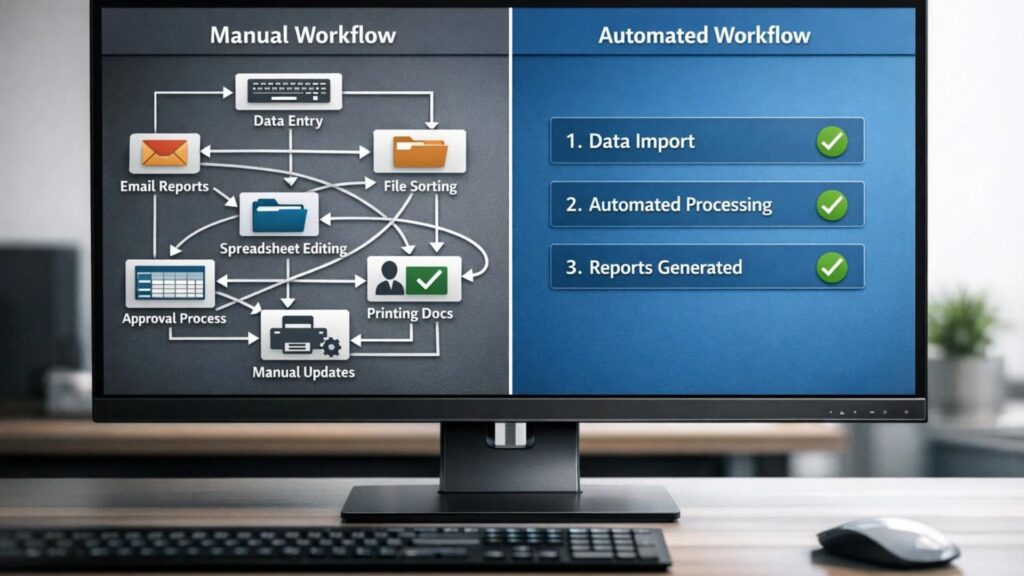
Best AI Automation Tools for Bloggers: 7 Powerful Picks For 2026

Blogging in 2026 is not just writing anymore.

A serious blogger has to research topics, write articles, optimize for SEO, create images, publish posts, promote across platforms, build an email list, track affiliate links, update old content, and watch analytics.

That is a lot of moving parts for one person.

Most bloggers do not fail because they have no ideas. They fail because the workflow becomes too heavy to repeat every week. You publish one post, then realize the promotion, tracking, social captions, email follow-up, and update reminders are almost another job.

That is where automation helps.

The best AI automation tools for bloggers help you connect apps, trigger actions, organize content data, create reminders, generate drafts, and keep repeated tasks moving in the background.


Best AI Automation Tools for Bloggers


The goal is not to automate your creativity. The goal is to stop wasting energy on the same small admin tasks every week.

In this guide, we will look at the 7 best AI automation tools for bloggers in 2026, how they work, which one is best for beginners, which one is best for advanced workflows and how automation can support blogging income.

Best AI Automation Tools for Bloggers: What Does That Mean?

AI automation tools are software platforms that help connect apps, create workflows, and automate repeated tasks.

In simple words, they help your apps talk to each other.

For example, without automation, publishing a blog post might look like this:

  1. Publish the blog post.
  2. Copy the link.
  3. Save it in a spreadsheet.
  4. Create social captions.
  5. Send yourself a reminder to make Pinterest pins.
  6. Add the post to your update tracker.
  7. Check affiliate links later.

With automation, several of those steps can happen automatically after publishing.

That is the real value. AI automation tools do not replace blogging strategy. They remove repetitive work so you can focus more on research, writing, editing, and content decisions.

Why Bloggers Need AI Automation in 2026

Automation is no longer only for large companies. It is useful for solo bloggers, affiliate marketers, creators, and small content teams.

The best AI automation tools for bloggers matter because they turn scattered tasks into repeatable systems.

It Saves Time Every Week

Small tasks look harmless until you repeat them every day.

Saving URLs, writing captions, updating trackers, sending reminders, and moving data between apps can take hours every week.

Automation helps remove that repeated work.

It Improves Consistency

Consistency matters for SEO, email marketing, social media, and affiliate growth.

Automation tools help you repeat important steps even when you are busy.

It Helps You Scale Faster

If every task depends on manual effort, your blog can only grow as fast as your available time.

Automation helps you publish, promote, track, and update more consistently.

It Reduces Burnout

Many bloggers quit because the process becomes too much.

Automation does not remove creative work, but it can remove boring admin tasks that drain energy.

It Can Support Revenue

Automation is not instant income. But better tracking, promotion, email follow-up, and affiliate management can support the systems that create income.

If you are new to the concept, this beginner guide on what AI automation tools are explains the basics. For a deeper tool comparison, read this Zapier vs Make.com comparison.

How AI Automation Tools Work for Bloggers

Most automation tools work with three basic parts: trigger, action, and workflow.

When choosing the best AI automation tools for bloggers, look for tools that make these three parts easy to build and test.

Trigger

A trigger is the event that starts the automation.

Examples include:

  • New WordPress post published
  • New email subscriber added
  • New form submitted
  • New row added to Google Sheets
  • New YouTube video published

Action

An action is what happens after the trigger.

Examples include:

  • Create a social media task
  • Send an email
  • Update a spreadsheet
  • Generate a caption with AI
  • Send a notification
  • Add a subscriber to a sequence

Workflow

A workflow is the full sequence.

Example:

New blog post published -> AI creates three social caption ideas -> post URL is saved to Google Sheets -> task is created to make Pinterest pins -> reminder is sent to promote the article.

This is why automation tools are so useful. They turn repeated tasks into repeatable systems.

7 Best AI Automation Tools for Bloggers in 2026

Here are the strongest tools to consider based on beginner use, flexibility, blogging workflows, AI features and practical value.

1. Make: Best Overall AI Automation Tool for Bloggers

Make is one of the strongest automation platforms for bloggers who want visual workflows and more control.

Make lets you build automations called scenarios using a visual builder. You can connect apps, create multi-step workflows, add filters, branch logic, process data, and connect AI tools into your automation system.

Make’s official integrations page says the platform connects with 3,000+ apps and includes AI app integrations such as OpenAI, ChatGPT, Google Gemini, Perplexity, Anthropic Claude, DeepSeek, and ElevenLabs. Make also promotes AI Agents for building shareable agents across teams and workflows.

For bloggers, Make is useful because it can handle more advanced workflows than a very basic automation tool.

You can use Make to:

  • Track new WordPress posts
  • Send article data to Google Sheets
  • Create social media tasks
  • Generate AI summaries
  • Route leads from forms
  • Create content calendar workflows
  • Connect email, CRM, and content tools

Make is best for bloggers who want automation power and do not mind a small learning curve.

Best for: advanced bloggers, content systems, multi-step workflows, and visual automation.

Main limitation: beginners may need time to understand scenarios, routers, filters, and modules.

Try Make

2. Zapier: Best AI Automation Tool for Beginners

Zapier is one of the easiest automation tools for beginners.

It connects thousands of apps and lets users build workflows called Zaps. A Zap usually starts with a trigger and then performs one or more actions.

Zapier also includes AI features. Zapier’s help center describes Zapier Copilot as an AI-powered assistant that helps users discover automation use cases and build, expand, or maintain automation assets. Zapier notes that Copilot is in open beta, so users should still test workflows carefully.

For bloggers, Zapier is useful because the setup feels simple.

You can use Zapier to:

  • Add new subscribers to an email list
  • Save blog post URLs to Google Sheets
  • Create tasks after publishing
  • Send notifications when forms are submitted
  • Connect WordPress with email, social, and project tools
  • Use AI steps for summaries and text generation

Zapier is usually the safest starting point if you are new to automation.

Best for: beginners, simple workflows, non-technical bloggers, and easy app connections.

Main limitation: costs can rise if you build many workflows or run a lot of tasks.

Try Zapier

3. Pabbly Connect: Best Budget Automation Tool

Pabbly Connect is a workflow automation platform often considered a budget-friendly alternative to Zapier and Make.

Pabbly’s official site highlights features such as 2,000+ integrations, multi-step workflows, scheduling, delays, routers, filters, API modules, email parser, webhook support, and an AI assistant.

For bloggers, Pabbly Connect can be useful if you want to automate tasks but are careful about monthly costs.

You can use Pabbly Connect to:

  • Connect WordPress with email tools
  • Move leads into spreadsheets
  • Build social media workflows
  • Automate form submissions
  • Trigger email or CRM actions

Pabbly may not feel as polished as some larger platforms for every use case, but it can be practical for budget-conscious bloggers.

Best for: budget users, simple-to-medium workflows, and bloggers who want lower-cost automation.

Main limitation: app support and interface polish may not match bigger competitors for every workflow.

Try Pabbly Connect

4. n8n: Best Open Workflow Tool for Technical Bloggers

n8n is a flexible workflow automation platform with native AI capabilities.

Its official GitHub page describes n8n as a workflow automation platform for technical teams, combining visual building with custom code, self-hosting or cloud deployment, 400+ integrations, native AI capabilities, and fair-code licensing.

n8n is powerful because it gives users more control. You can build workflows visually, add custom logic, self-host if needed, and connect AI into automation systems.

For bloggers, n8n is best if you are technical or willing to learn.

You can use n8n to:

  • Create custom content workflows
  • Self-host automation systems
  • Connect APIs
  • Build AI-driven workflows
  • Automate reporting and data processing
  • Create advanced WordPress and database automations

n8n is not the easiest tool for a complete beginner, but it is one of the most flexible.

Best for: technical bloggers, developers, advanced automation, and self-hosted workflows.

Main limitation: setup and maintenance are more technical than Zapier or Make.

Try n8n

5. Systeme.io: Best All-in-One Marketing Automation Tool

Systeme.io is an all-in-one online business platform that includes funnels, email marketing, online courses, affiliate program management, website and blog tools, CRM pipelines, and marketing automation.

Systeme.io is different from Zapier or Make. It is not mainly an app connector. It is more of an all-in-one marketing platform.

For bloggers, this can be useful if you want email, funnels, lead magnets, simple sales systems, and digital products in one place.

You can use Systeme.io to:

  • Build email sequences
  • Create lead magnet funnels
  • Sell digital products
  • Host online courses
  • Create simple marketing automations
  • Manage affiliate program workflows

It is best for bloggers who are moving beyond content and starting to build an email list or sell offers.

Best for: email funnels, digital products, courses, and simple marketing automation.

Main limitation: not as flexible as dedicated workflow automation platforms for connecting many external apps.

Try Systeme.io

6. Rank Math: Best SEO Automation Helper for WordPress Bloggers

Rank Math is not a full automation platform like Zapier or Make, but it is still useful for WordPress bloggers because it automates and simplifies many on-page SEO tasks.

For bloggers, SEO includes many repeated steps: focus keywords, meta titles, meta descriptions, schema, redirects, internal links, SEO checks, and content analysis.

Rank Math’s WordPress.org page highlights features such as Content AI, schema markup, Google Search Console integration, keyword tracking, SEO analysis, redirects, 404 monitoring, internal linking suggestions, and module-based controls.

You can use Rank Math to:

  • Optimize focus keywords
  • Create meta titles and descriptions
  • Add schema markup
  • Manage redirects
  • Monitor 404 errors
  • Improve on-page publishing workflow

Rank Math is best used alongside a real automation platform. It helps optimize the post itself, while tools like Make or Zapier help with promotion and tracking.

Best for: WordPress SEO workflow and on-page optimization.

Main limitation: it does not replace app-to-app workflow automation.

Try Rank Math

7. ChatGPT or Claude: Best AI Assistant for Automation Planning

ChatGPT and Claude are not automation platforms by themselves, but they are useful for planning automation workflows.

Before building in Zapier, Make, Pabbly or n8n, you can ask an AI assistant to map the workflow.

Example prompt:

Create a simple automation workflow for a WordPress blogger. When a new post is published, save the title and URL to Google Sheets, create three social caption ideas and create a task to design a Pinterest pin.

This helps you think through the trigger, actions, tools, and edge cases before building.

AI assistants can also help write social captions, email drafts, update reminders, spreadsheet formulas, and automation documentation.

Best for: planning workflows, drafting content steps, writing prompts and documenting systems.

Main limitation: they need to be connected to automation tools or used manually unless you build integrations.


⚡ Automation Tools Bundle
n8n • Make.com • Zapier — Save 80%


Best AI Automation Tools for Bloggers Compared

This table keeps the best AI automation tools for bloggers focused on real use cases instead of hype.

Tool Best For Beginner Level Main Strength
Make Best overall automation Medium Visual advanced workflows
Zapier Beginners Easy Simple setup and many app integrations
Pabbly Connect Budget users Easy to medium Budget-friendly workflow automation
n8n Technical users Advanced Flexible and self-hostable workflows
Systeme.io Email and funnels Easy All-in-one marketing system
Rank Math WordPress SEO Easy On-page SEO workflow support
ChatGPT or Claude Workflow planning Easy AI planning and drafting assistant


If you want the simplest choice, start with Zapier. If you want the best long-term visual workflow builder, learn Make. If you are technical, explore n8n.

Best Automation Workflows for Bloggers

Automation tools become more useful when you know what to automate.

The best AI automation tools for bloggers are only valuable when they solve a repeated problem in your actual workflow.

Content Distribution Automation

When you publish a post, automation can save the URL, create social tasks and prepare captions.

Email Automation

When someone joins your list, automation can send a welcome email, tag the subscriber and add them to a sequence.

Affiliate Tracking Automation

You can track which posts contain which affiliate links, when they were published and when they should be updated.

SEO Update Reminders

You can create reminders to update old posts after 60 or 90 days.

Social Media Repurposing

AI can help turn one article into social captions, LinkedIn posts, newsletter blurbs or video script ideas.

How to Make Money With AI Automation Tools

Automation tools can support several income paths for bloggers.

Affiliate Blogging

Automation helps bloggers publish and promote more consistently. More consistency can support more traffic and affiliate clicks over time.

Freelancing

You can offer automation setup services for bloggers, small businesses, coaches and creators.

Agency Services

Once you understand workflows, you can package automation services such as lead capture, email follow-up, content tracking and social promotion systems.

Digital Products

You can sell automation templates, workflow guides, checklists or simple systems for bloggers.

Need Automation Setup Help?

If you do not want to set up automation yourself, hiring help can save time and prevent confusing mistakes.

Get automation setup help on Fiverr

Recommended Setup for Automation-Ready Blogs

Automation works better when your blog has a solid foundation.

If your site is slow, messy, or difficult to manage, automation will not fix the main problem. You need a website that can support regular publishing, SEO, affiliate content, email capture and updates.

For beginners, WordPress is still one of the best blogging foundations because it gives you control over SEO, plugins, design and monetization.

Hostinger is a practical hosting option for beginners who want to start a WordPress blog without making setup too complicated.

Build an Automation-Ready Blog

Before automating your publishing workflow, make sure your blog has a reliable WordPress foundation where content, forms, links and SEO plugins can work properly.

Start your automation-ready blog with Hostinger

Common Mistakes to Avoid

Automating Everything Too Early

Do the task manually a few times first. Then automate the steps you understand.

Building Workflows That Are Too Complex

Start with one trigger and one or two actions. Add more steps later.

Not Testing the Workflow

Always test automation before relying on it. Make sure the right information goes to the right place.

Ignoring Costs

Automation platforms may charge based on tasks, operations, workflows, credits or usage. Check pricing before building heavy workflows.

Sharing Sensitive Data Without Thinking

Be careful when connecting tools that access email, customer data, documents, client files or payment-related information.

Recommended Resource Before the Final Words

Want Blogger Automation Workflow Templates?

If you are new to automation, start with simple templates for post publishing, social promotion, email capture, affiliate tracking and old-post update reminders.

Access the Blogger Automation Workflow Pack

Recommended Book for AI Automation Thinking

If you want to understand how AI can fit into modern work, a useful book to explore is Co-Intelligence: Living and Working with AI by Ethan Mollick.

It can help bloggers think about AI as a practical work partner, which is useful when building automation systems around content, marketing and online business.

Recommended Reading

If you want to think better about AI-assisted work, this book is a useful companion while building automation workflows.

Check Co-Intelligence on Amazon

Best AI Automation Tools for Bloggers Verdict

After reviewing these tools, the honest recommendation is simple.

Start with Zapier if you want the easiest beginner setup. Choose Make if you want the best overall balance of power and visual workflow control. Consider Pabbly Connect if budget is your main concern. Try n8n if you are technical and want more control. Use Systeme.io if you need email funnels and online business automation. Keep Rank Math for WordPress SEO workflow. Use ChatGPT or Claude to plan workflows before building them.

You do not need all seven tools at once.

Start with one tool and one workflow. Automate a simple task, test it and improve it.

That is how bloggers save time, stay consistent and build systems that support long-term growth.

Start With One Automation

Do not automate your whole blog in one day. Start with one repeated task, such as saving new post URLs or creating social promotion reminders.

Hire AI automation specialists on Fiverr

Build your blog with Hostinger

Frequently Asked Questions

What are the best automation tools for bloggers?

Strong options include Make, Zapier, Pabbly Connect, n8n, Systeme.io, Rank Math and AI assistants like ChatGPT or Claude for workflow planning.

Can beginners use automation tools?

Yes. Beginners can start with simple no-code tools like Zapier or Make. The best approach is to automate one repeated task first.

Are AI automation tools expensive?

Some tools have free or low-cost plans, while others become more expensive as usage grows. Always check pricing based on tasks, operations, workflows, credits or contacts before committing.

Do I need coding skills?

No, most beginner automation workflows can be built without coding. Coding helps with advanced tools like n8n or custom API workflows, but it is not required to start.

How much time can automation save?

Automation can save several hours per week if you use it for repeated tasks such as content tracking, social media reminders, email follow-up and affiliate post management.

Can automation increase blogging income?

Automation can support income by improving consistency, traffic, promotion, email follow-up, and affiliate tracking. It does not guarantee income by itself.

Which automation tool should bloggers start with?

Most beginner bloggers should start with Zapier because it is simple. Bloggers who want more flexible visual workflows can start with Make.

What is the best free AI automation tool?

n8n is one of the strongest open workflow options for technical users, especially if self-hosting fits your skills. Beginners may find Zapier or Make easier.

Conclusion

The best AI automation tools for bloggers are no longer optional if you want to grow without burning out.

Blogging in 2026 requires writing, publishing, SEO, promotion, email, tracking, updates and monetization. Doing everything manually can slow you down.

Automation helps you build systems.

Start small. Choose one repeated task. Build one workflow. Test it. Then improve it over time.

That is how smart bloggers save time, grow faster and create more opportunities to earn.

How We Checked This Guide

Before updating this guide, we checked official pages from Make, Zapier, Pabbly Connect, n8n, Systeme.io and Rank Math. This helps keep the tool descriptions practical and safer for bloggers comparing automation options.

Affiliate Disclosure

As an Amazon Associate, I earn from qualifying purchases. Some links in this article are affiliate links, which means I may earn a commission at no extra cost to you if you buy through them. I only recommend tools, books and services that may help beginners, creators and online business owners create better content or grow their work more effectively.

What Are AI Automation Tools? 2026 Beginner Guide

What Are AI Automation Tools

Blogging gets heavy when every small task still depends on you.

You write the article. Then you format it. Then you add images. Then you publish it. Then you share it on social media. Then you send an email. Then you track performance. Then you update the post later.

And then you do it all again.

At first, that workflow feels manageable. But as your blog grows, the small tasks start stacking up. What used to take one hour can easily turn into a full day of admin work.

That is exactly where AI automation tools become useful.

Instead of doing every repetitive task manually, you can create workflows that run in the background. Your post link can be saved automatically. Your email draft can be prepared automatically. Your lead information can move into a spreadsheet automatically. Your content calendar can update automatically.


This is not a future idea. Bloggers, creators, marketers, freelancers, and small businesses are already using automation to save time and stay consistent.

In this guide, we will explain what are AI automation tools, how they work, why they matter, the best tools to know, how bloggers can use them, and how automation can support online income.

What Are AI Automation Tools?

AI automation tools are software platforms that use artificial intelligence, app integrations, triggers, actions, and workflows to automate repetitive tasks across different apps and systems.

In simple words, they help apps work together without you manually moving information from one place to another.

For example, instead of copying your new blog post link, opening social media, writing a caption, adding the link, updating a spreadsheet, and creating a reminder, an automation tool can do several of those steps for you.

That is the simple answer to what are AI automation tools: they are digital workflow helpers that connect apps and automate tasks.

Some automation tools are mostly rule-based. Others now include AI features that can summarize, write, classify, route, decide, or generate content inside a workflow.

This is why AI automation is becoming more powerful than older automation.

Traditional automation follows fixed rules. AI automation can sometimes understand context and create smarter outputs.

Why AI Automation Tools Matter in 2026

Automation matters in 2026 because online work has become more complex.

A blogger is not only a writer anymore. A blogger may also be a publisher, marketer, email manager, SEO editor, affiliate manager, designer, social media planner, and analytics tracker.

That is too much to do manually forever.

Understanding automation gives you a better way to think about your blog. Instead of doing every task by hand, you start building systems.

They Save Time

Repetitive tasks are the easiest tasks to automate.

Saving leads to a spreadsheet, sending notification emails, creating social media tasks, formatting data, or moving files between apps can often be automated.

This gives you more time for the work that actually needs your brain: strategy, writing, editing, product research, and decision-making.

They Improve Consistency

Consistency is one of the biggest factors in blogging success.

Automation helps you repeat important tasks even when you are busy. A workflow can remind you to promote a post, update your tracker, or prepare captions without depending on memory.

They Help You Scale

Manual work limits growth.

If every small task depends on you, your blog can only grow as fast as your available time. Automation lets you handle more content, leads, updates, and promotion without adding more manual effort to every step.

They Reduce Burnout

Many bloggers quit because the process becomes overwhelming.

Automation does not remove all the work, but it can remove repeated admin tasks that drain energy.

They Support Income Growth

More consistency can lead to more content, more traffic, more email subscribers, better follow-up, and more affiliate opportunities.

Automation is not magic income. But it can support the systems that help income grow.

If you already know the basics and want tool picks, read this guide on the best AI automation tools for bloggers. If you want a direct tool comparison, this Zapier vs Make.com comparison is a useful next step.

How AI Automation Tools Work

To understand how these tools work, you need to understand three simple parts: triggers, actions, and workflows.

Trigger

A trigger is the event that starts the automation.

Examples include:

  • A new blog post is published.
  • A new email subscriber joins your list.
  • A form is submitted.
  • A new row is added to Google Sheets.
  • A payment is received.

Action

An action is what happens after the trigger.

Examples include:

  • Send an email.
  • Create a task.
  • Post to social media.
  • Add data to a spreadsheet.
  • Generate a summary with AI.
  • Send a notification.

Workflow

A workflow is the full automation sequence.

Example workflow:

New WordPress post published -> AI writes a short social caption -> link is saved to Google Sheets -> task is created to make Pinterest pins -> email reminder is sent.

This is what are AI automation tools in action. They turn repeated steps into connected systems.

Main Types of AI Automation Tools

Not all automation tools do the same thing. Some are for connecting apps. Some are for marketing. Some are for content. Some are for business operations.

Workflow Automation Tools

Workflow automation tools connect different apps and automate processes between them.

Examples include Zapier, Make, Pabbly Connect, and n8n.

These are the most important tools for beginners to understand because they can connect WordPress, Gmail, Google Sheets, social platforms, email tools, forms, CRMs, and many other apps.

Content Automation Tools

Content automation tools help with content planning, drafting, repurposing, publishing, or scheduling.

For example, you might use AI to turn a blog post into social captions, a newsletter draft, or a short video script.

Marketing Automation Tools

Marketing automation tools help with email sequences, lead capture, funnels, customer journeys, and follow-up.

These tools are useful when your blog starts collecting subscribers or promoting affiliate offers.

Business Automation Tools

Business automation tools help with CRM updates, customer support, invoices, reporting, internal tasks, and data management.

For freelancers and small businesses, these automations can save time and reduce mistakes.


What Are AI Automation Tools


Best AI Automation Tools for Beginners

Once you understand what are AI automation tools, the next question is which tool to start with.

Zapier

Zapier is one of the most beginner-friendly automation platforms.

It connects many apps and lets users create automated workflows called Zaps. Zapier also has AI features, including Zapier Copilot, which Zapier describes as an AI-powered assistant that helps users discover automation use cases and build or maintain automation assets.

Zapier is best for beginners because the interface is simple and the app ecosystem is large.

Best for: beginners, bloggers, simple business workflows, and people who want easy setup.

Try Zapier

Make

Make is a visual automation platform that is popular with users who want more control.

Make describes itself as a visual AI automation platform where users can build and manage automations and AI agents visually, in code, or with a prompt. Make also promotes AI agents that work across 3,000+ apps.

Make is more visual than Zapier and can be very powerful for multi-step workflows.

Best for: visual builders, advanced workflows, marketers, and users who want more flexibility.

Try Make

Pabbly Connect

Pabbly Connect is another workflow automation platform that connects apps and automates tasks.

Pabbly’s official site highlights features such as scheduling, delay, router, API modules, email parser, webhooks, and AI Assistant.

It is often considered a budget-friendly alternative for users who want automation without paying higher prices for every workflow.

Best for: budget-conscious users and bloggers who want practical app automation.

Try Pabbly Connect

n8n

n8n is a flexible workflow automation platform with native AI capabilities.

Its GitHub page describes it as a workflow automation platform for technical teams, with visual building, custom code, self-hosting, cloud options, 400+ integrations, and native AI capabilities.

n8n is powerful, but it is more technical than Zapier for beginners.

It is especially useful for users who want more control, self-hosting, custom logic, and developer-friendly workflows.

Best for: technical users, self-hosting, custom automation, and advanced AI workflows.

Try n8n


n8n.io
Make.com
Cursor AI
Perplexity
🚀 SAVE 80%
Automation → ₹3,999/year
Workflow Automation • 1000+ Apps
Cloud AI Ready Analytics

AI Automation Tools Comparison

Here is a simple beginner-friendly comparison.

Tool Best For Main Strength Main Limitation
Zapier Beginners Easy setup and many app integrations Can become costly for heavy use
Make Advanced visual workflows Flexible visual builder and AI workflow options Learning curve is higher than Zapier
Pabbly Connect Budget users Useful automation features at a lower-cost positioning May not feel as polished as larger platforms
n8n Technical users Open, flexible, self-hostable workflows More technical setup and maintenance


For most beginners, Zapier is the easiest place to start. For more control, Make is a strong next step. For budget users, Pabbly Connect is worth comparing. For technical users, n8n is powerful.

How Bloggers Can Use AI Automation Tools

Bloggers can use automation in simple and practical ways.

You do not need to build a complicated system on day one. Start with small workflows that remove repeated tasks.

Blog Post Promotion

When a new post is published, an automation can create a social media task, save the URL to a spreadsheet, or prepare a caption draft.

Email Workflow

When someone joins your email list, automation can send a welcome email, tag the subscriber, and add them to a sequence.

Content Calendar Updates

When you add a new topic idea to a spreadsheet, automation can create a task in your project management tool.

Affiliate Link Tracking

You can use automation to keep a record of published posts, affiliate links, update dates, and CTA placements.

Repurposing Content

AI can help turn one blog post into captions, newsletter drafts, video scripts, or LinkedIn posts.

If you are serious about blogging, your automation system should support your website. A fast WordPress blog gives your content a home where it can rank, convert, and grow over time.

Start an Automation-Ready Blog

If you want your automations to support real traffic and income, build your content system on a reliable WordPress foundation.

Start your automated blog with Hostinger


⚡ Automation Tools Bundle
n8n • Make.com • Zapier — Save 80%


Simple AI Automation Workflow for Bloggers

If you are new, start with this workflow:

  1. Publish a blog post in WordPress.
  2. Automation saves the title and URL to Google Sheets.
  3. AI creates three social caption ideas.
  4. A task is created to make a Pinterest pin.
  5. An email reminder is sent to promote the post.

This workflow is simple, but it saves time.

More importantly, it builds a habit. Every post gets tracked and promoted. That consistency matters.

Later, you can add more steps, such as newsletter drafts, affiliate tracking, internal link reminders, or performance checks.

How to Make Money With AI Automation Tools

Once you understand what are AI automation tools, you can use them to support several income paths.

Blogging

Automation helps bloggers stay consistent. More consistent publishing and promotion can lead to more traffic, more email subscribers, and more affiliate opportunities.

Affiliate Marketing

You can promote automation tools such as Zapier, Make, Pabbly Connect, or other workflow platforms if they fit your audience and affiliate program strategy.

You can also use automation to track published affiliate posts, update CTAs, and manage content refresh reminders.

Freelancing

Many businesses want automation but do not know how to set it up.

You can offer services such as Zapier setup, Make workflows, Google Sheets automation, email automation, CRM workflows, and WordPress automation.

Automation Services Business

If you become good at building workflows, you can package automation services for bloggers, creators, coaches, agencies, and small businesses.

Services may include lead capture automation, content publishing systems, client onboarding, reporting workflows, and social media task systems.

Need Automation Setup Help?

If you do not want to build automations yourself, hiring an expert can save time and prevent setup mistakes.

Hire automation experts on Fiverr

Common AI Automation Mistakes Beginners Make

Overcomplicating Workflows

Start simple. A three-step automation that works is better than a ten-step workflow that breaks every week.

Using Too Many Tools

Do not connect every app immediately. Choose one automation platform and one simple workflow first.

Not Testing Automations

Always test your workflow before relying on it. Check whether the right data goes to the right place.

Automating Bad Processes

If your manual process is messy, automation can make the mess faster. Clean the workflow first, then automate it.

Ignoring Privacy and Permissions

Automation tools may connect to email, documents, customer data, forms, and business apps. Be careful with permissions and sensitive information.

Expecting Instant Results

Automation saves time over repeated use. It may not feel dramatic on day one, but it becomes powerful when the same workflow runs every week.

Best Way to Start With AI Automation

If you are a beginner, do not try to automate your whole blog in one day.

Start with one repeated task.

The easiest place to begin is with something low-risk. Do not start by automating payments, client communication, or important publishing decisions. Start with reminders, tracking, drafts, and internal tasks. These workflows save time without creating big problems if something needs adjustment.

For example, a beginner blogger can start by automatically saving every new post title, URL, category, and publish date into a Google Sheet. That simple tracker becomes useful later when you want to update old posts, monitor affiliate links, or plan internal links.

Good first workflows include:

  • Save new blog post URLs to a spreadsheet.
  • Create a task when a new post is published.
  • Send a welcome email to new subscribers.
  • Create a social media caption draft from a blog title.
  • Send yourself a reminder to update old posts.

After that workflow works reliably, add one more step.

This is the best way to learn automation without getting overwhelmed.

Once you trust the workflow, you can add AI steps. For example, after a new blog post is published, AI can draft three social captions or summarize the article for your newsletter. You still review the result, but the blank-page work is already done.

Recommended Resource Before the Verdict

Want a Beginner Automation Checklist?

If automation feels confusing, start with a simple checklist for triggers, actions, app connections, testing, privacy, and first workflows for bloggers.

CTA idea: Access the AI Automation Beginner Checklist

Note: When you create your own Google Doc, PDF, Digistore24, JVZoo, or Gumroad product for this checklist, turn the CTA text above into a real sponsored affiliate or product link.

Recommended Book for Learning AI Workflows

If you want to understand how AI fits into modern work, a useful book to explore is Co-Intelligence: Living and Working with AI by Ethan Mollick.

It is not only about automation tools, but it can help you think about AI as a practical work partner. That mindset is useful when building workflows because the goal is not to replace thinking. The goal is to remove repetitive work so you can focus on higher-value decisions.

Recommended Reading

If you want to understand how AI can support real work, this book is a useful starting point.

Check Co-Intelligence on Amazon

What Are AI Automation Tools Verdict: Are They Worth It?

After breaking down what are AI automation tools, the honest verdict is simple: yes, they are worth learning if you want to grow a blog or online business in 2026.

They are not magic. They will not make a weak blog successful overnight. They will not replace strategy, writing, editing, SEO, or trust.

But they can remove repetitive tasks, improve consistency, reduce burnout, and help you scale your workflow over time.

For beginners, Zapier is the easiest place to start. Make is better when you want more visual control. Pabbly Connect is worth comparing for budget workflows. n8n is powerful if you are more technical.

The best approach is to start small, build one useful automation, test it, and improve it. That is how modern bloggers turn automation from a confusing idea into a practical system.

Start With One Simple Workflow

Pick one repeated task, automate it, and test it before adding more steps. That is the easiest way to learn without breaking your workflow.

Get AI automation help on Fiverr

Build your automation-ready blog with Hostinger

Frequently Asked Questions

What is the best AI automation tool?

For beginners, Zapier is usually the easiest tool to start with. Make is strong for visual workflows, Pabbly Connect is worth comparing for budget users, and n8n is powerful for technical users.

Can beginners use AI automation tools?

Yes. Many AI automation tools are no-code or low-code. Beginners should start with one simple workflow instead of trying to automate everything at once.

Are AI automation tools expensive?

Some automation tools have free plans or affordable starting plans, while costs increase with more tasks, workflows, or advanced features. Always check current pricing before choosing a tool.

Do I need coding skills for AI automation?

No, not for basic workflows. Tools like Zapier and Make are designed so non-technical users can connect apps. Coding helps with advanced workflows, but it is not required to start.

How much time can automation save?

Automation can save several hours per week if you use it for repeated tasks such as post tracking, social media tasks, email follow-up, and data entry.

Can I make money with AI automation tools?

Yes. AI automation tools can support blogging, affiliate marketing, freelancing, and automation services. Income depends on your skills, offer, audience, and consistency.

What is a trigger in automation?

A trigger is the event that starts a workflow. For example, a new blog post being published can trigger a workflow that saves the post link and creates a promotion task.

What is a workflow in automation?

A workflow is a sequence of steps that runs automatically. It usually includes a trigger and one or more actions across connected apps.

Conclusion

This guide explained what are AI automation tools and why they matter for bloggers in 2026.

They are not just tools. They are systems that help you save time, stay consistent, reduce repetitive work, and scale your blog without burning out.

If you are new, start with one workflow. Do not overcomplicate it. Automate one repeated task, test it, and improve it.

Once you understand the basics, AI automation can become one of the most useful parts of your blogging system.

Modern bloggers are not winning by doing everything manually. They are winning by building smarter systems.

How We Checked This Guide

Before updating this guide, we checked official pages from Zapier, Make, Pabbly Connect, and n8n. This helps keep the article practical and safer for beginners learning automation.

Affiliate Disclosure

As an Amazon Associate, I earn from qualifying purchases. Some links in this article are affiliate links, which means I may earn a commission at no extra cost to you if you buy through them. I only recommend tools, books, and services that may help beginners, creators, and online business owners create better content or grow their work more effectively.