
A good AI blog does not fail because the writer used the wrong AI tool. It usually fails because the foundation is weak.
You can use ChatGPT for research, Canva for visuals, Pictory for video, Rank Math for SEO, and automation tools for promotion. But if your WordPress site is slow, confusing, insecure, or difficult to manage, every other tool is working on top of a shaky base.
That is why hosting matters more than many beginners realize.
AI blogs are often heavier than normal personal blogs. They may include long-form reviews, comparison tables, screenshots, affiliate buttons, lead forms, video embeds, tracking scripts, and custom design blocks. A cheap host may look fine on day one, but once you start publishing seriously, poor hosting can hurt speed, user experience and conversions.
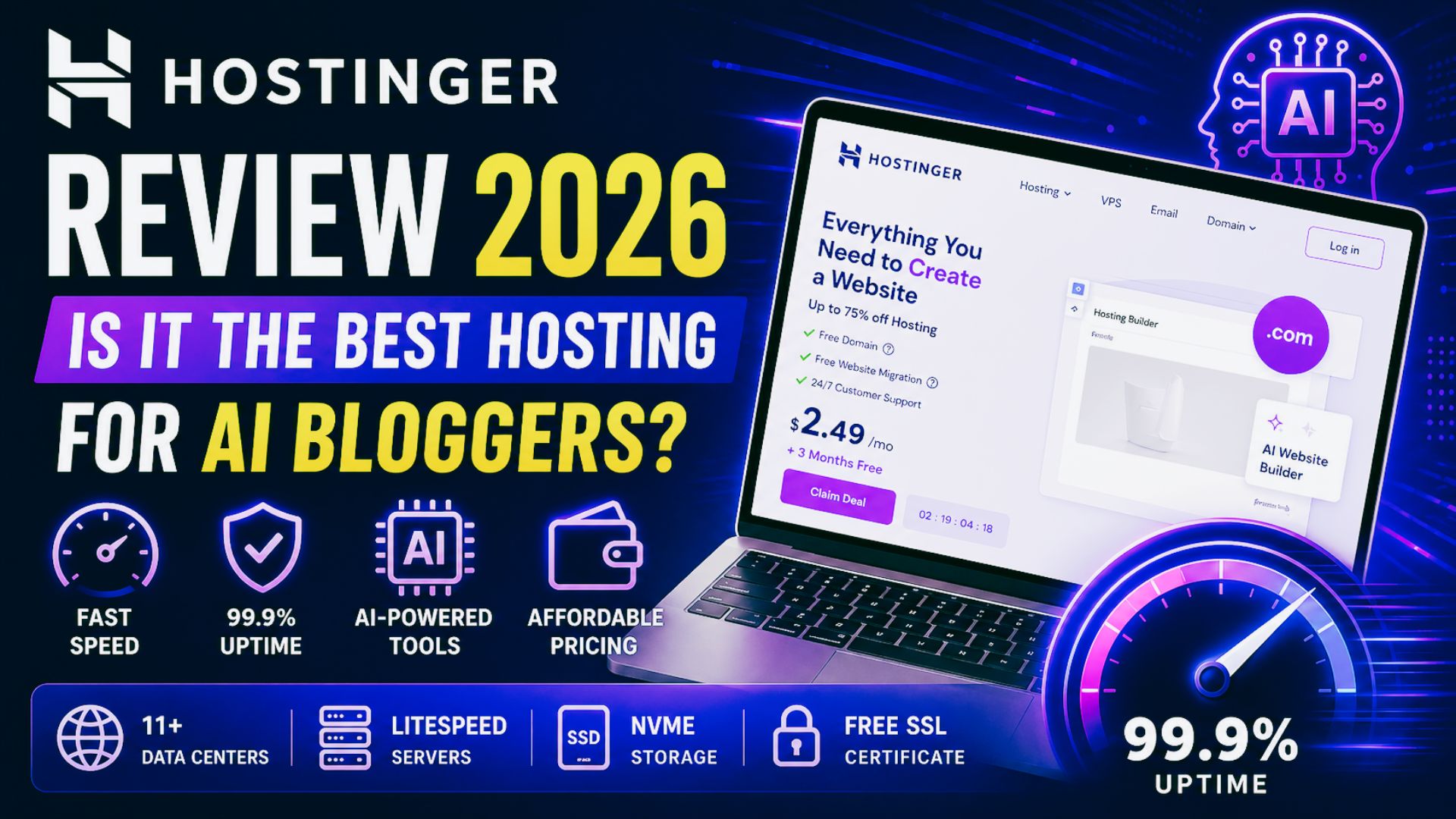
In this Hostinger review 2026, we will look at whether Hostinger is a good web host for AI bloggers, affiliate marketers and beginner WordPress site owners who want a practical balance of price, speed, features and ease of use.
This is not a perfect hosting company for every website. But for many new and growing AI blogs, Hostinger is one of the most practical starting points.
Hostinger Review 2026: Is It Worth It for AI Bloggers?
Yes, Hostinger is worth considering for AI bloggers in 2026, especially if you are starting or growing a WordPress blog and do not want expensive managed hosting yet.
The main reason is simple: Hostinger gives beginners a strong mix of affordable pricing, managed WordPress features, LiteSpeed performance, free SSL, free migration, backups, CDN on stronger plans and AI website tools.
For AI Sage Labs readers, that combination matters because most beginners need a hosting setup that helps them publish faster without getting stuck in technical details.
Hostinger is best for:
- Beginner bloggers
- AI tool review sites
- Affiliate marketers
- Small content teams
- Creators launching a WordPress blog
- Bloggers who want affordable hosting with AI tools
Hostinger is not best for:
- Very large publisher websites
- Heavy WooCommerce stores with large traffic
- Complex membership platforms
- Advanced developers who want deep server control
- Sites that already need premium enterprise-level WordPress hosting
For most new AI bloggers, the Business WordPress hosting plan is the most practical option because it gives more room to grow than the entry plan.
Start Your AI Blog With Hostinger
If you want to launch an AI blog, affiliate site, or tool review website, Hostinger is a beginner-friendly WordPress hosting option with AI website tools, free SSL, backups, and simple setup.
Why Hosting Matters for AI Bloggers
Many beginners think hosting is only the place where their website lives. Technically, that is true. But for bloggers who want traffic and income, hosting affects much more than storage.
Your hosting affects page speed. Page speed affects user experience. User experience affects whether readers stay, scroll, click, subscribe or leave.
Your hosting also affects how easy your website is to manage. If backups are confusing, WordPress updates break things, migration is stressful, or support is hard to reach, you lose time that should be spent on content and strategy.
For AI bloggers, this matters even more because the publishing workflow is usually faster. You may create more tool reviews, more comparison posts, more screenshots, more tables and more updates than a traditional blogger.
The ideal hosting for AI bloggers should be:
- Fast enough for long-form SEO content
- Simple enough for beginners
- Affordable while income is still growing
- Secure enough for affiliate and email workflows
- Flexible enough for future niche projects
- Reliable enough to keep posts online during traffic spikes
Hostinger fits the beginner-to-growth stage well, especially for WordPress bloggers who want a clean starting point.
If you are still comparing hosting choices, this related guide on best web hosting for AI blogs can help you understand the broader options.
What Is Hostinger?
Hostinger is a web hosting company that offers web hosting, managed WordPress hosting, cloud hosting, VPS hosting, domains, email, and website building tools.
For bloggers, the most relevant product is managed WordPress hosting. This is where Hostinger handles much of the technical foundation so you can focus more on building content, traffic, and monetization.
Hostinger’s WordPress hosting can include beginner-friendly setup, free SSL, free website migration, backups, LiteSpeed servers, caching, security tools and AI website features. On Business and Cloud plans, Hostinger also promotes Kodee, its AI Agent for WordPress.
That AI direction is one reason this Hostinger review 2026 is relevant for AI bloggers. Hostinger is not only trying to be low-cost hosting. It is also adding AI tools that can help beginners launch and manage WordPress sites faster.
According to Hostinger’s official WordPress hosting pages, key features may include:
- Managed WordPress hosting
- Free SSL
- Free website migration
- 30-day money-back guarantee
- LiteSpeed servers and caching
- AI website builder tools
- AI Agent for WordPress on eligible plans
- Weekly or daily backups depending on plan
- CDN on stronger plans
- 99.9% uptime guarantee
Always check the live Hostinger plan page before buying because pricing, discounts, and plan details can change.
Hostinger Pricing in 2026
Pricing is one of the biggest reasons people read a Hostinger review 2026 before buying, because the promotional price and renewal price can be very different.
Hostinger pricing changes depending on the promotion, plan type and subscription length. Hosting companies regularly update discounts, so exact prices should always be checked on the official website before buying.
At the time of checking Hostinger’s pricing page, the main web hosting plans were positioned around Premium, Business, and Cloud Startup tiers, with long-term promotional pricing and higher renewal pricing.
| Plan | Best For | Why It Matters |
|---|---|---|
| Premium | Very new bloggers | Good for launching a basic WordPress site at the lowest starting cost |
| Business | Most AI bloggers | Better value for serious blogs because it adds more resources, daily backups, CDN, and AI tools |
| Cloud Startup | Growing sites | More power, more scaling room, and priority support for larger projects |
The important thing is not only the first-month price. You should also check renewal pricing, plan length, included email, backups, storage, CDN, and whether the features you want are included on your chosen plan.
For most AI bloggers, the Business plan is the strongest value because it gives more room for serious publishing without jumping straight into premium managed hosting.
Best Hostinger Plan for AI Bloggers
A useful Hostinger review 2026 should not only say whether Hostinger is good. It should also explain which plan makes the most sense for a real blogger.
For most AI bloggers, the best Hostinger plan is the Business WordPress hosting plan.
The Premium plan can work if you are only testing a blog idea. But AI bloggers often need more than the bare minimum. You may publish long posts, upload screenshots, create comparison tables, build lead magnets, test landing pages and add multiple plugins.
The Business plan gives more room to grow.
Useful Business features for AI bloggers may include:
- More website capacity for future niche projects
- NVMe storage
- Daily and on-demand backups
- Free CDN
- WordPress staging
- AI website builder support
- AI Agent for WordPress
- Managed WordPress features
The staging feature is especially useful. It lets you test changes before pushing them live. If you are experimenting with WordPress themes, affiliate boxes, comparison tables or homepage layouts, staging can prevent messy mistakes on your live blog.
Daily backups also matter. Bloggers often ignore backups until something breaks. A plugin update, layout change, or bad import can damage a site. Having backups makes recovery easier.
Hostinger Features That Matter Most for AI Bloggers
This Hostinger review 2026 focuses on features that matter for bloggers, not just hosting spec sheets.
1. Easy WordPress Setup
Hostinger is beginner-friendly. You do not need to understand servers, databases, or manual WordPress installation to get started.
For AI bloggers, this is important because your energy should go into the business, not technical confusion. You want to move quickly from idea to live site.
If your goal is to publish tool reviews, build topical authority, and start affiliate monetization, you need a host that does not slow you down during setup.
Hostinger’s dashboard is cleaner than many traditional hosting dashboards. Beginners can usually find WordPress, domains, email, backups and performance tools without feeling lost.
2. AI Website Builder and WordPress AI Tools
Hostinger is leaning strongly into AI website creation. Its AI website builder can help create a starter website quickly, and its WordPress AI tools can support site setup and management.
Hostinger also promotes Kodee, its AI Agent for WordPress, on Business and Cloud hosting. The idea is to manage parts of your WordPress site through chat-style instructions.
For non-technical bloggers, that can reduce friction.
This does not replace strategy. You still need to choose your niche, write helpful posts, build trust, and understand your audience. But AI setup tools can help you launch faster.
Income mechanism: faster launch means you can start publishing affiliate content sooner.
Best use case: beginners who want a WordPress blog online quickly without hiring a developer.
Real limitation: AI setup tools help with speed, but they do not create a strong content strategy for you.
3. LiteSpeed Performance
Hostinger uses LiteSpeed servers and caching features, which is one reason it is often attractive for WordPress bloggers at a low price point.
Speed matters because AI blogs often use content-heavy pages. A review post may include screenshots, pricing tables, affiliate boxes, YouTube embeds, FAQs, related content blocks and email forms.
Each extra element can make your page heavier.
A fast hosting foundation helps keep the experience smoother, especially when combined with a lightweight theme, compressed images, clean plugins and proper caching settings.
Income mechanism: faster pages can improve user experience and support better affiliate conversions.
Best use case: long-form review posts and comparison articles with images and tables.
Real limitation: hosting is only one part of speed. Bad themes, oversized images, and too many plugins can still slow your site down.
4. Free SSL and Security Basics
SSL is no longer optional. A blog without SSL looks untrustworthy and trust matters when you are asking readers to click affiliate links, download lead magnets or join an email list.
Hostinger includes free SSL and security features depending on the plan.
For AI bloggers, these basics are enough to start. You should still use strong passwords, enable two-factor authentication where possible, keep plugins updated and avoid installing random nulled themes or plugins.
Income mechanism: trust and security support affiliate conversions.
Best use case: affiliate blogs, email signup pages, and AI tool review sites.
Real limitation: you still need good WordPress security habits.
5. Backups
Backups are boring until they save your site.
Hostinger’s lower plans may include weekly backups, while Business and higher plans can include daily and on-demand backups. For bloggers publishing regularly, daily backups are worth having.
If you are updating old posts, changing affiliate links, testing new layouts, or adding plugins, backups give you a recovery path.
Income mechanism: backups protect your content asset from mistakes and downtime.
Best use case: bloggers who publish or edit content every week.
Real limitation: always check backup frequency on the exact plan before buying.
6. Free Migration
If you already started your blog somewhere else, Hostinger offers migration support. That is useful for bloggers who began with a weaker host and now want better performance or easier management.
Migration is one of those tasks that looks simple but can become stressful if you are not technical. Having hosting support reduces risk.
Income mechanism: you can move to better hosting without losing days of content work.
Best use case: bloggers unhappy with slow or confusing hosting.
Real limitation: migration timing and complexity can vary depending on your current setup.
Hostinger Pros and Cons
No hosting company is perfect, so this Hostinger review 2026 should be clear about both strengths and limitations.
Pros
- Affordable starting price for new bloggers
- Beginner-friendly dashboard
- Managed WordPress hosting features
- Free SSL and migration support
- Good performance for the price
- LiteSpeed servers and caching
- AI website builder and WordPress AI tools
- Business plan can include daily backups and CDN
- Good fit for affiliate blogs and AI tool review sites
- 30-day money-back guarantee
Cons
- Renewal prices are higher than promotional prices
- Cheapest plan may feel limited once your blog grows
- Support is mostly chat or email based
- Advanced high-traffic sites may eventually need premium managed hosting
- AI tools help with setup but do not replace content strategy
Hostinger vs Bluehost vs SiteGround vs Cloudways vs Kinsta
One reason this Hostinger review 2026 matters is that beginners often compare Hostinger with bigger names before choosing a web host.
Hostinger is not the only good hosting option. But it may be the best fit for the average AI blogger starting in 2026.
| Host | Best For | Main Strength | Main Limitation |
|---|---|---|---|
| Hostinger | Beginner and growing AI bloggers | Affordable, fast, AI-friendly WordPress hosting | Renewal prices increase after promo period |
| Bluehost | WordPress beginners | Beginner-friendly and widely known | Add-ons and renewals can increase cost |
| SiteGround | Bloggers who value support | Reliable WordPress performance and support | Usually costs more than Hostinger |
| Cloudways | Growing sites needing more control | Cloud performance and scalability | More technical learning curve |
| Kinsta | Premium WordPress sites | Excellent managed WordPress performance | Expensive for beginners |
If your blog is new, Hostinger is the practical choice. If your blog is already profitable and traffic is growing fast, Cloudways or Kinsta may become worth considering later.
Most AI bloggers do not need to start with premium managed hosting. They need a stable, affordable foundation and a good publishing system.
How Hostinger Helps AI Bloggers Make Money
Hostinger does not make money for you directly. No hosting company does.
But good hosting supports the activities that do make money.
For AI bloggers, those activities include:
- Publishing SEO blog posts
- Creating affiliate review pages
- Building comparison articles
- Collecting email subscribers
- Hosting lead magnets
- Displaying ads
- Creating landing pages
- Testing CTAs and layouts
- Repurposing content into videos and social posts
Hostinger helps by making the technical foundation cheaper and easier.
That means you can spend more time on content, keyword research, affiliate strategy, and updates. Those are the tasks that actually grow revenue.
The practical income mechanism is:
Fast affordable hosting + consistent AI-assisted publishing + affiliate offers + SEO traffic = monetization foundation.
Hostinger is not the whole business. But it is a strong foundation for the business.
If your goal is income, also read this guide on how to make money with AI.
Recommended Hostinger Setup for AI Bloggers
The best part of this Hostinger review 2026 is that the setup does not need to be complicated.
If you are starting an AI blog in 2026, this is the setup I would consider:
- Hosting: Hostinger Business WordPress hosting
- CMS: WordPress
- Theme: GeneratePress, Kadence or Astra
- SEO plugin: Rank Math or Yoast SEO
- Image optimization: ShortPixel, Imagify, or WebP conversion
- Caching: Hostinger and LiteSpeed caching features
- Email capture: MailerLite, ConvertKit or Hostinger Reach
- Affiliate link management: Pretty Links or ThirstyAffiliates
- Analytics: Google Search Console and Google Analytics
- Content tools: ChatGPT, Canva, Grammarly and an SEO workflow
This stack is enough to build a serious AI tool review or affiliate blog without overcomplicating the setup.
Who Should Use Hostinger?
Hostinger is a good fit if:
- You are starting your first AI blog
- You want WordPress hosting without technical headaches
- You care about price but still want solid performance
- You plan to publish AI tool reviews or affiliate content
- You want free SSL, backups, and migration support
- You want AI website setup features
- You may create more than one niche site later
Hostinger may not be the best fit if:
- You already run a high-traffic media site
- You need advanced server control
- You want premium managed WordPress support at any cost
- You run a complex WooCommerce store with heavy traffic
- You prefer phone support over chat or email support
When to Hire Help for Blog Setup
Hostinger makes WordPress easier, but some beginners still prefer help with setup.
You may want a freelancer if you need:
- WordPress installation
- Theme customization
- Logo and brand setup
- Speed optimization
- Affiliate box design
- Rank Math setup
- Email signup forms
- Basic automation workflows
Need Help Setting Up Your AI Blog?
If you do not want to handle WordPress setup, speed optimization, logo design or affiliate blog formatting alone, hiring a freelancer can save time.
Recommended Book for AI Bloggers
Hosting is only the foundation. To grow an AI blog, you also need to understand how AI changes content, work, and decision-making.
One useful book for that is Co-Intelligence: Living and Working with AI by Ethan Mollick. It is a good fit for bloggers and creators who want to use AI thoughtfully instead of only chasing tools.
Recommended Reading for AI Bloggers
If you want to understand how to work better with AI while building your blog, this book is a useful next step.
Final Verdict: Is Hostinger the Best Hosting for AI Bloggers?
For most beginner and growing AI bloggers, yes, Hostinger is one of the best hosting choices in 2026.
It gives you the core things that matter: affordable starting pricing, easy WordPress setup, solid performance for the price, free SSL, backups, migration support, CDN on stronger plans and AI tools that match the direction blogging is moving.
The Business plan is the best fit for serious AI bloggers because it gives daily backups, more capacity, staging, CDN and WordPress AI features without jumping into expensive managed hosting too early.
The honest limitation is that Hostinger is still budget-friendly hosting. If your AI blog becomes a large media brand, you may eventually upgrade to Cloudways, Kinsta, or another premium setup.
But that is a good problem to have.
For starting and growing an AI blog, Hostinger gives you a strong foundation at a price that makes sense.
Final rating: 4.6/5
Best plan: Business WordPress hosting
Best for: AI bloggers, affiliate marketers and beginner WordPress site owners
Start Your AI Blog With Hostinger
Before AI writing tools, design tools and SEO tools can help you make money, you need a reliable WordPress blog where your content can live, rank and convert.
Frequently Asked Questions
Is Hostinger good for AI bloggers?
Yes. Hostinger is a strong choice for AI bloggers because it is affordable, beginner-friendly and built around WordPress. Its AI website tools, LiteSpeed performance, free SSL, backups, and simple dashboard make it useful for bloggers who want to launch quickly and focus on content.
Which Hostinger plan is best for bloggers?
The Business WordPress hosting plan is the best choice for most bloggers. It gives you more resources than the entry plan and can include useful features like daily backups, CDN, staging and WordPress AI tools. The Premium plan is fine for testing, but Business is better for serious blogging.
Can I make money with a blog hosted on Hostinger?
Yes, but Hostinger itself does not create income. It gives you the website foundation. You still need to publish helpful content, target keywords, promote affiliate offers, build trust and improve posts over time.
Is Hostinger better than Bluehost for AI bloggers?
Hostinger may be better for AI bloggers who want lower starting pricing, strong WordPress performance, and AI website tools. Bluehost is also beginner-friendly and well known, but Hostinger often offers strong value for cost-conscious bloggers.
Is Hostinger fast enough for affiliate blogs?
Yes, Hostinger is fast enough for most new and growing affiliate blogs, especially when you use a lightweight theme, compressed images, caching and a clean plugin setup. Very large blogs may eventually need cloud or premium managed hosting.
Does Hostinger include a free domain?
Hostinger often includes a free domain for the first year on eligible annual plans. Always check the live plan details before buying because promotions can change.
Does Hostinger have a money-back guarantee?
Yes. Hostinger advertises a 30-day money-back guarantee on its hosting plans. Check the terms before purchasing because domain names and certain add-ons may have different refund rules.
Conclusion
This Hostinger review 2026 comes down to one practical point: beginner AI bloggers need hosting that is simple, affordable, fast enough and ready for WordPress growth.
Hostinger checks those boxes well.
It is not the most advanced hosting platform for massive publishers and it is not a replacement for content strategy. But if you are starting an AI blog, affiliate site, or tool review website, it gives you the foundation you need without forcing you into premium pricing too early.
Start with the right plan, keep your WordPress setup clean, compress images, avoid unnecessary plugins and publish helpful content consistently.
That is how Hostinger becomes more than hosting. It becomes the base layer for your AI blogging business.
Affiliate Disclosure
As an Amazon Associate, I earn from qualifying purchases. Some links in this article are affiliate links, which means I may earn a commission at no extra cost to you if you buy through them. I only recommend tools, books and services that may help beginners build better blogs, improve their affiliate content or grow their online work more effectively.
1 thought on “Hostinger Review 2026: Is It the Best Hosting for AI Bloggers?”